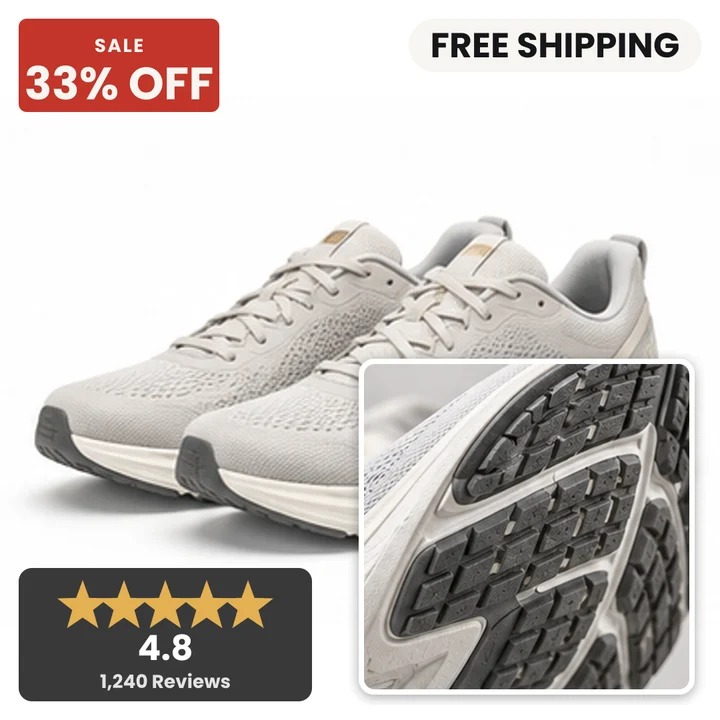
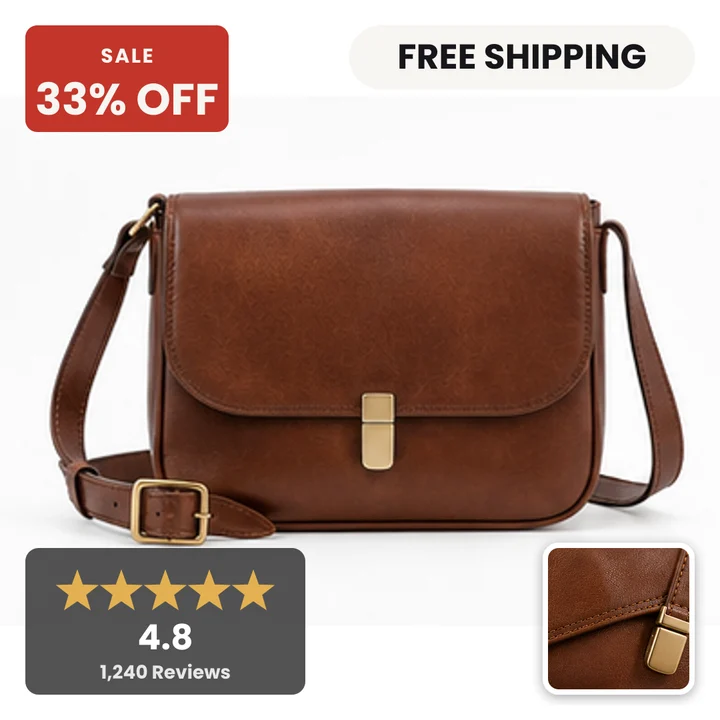
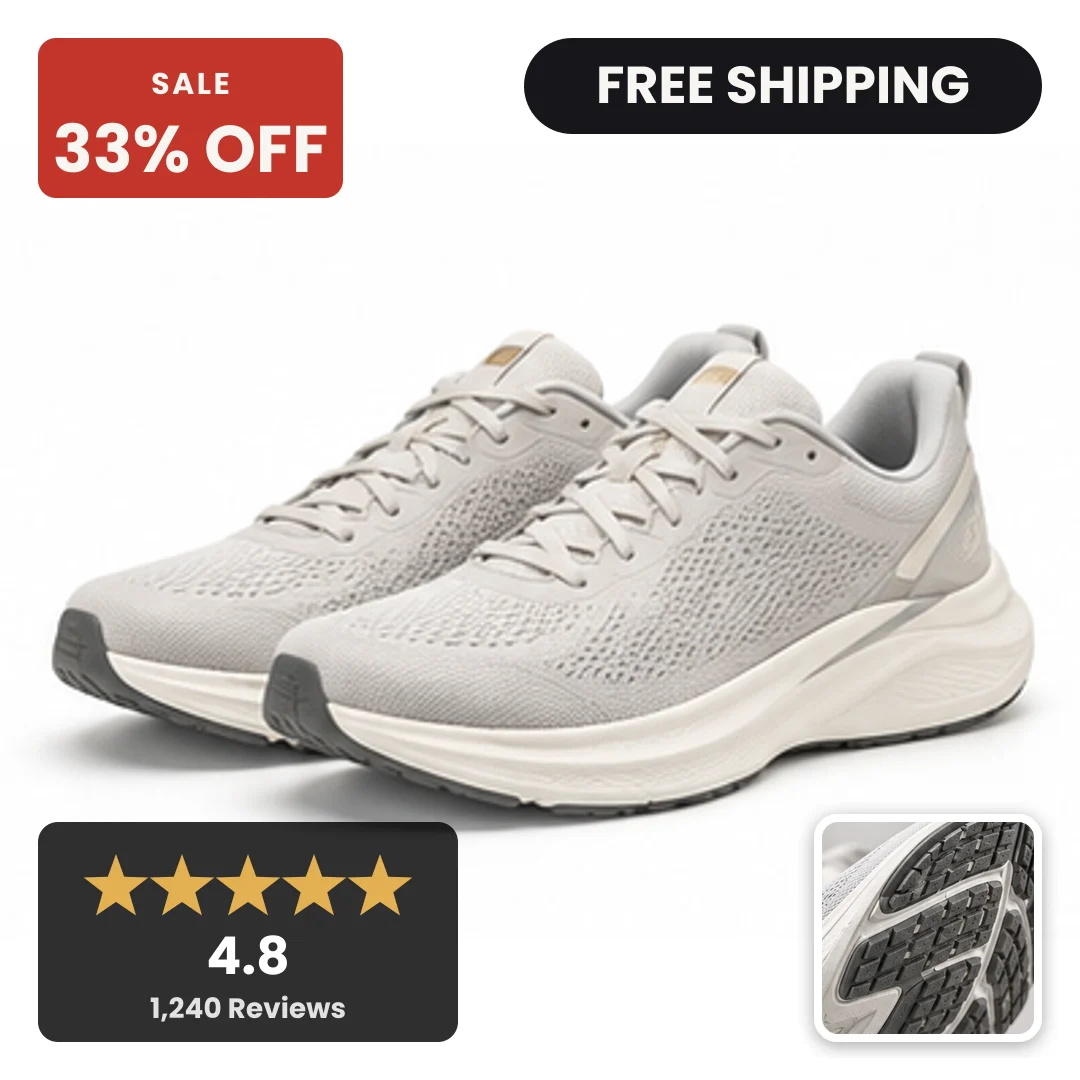
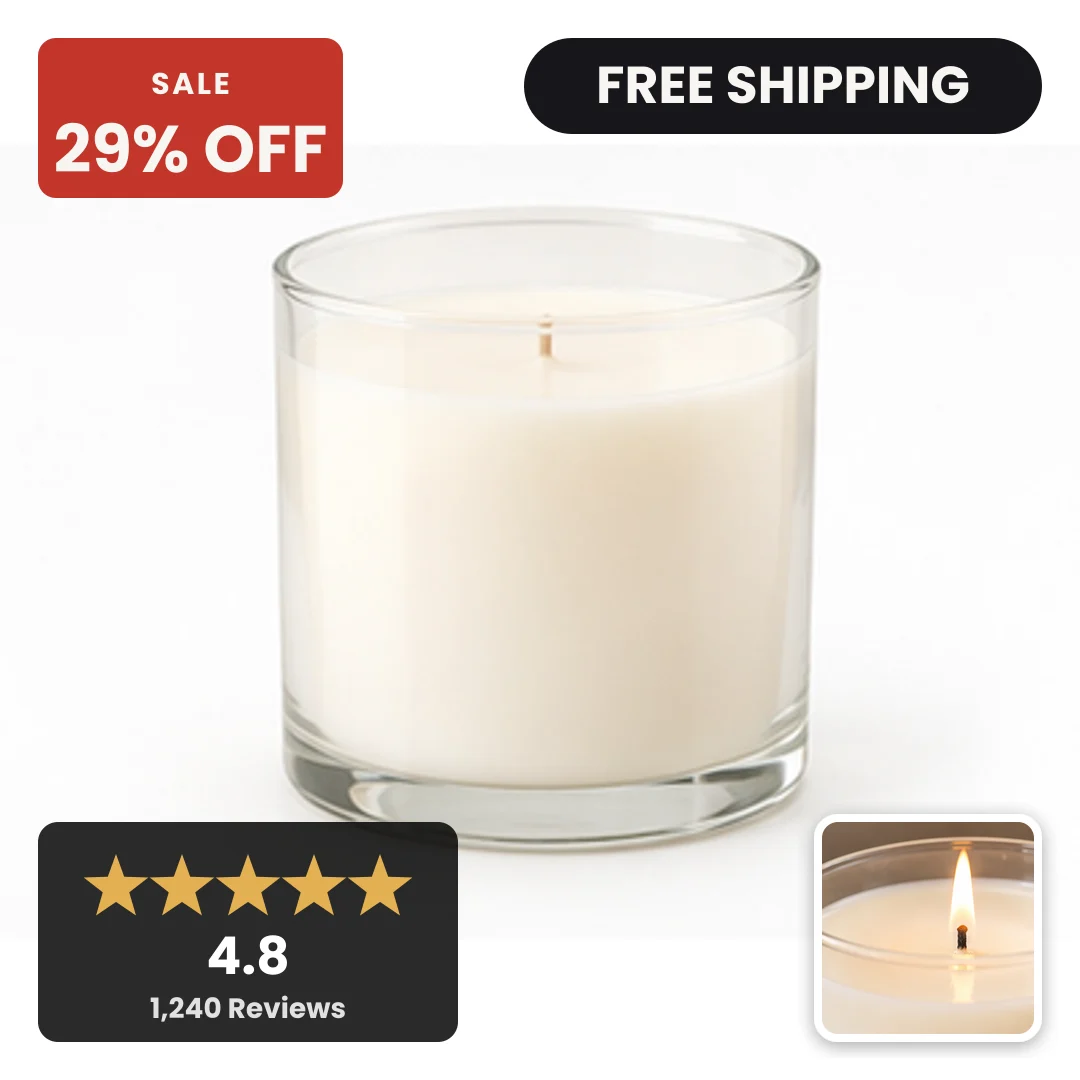
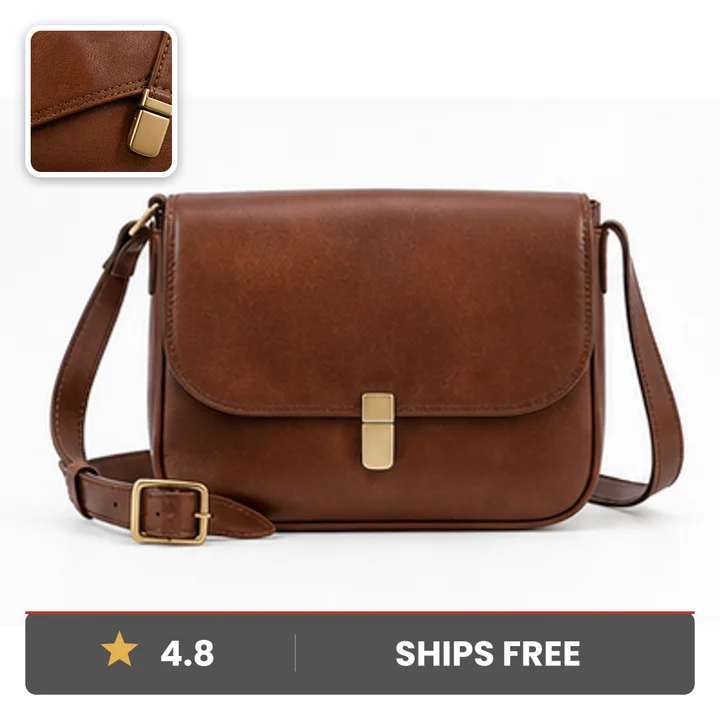
Does this work with my Shopify catalog?
Yes. Paste your store URL and we read the public product feed, then match the cards back to the same products in your Meta catalog. Your theme, your product pages and your images stay exactly as they are, so everything happens without touching your store.
Do I need a designer?
No designer. You pick a design family, set your accent colour and choose whether prices show. We read your logo and colours off your homepage as a starting point, and you adjust from there.
What happens to products already running?
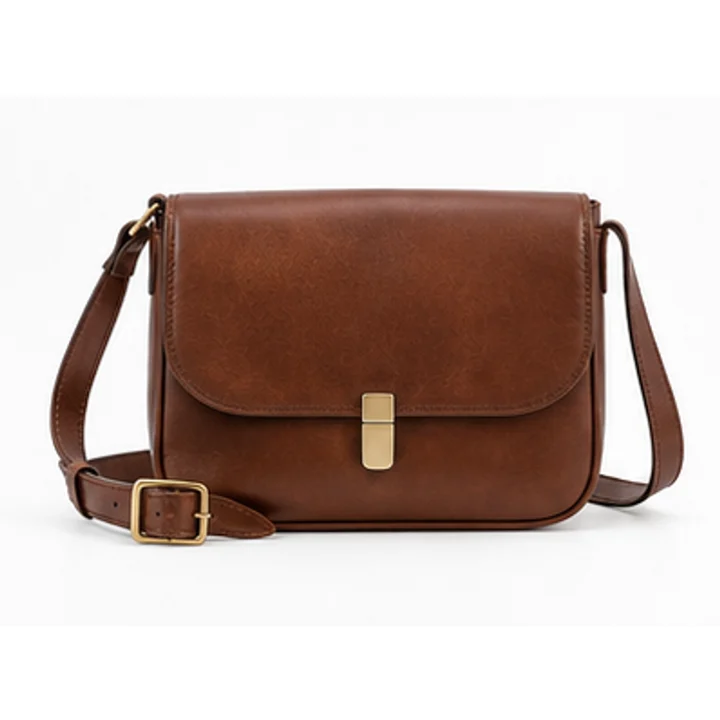
Nothing breaks and no ad set is touched. We publish a supplementary feed that carries only the branded images, and Meta lays it over the feed you already run, matching product for product. Your campaigns, your product sets and your learning stay exactly as they are, your prices and stock keep coming from your own feed, and deleting our data source in Commerce Manager puts the plain images back on the next fetch.
Can I show a badge only on sale items?
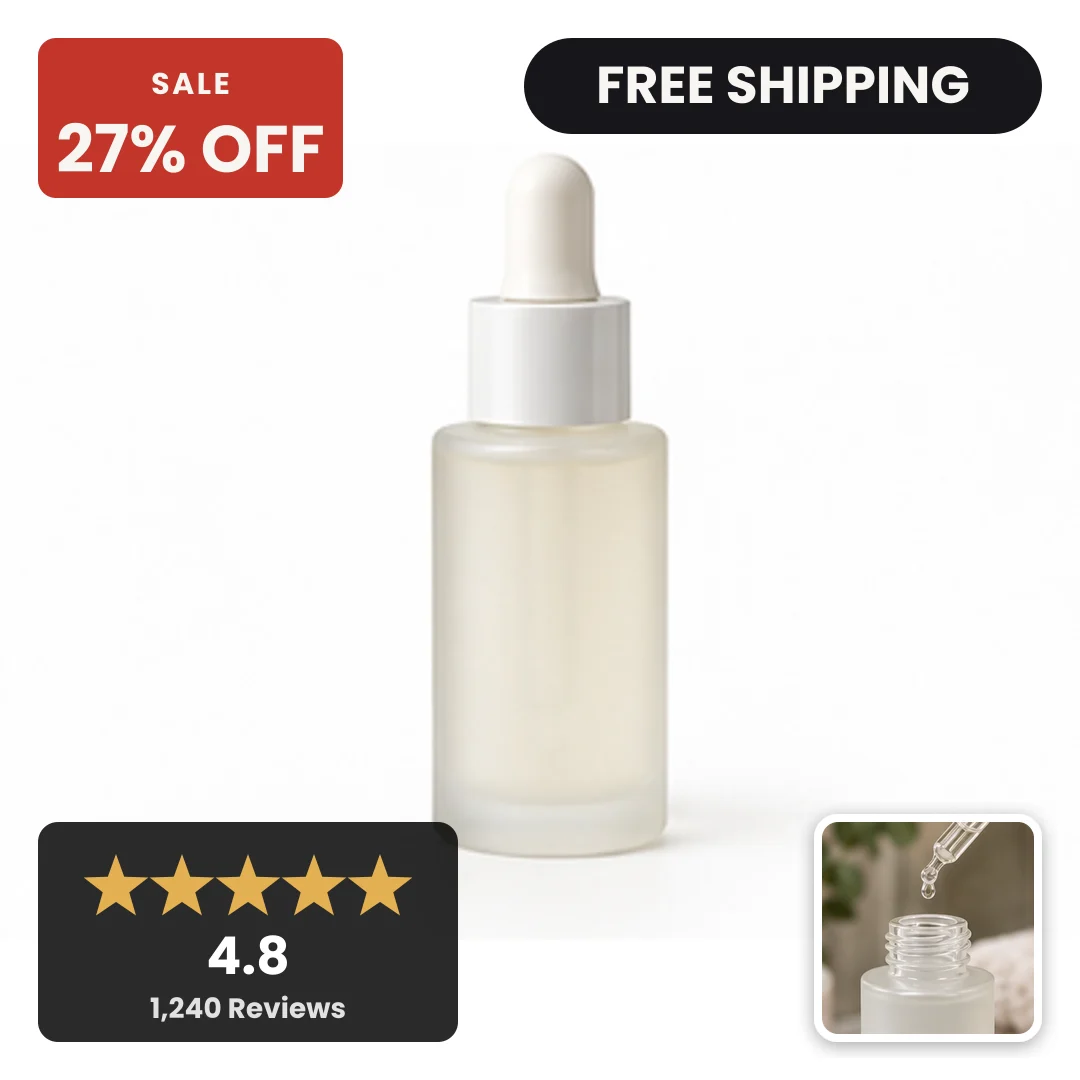
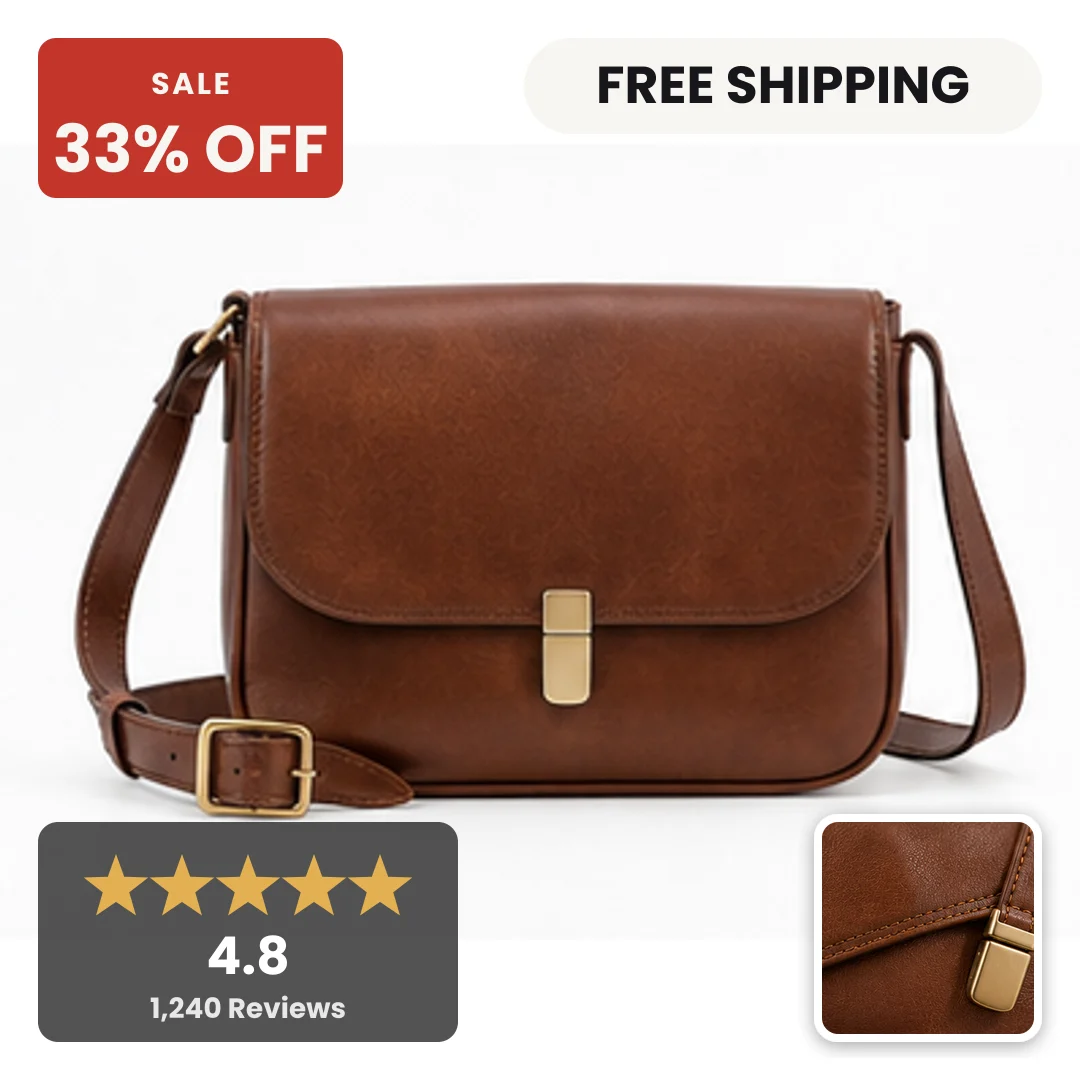
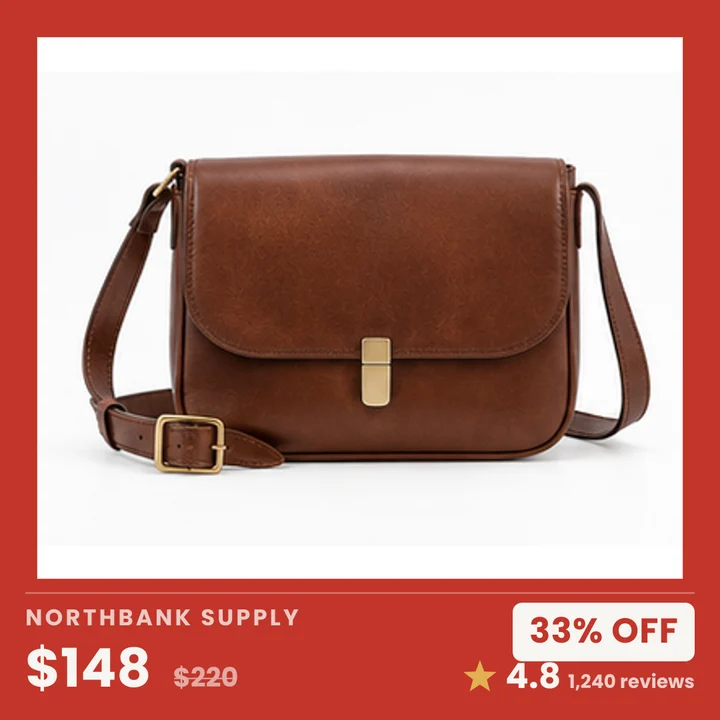
That is the default rule. When your catalog gives us a compare at price that is higher than the price, the badge carries the real percentage. When it does not, the badge says SALE with no figure, and a full price product gets a clean price bar instead. We never invent a number, so the sale badge keeps meaning something.
Can I match my brand guide?
On Studio and above you set exact hex values, upload your logo files and pick heading and body fonts. On Free we use the colours and logo we read from your site, which is close enough for most brands.
Do you support multi image layouts?
Yes. Two up and three up grids, a hero product with detail shots beside it, and a lifestyle plus product split. These run across your whole catalog with the same rules as the single image designs.
What if my images are not white background?
The designs still work, they just sit differently. Framed and Trust Strip handle lifestyle photography well because the product stays inside a panel. Bold Sale is built for a white background shot and looks best there. You can set a per design rule so lifestyle shots take one layout and packshots take another.
I am an agency with multiple stores. How does that work?
Agency gives you 15 workspaces, one per client, each with its own brand kit, rules and catalog connection. Designs you build in one workspace can be copied into another, so a house style travels between clients without rebuilding it. You buy it the same way as Studio, with a card and no sales call, and every workspace exports its own usage as a CSV so you can bill your clients from it. The 15,000 SKUs are pooled across all of them, and past that you are billed $19 per 1,000 renders rather than being cut off mid flight.
What does annual include?
The same plan, paid once for the year at ten times the monthly price, so Studio is $990 and Agency is $2,990 and you get two months free. Nothing is gated behind the annual term: the SKU counts, the designs, the sync interval and the workspaces are identical either way. Free is $0 on both terms. You can switch a monthly plan to annual at any time and we credit the unused part of the month you already paid for.
What is the money back guarantee?
It is unconditional. On a monthly plan, ask and we refund your first month. On an annual plan, ask inside the first 30 days and we refund the whole year. No proof, no reporting, no split test to run and no questions, and you keep every image we rendered for you. It covers Studio and Agency on the first billing period of a new subscription. Free has nothing to refund, so it is excluded. We used to ask annual customers to run an A/B split with $500 of spend on each half; that was not something a merchant without an analyst could measure, so it is gone.
Does this change what shoppers see in my Facebook Shop, on Marketplace or in Instagram product tags?
Yes, and this is the most important thing to understand before you start. A supplementary feed rewrites image_link on the catalog itself, and that same catalog feeds your ads, your Facebook Shop tab, Instagram product tagging, Marketplace and any checkout enabled surface. So a branded card with a badge on it can appear as the product image in those places too. On ads that is fine and it is the point. On shopping surfaces Meta treats promotional overlay imagery as a reason to reject a listing rather than a soft recommendation. If you sell through Shops, Marketplace or Instagram tagging, tell us at onboarding and we will set you up on a separate ads only catalog that mirrors your products, so your shopping surfaces keep the plain packshots. That path costs you rebuilt product sets and a fresh learning phase on the new ad sets, and it is a second catalog to keep in sync, so we only recommend it when you actually sell on those surfaces. If your catalog is used for ads and nothing else, supplement the catalog you already have and change nothing else.
Can Convinci change my prices or my stock levels?
No, and not by policy but by construction. Meta does not let a supplementary feed add or update content ID, price, sale price, availability or quantity. We send image_link, additional_image_link and nothing that touches commerce. If a price on a card is wrong, the cause is our render running on older catalog data, and a re-render fixes it. The price Meta shows in the link bar under the ad always comes from your own feed, never from us.
How long until the branded images actually serve?
Your part is minutes. After that, Meta fetches a scheduled feed at most once an hour, ingests it, and then refreshes what its delivery system is already caching. Images usually appear on the item in Commerce Manager within minutes of a fetch and in live ads the same day, and Meta publishes no service level for either step. We say same day rather than a number we cannot hold, and your dashboard shows the last fetch time so you are never guessing.
I already use Channable, Simprosys or another feed tool. Can I add Convinci?
Only one supplementary feed can attach to a primary feed, so if one of those tools already has that slot you have to choose. We detect it during connect and tell you which tool holds it and what fields it is writing, rather than uploading a feed that silently does nothing. Your options are to point Convinci at a different primary feed, to replace the existing supplementary feed and accept losing whatever it was writing, or to leave things as they are. We will never quietly take the slot.
How do I cancel?
One button in billing, no email required. A monthly plan runs to the end of the period you already paid for, and an annual plan runs to the end of the year you paid for. If you are inside the money back guarantee window, ask us and we refund that period instead, with no questions. Your original catalog is untouched either way, so cancelling simply means the branded feed stops updating.