Catalog ads for Shopify stores on Meta
New pictures for every occasion, without touching Meta Ads Manager.
The dreaded learning phaseNew promo ad? Meta relearns. Results get shaky and cost more. Same ads. No new ad. Skip the learning phase.
Don't scramble. Your catalog updates for every occasion. Automatic. Your ads are not edited.


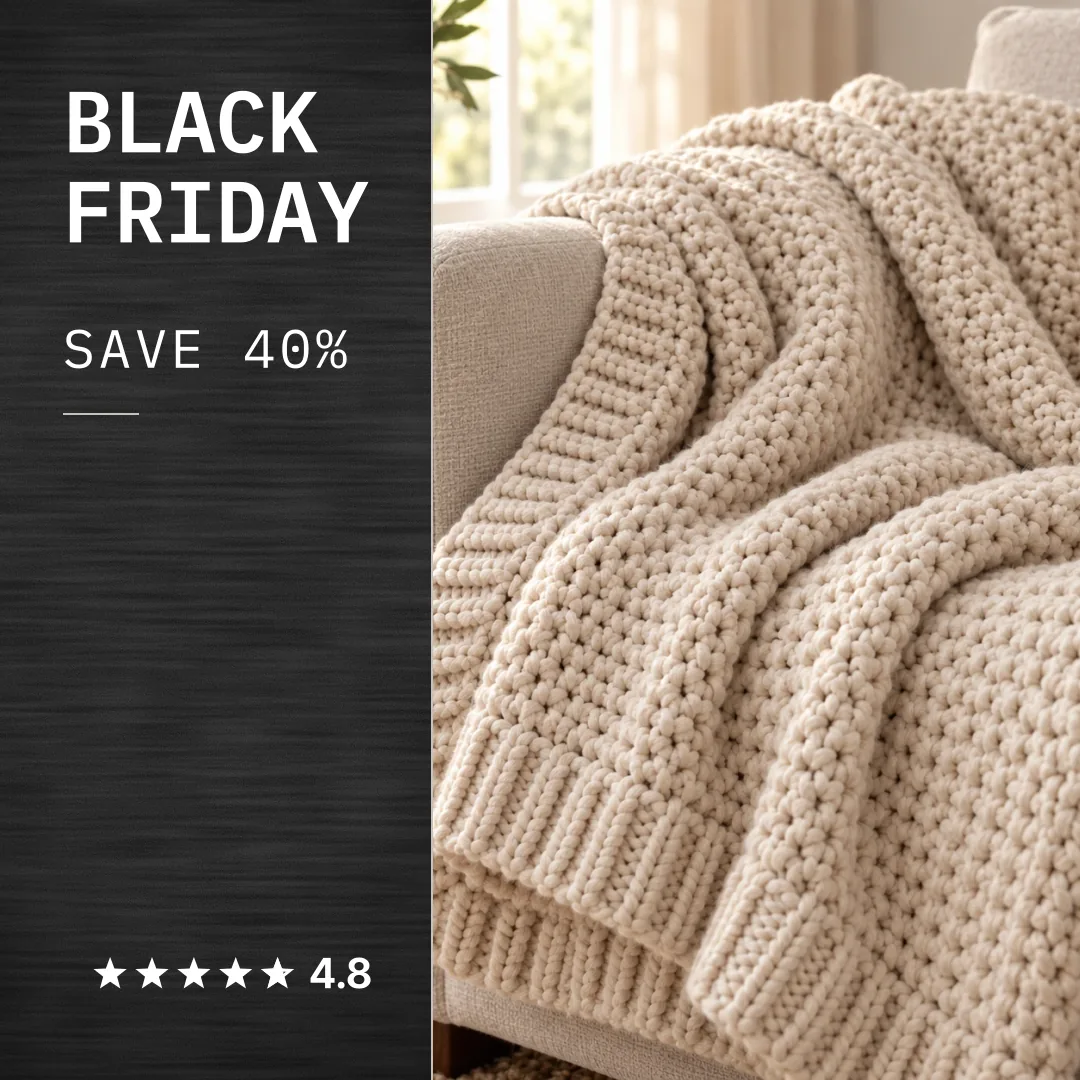
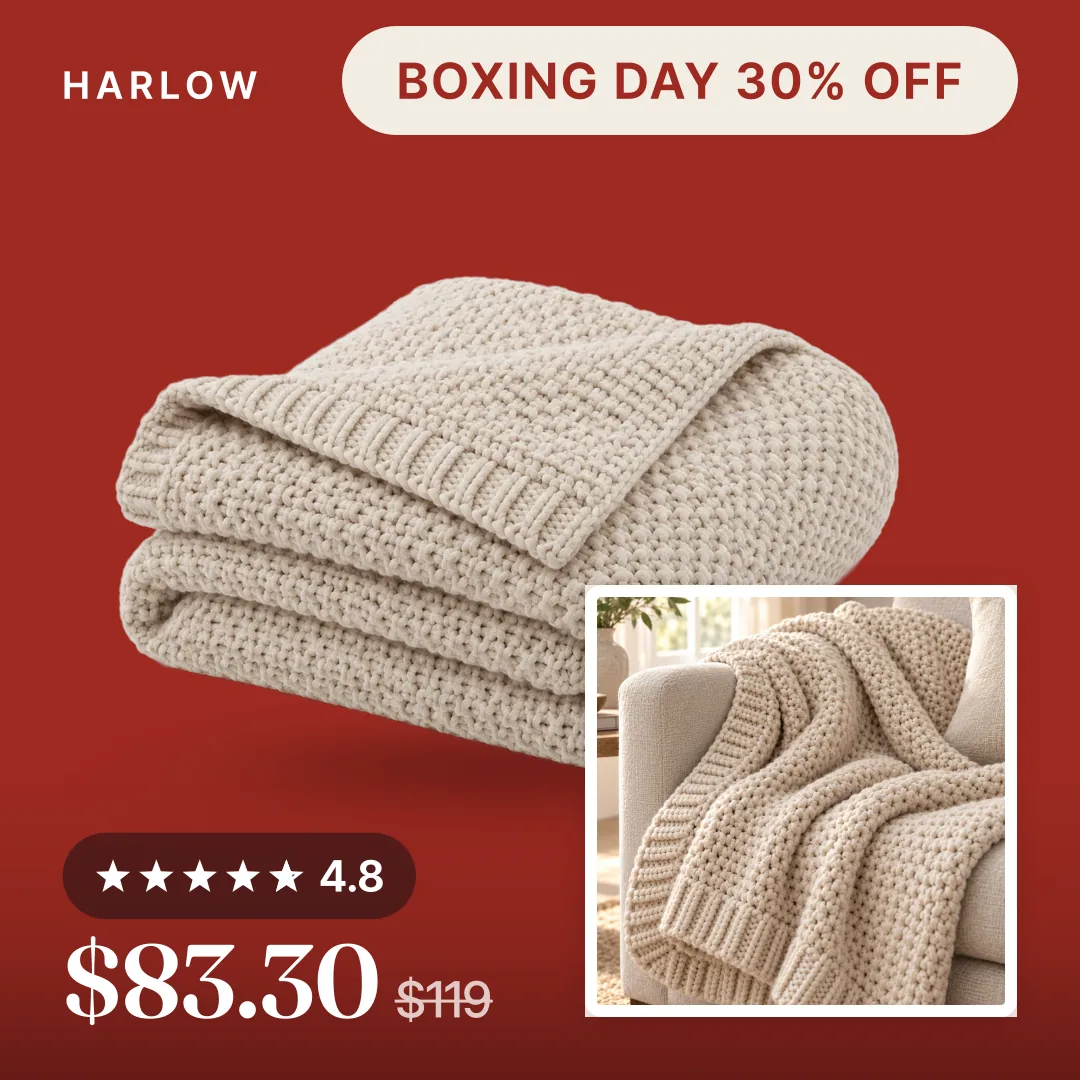
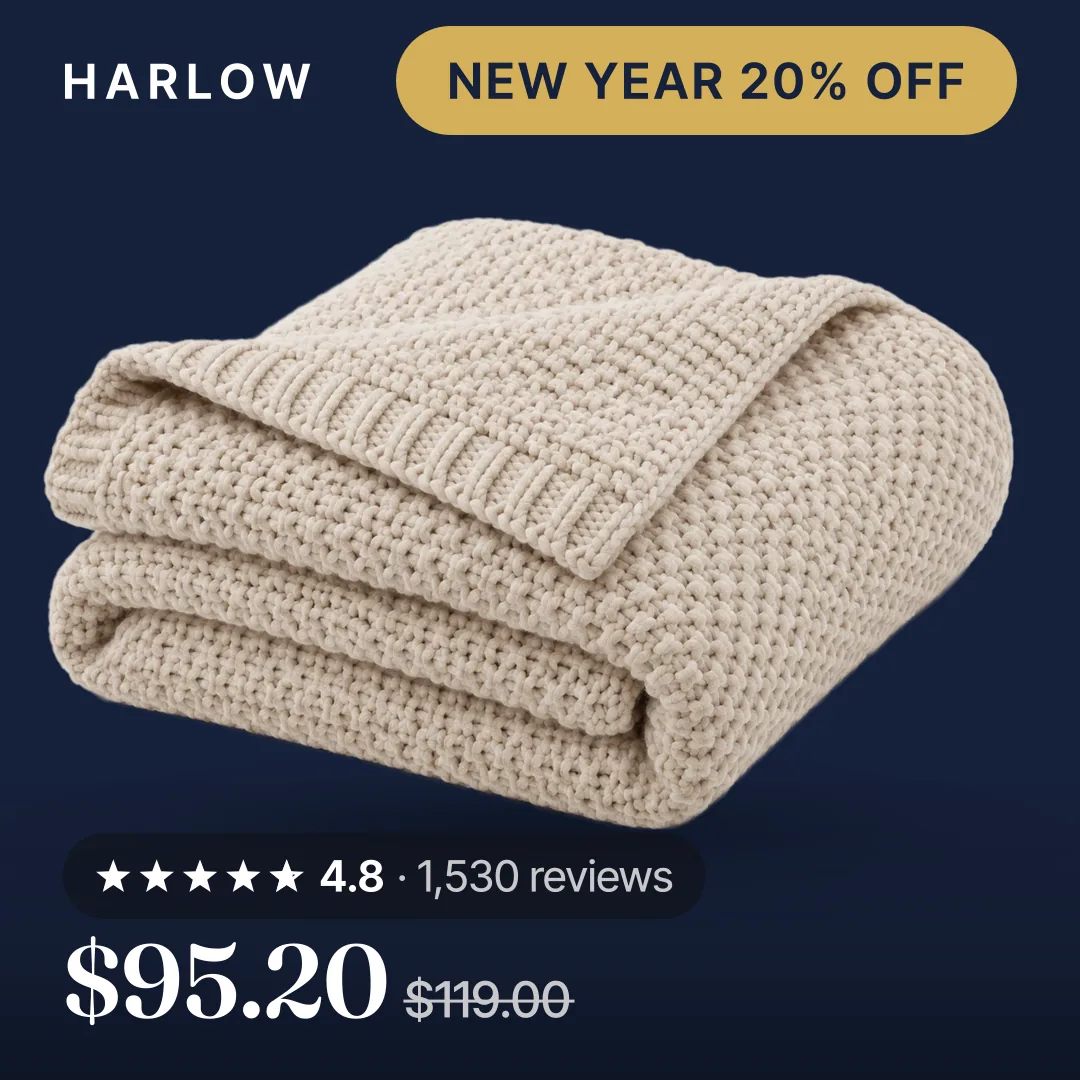
 Every dayYour product photo
 OctFall SaleOct 23 to Nov 2
 NovBlack FridayNov 23 to Nov 30
 DecBoxing DayDec 26 to Dec 31
 JanNew YearJan 1 to Jan 7
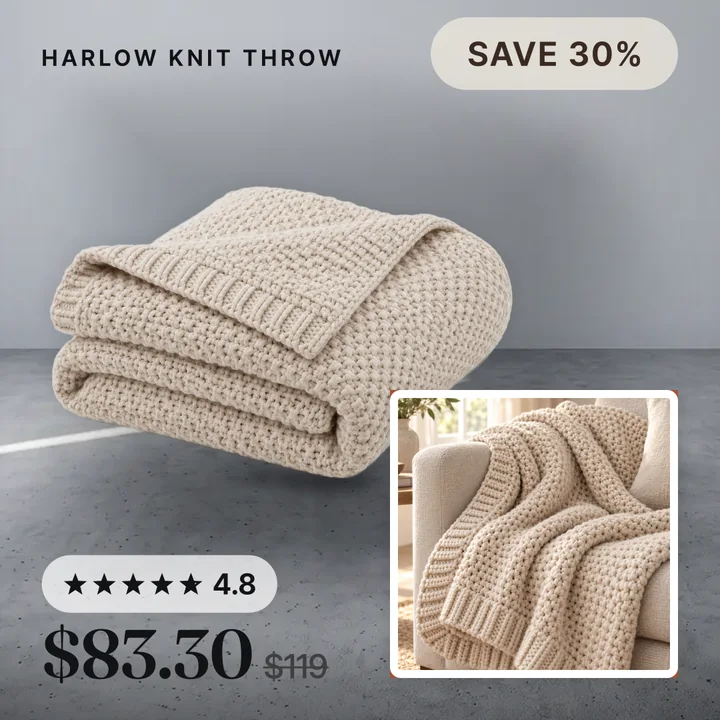
Your deal, your badge, your look. Different for every promo.
Made by our tool. Sample store, sample data. Example dates.
Every new promo ad means the dreaded learning phase.
What a new promo ad costs you
- "Learning" pops up in Ads Manager as your promo starts.
- Shaky results, higher costs, budget burning.
- A short promo can end before the ad settles.
With Convinci
Same ads, no edits, new pictures. No new ad to relearn.
Meta lists adding a new ad and any change to ad creative as significant edits that restart learning. It says that while learning, results are less stable and usually cost more. Significant edits · About the learning phase
What you control
No scrambling
Make each look early. Pick its dates.
Hands off
It starts and ends by itself. Scheduling is on the Pro plan.
No "learning phase"
Same ads. No new ad. Only the pictures change. Meta gets them on its next feed fetch. Results can change when pictures change.
Badges from your prices
You write the words. The percent comes from your Shopify compare-at price. Full-price items stay clean.
Your whole catalog, not one product
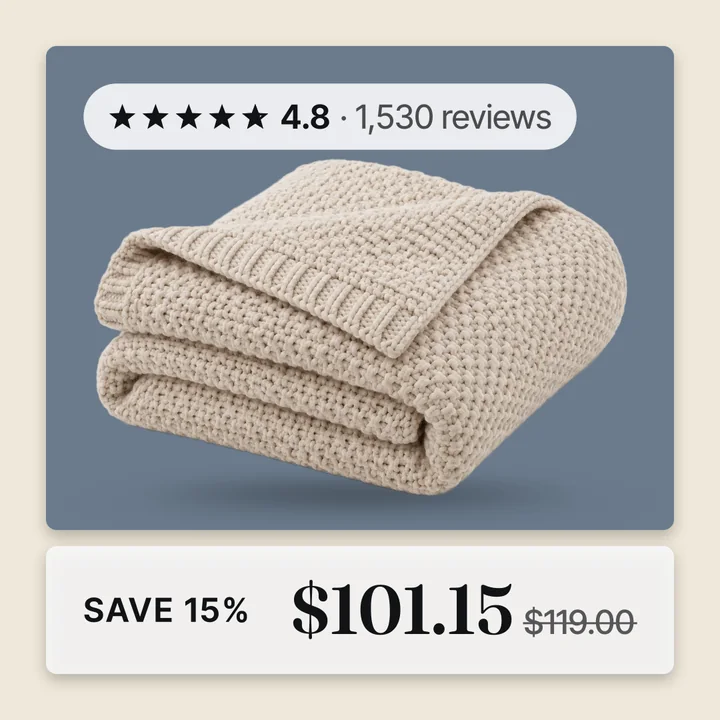
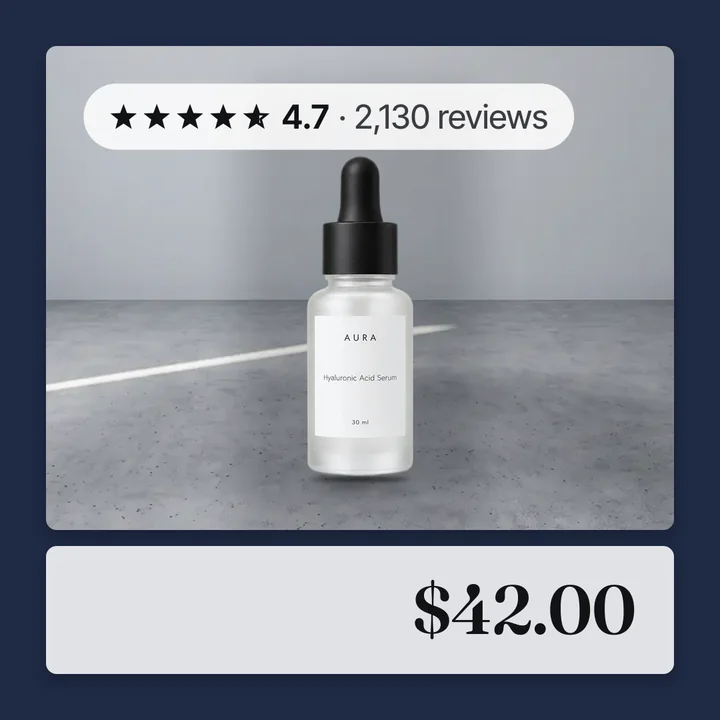

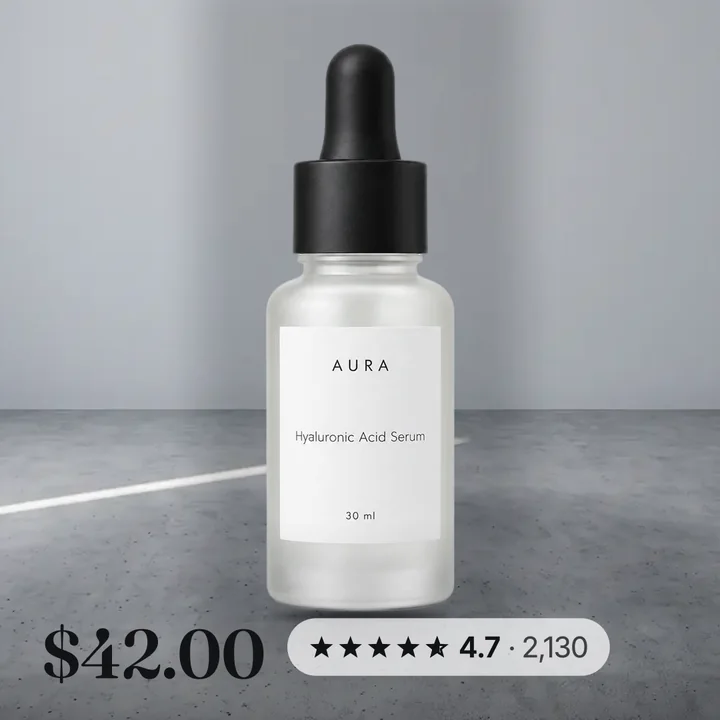
Your promo look, same products

How it works
- Enter your store linkYour store's website. We check it is a Shopify store, then add your name and email.
- See your productsYour own photos, as finished ad cards.
- Make it live yourselfPick a design. Add one feed link in Meta Commerce Manager.
If you upgrade: a 50% lift in ROAS in 30 days, or a full refund.
The preview and the free plan cost nothing. Paid plan, ROAS not up 50% in 30 days? Press Refund me in your account. No reason needed. Ad spend is not refunded.
See your own products
Pictures: our sample store. Prices, deals and ratings are sample data.
Questions
How do I change my Meta catalog ad pictures for Black Friday without making new ads?
Change the pictures in your catalog, not in the ad. Convinci sends promo versions of your product pictures to Meta through one feed link. The ads you already run show the new pictures. You make no new ad and edit nothing in Ads Manager.
What restarts Meta's learning phase?
Meta says a new ad and any change to ad creative are significant edits that restart learning. While an ad set is learning, Meta says results are less stable and usually cost more. With Convinci you do neither: no new ad and no ad edit.
Can I set up Black Friday and other promos ahead of time?
Yes. Make each promo's look and pick its dates. Your catalog switches on the first day and back to your everyday look after the last. Scheduling is on the Pro plan.
Where does the sale badge come from?
You write the badge words. The percent off comes from your Shopify compare-at price. Products at full price stay clean.
Does Convinci edit my ads, prices or stock?
No. It changes only the product pictures in your catalog feed. Ads, ad sets, campaigns, prices and stock stay as you set them.
How is this different from Meta's own AI tools?
Meta's tools can suggest backgrounds and make images and video, ad by ad. Convinci does one job: one design on every product in your catalog, from your own photos and prices, which you see before it goes live. Meta still runs delivery.
Meta Business Help Center: Significant edits · About the learning phase