Product feeds
Turn off automatic website updates for Meta images
Convinci team. Published 2026-10-08, updated 2026-10-08.
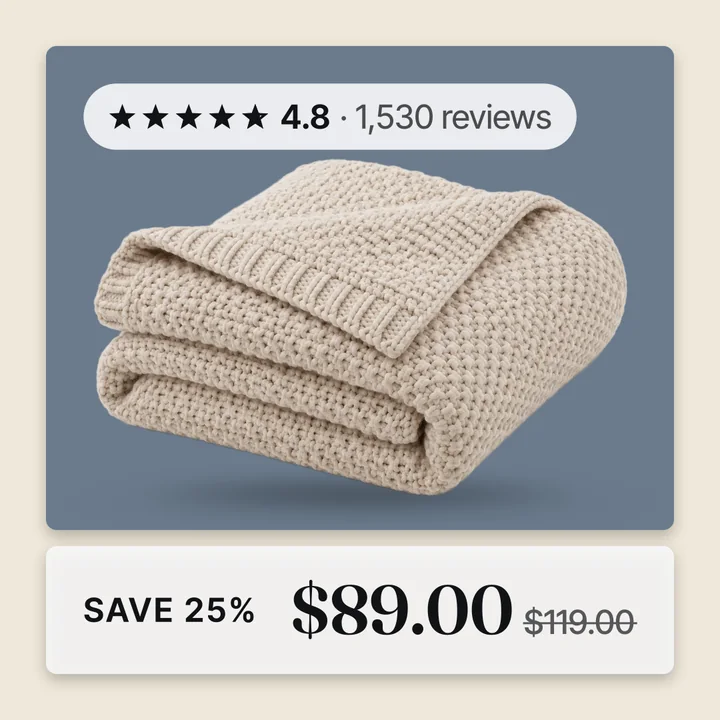
Meta can read your store's own website and use what it finds to fill in catalog fields on products you already list. Facebook calls this automatic product updates. It runs on its own, with no feed and no file. It can overwrite the image your Convinci feed just sent, on the same product, without you asking it to.
Most merchants never turn this on by choice. It ships on by default for many catalogs. That is why it can show up as a surprise the first time a new image does not stick.
Why it fights a supplementary feed
Automatic website updates and a supplementary feed are both just sources competing for the same field, most often Image. Whichever one is ranked higher wins, covered in data source priority explained.
Moving your Convinci feed to the top of that ranking helps. But the website crawl can run again later and end up back on top for some products, especially ones it had not reached before. Turning the crawl off is the more lasting fix, because it removes the competing source entirely rather than just outranking it for now.
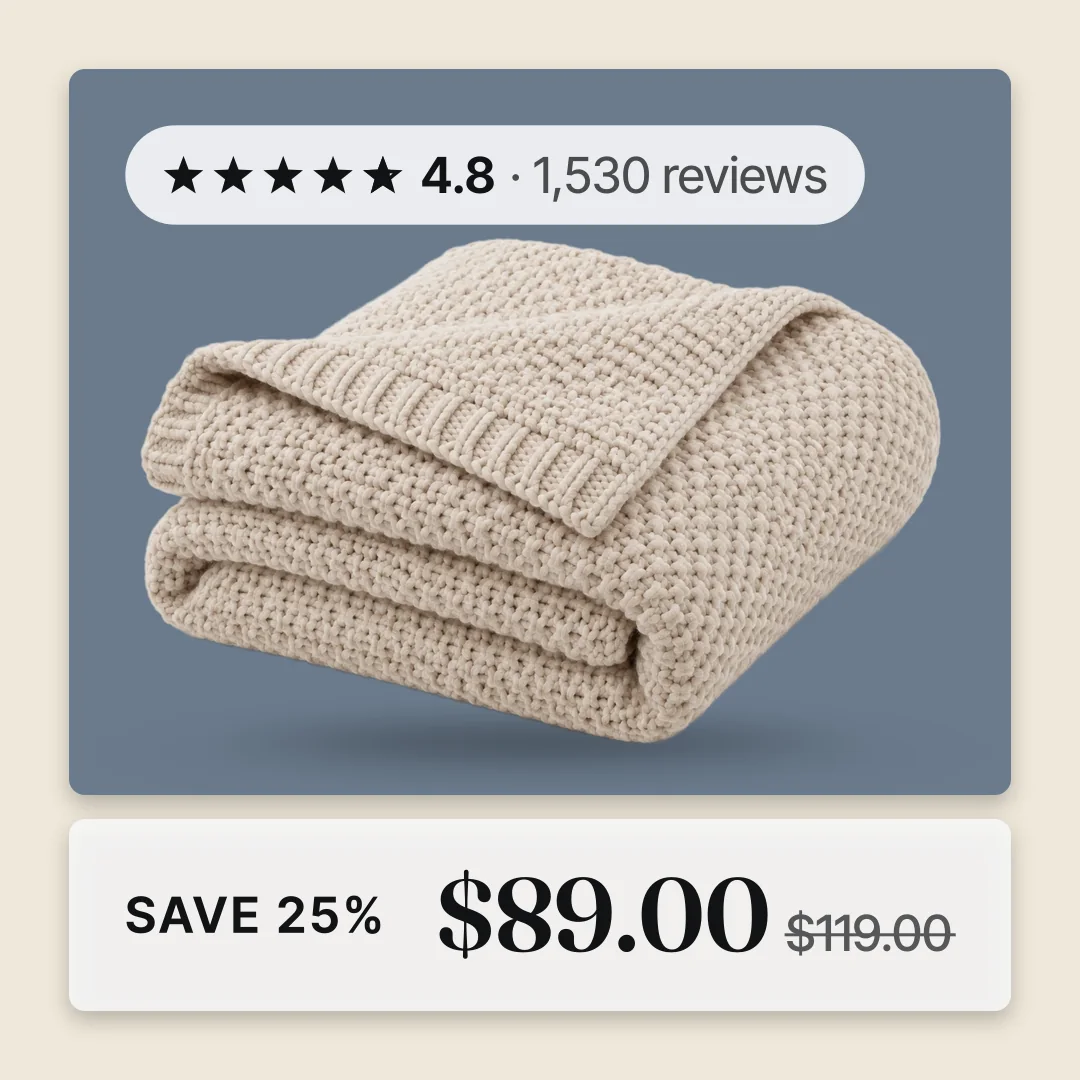
What counts as automatic
The setting covers more than still images. Meta's own description names images and video specifically. In practice it also touches titles, descriptions and availability on some catalogs. The crawl reads your product pages the same way for every field it can find.
For a store running Convinci, the part that matters is images and video. Those are the fields a badged, branded feed is trying to control. They are also the fields most likely to get pulled back by the next crawl if this setting stays on.
Turning it off
- In Commerce Manager, click Settings, then Catalog.
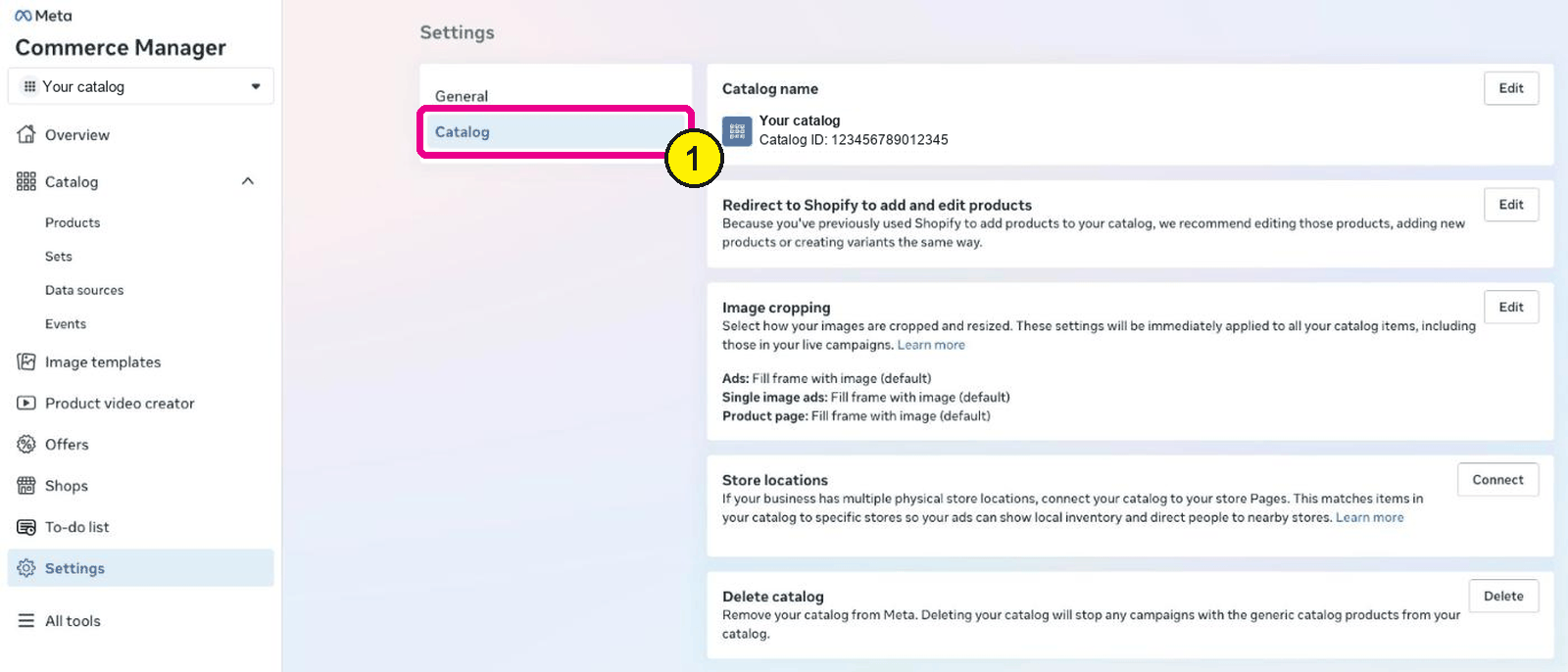
Commerce Manager, Settings, Catalog. Screens as of Oct 2026. - Find the setting for automatic updates from your website.
- Turn it off.
- Go back to Data sources, find your Convinci feed, and press Update.
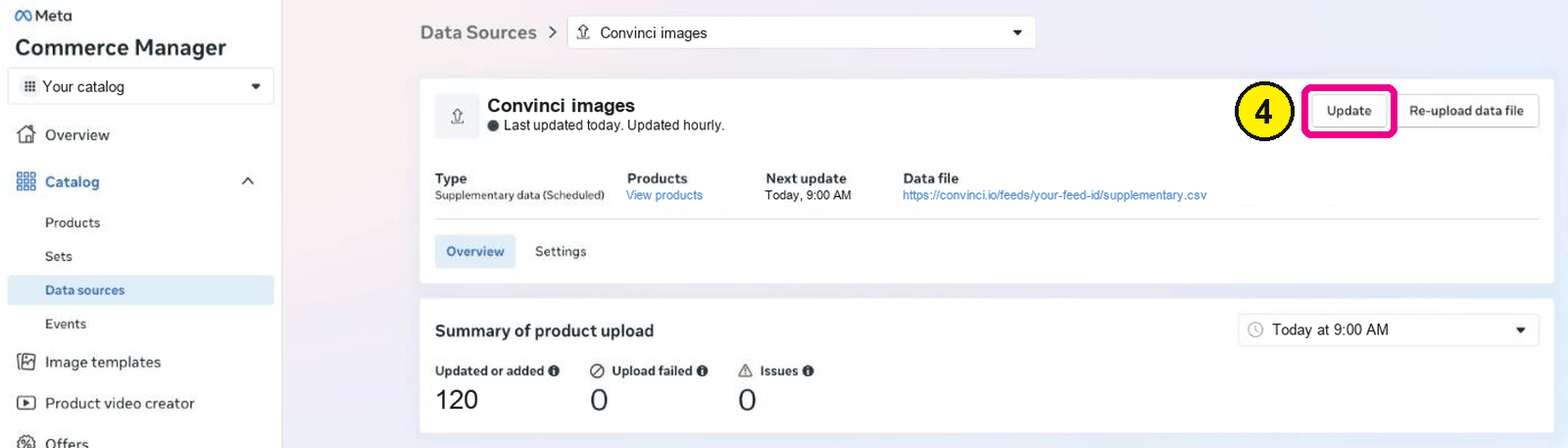
Commerce Manager, Catalog, Data sources, your feed. - Check a product's image a day later to confirm the old auto-added version is gone.


Turning this off stops new auto-added content. Anything the crawl already added is removed within about a day, which is Meta's own stated window for that cleanup.
A more targeted option
Commerce Manager also lets you review and reject auto-added content one item at a time. Catalog, then Items, filter by Automatic updates, then reject specific entries. This is slower but leaves the crawl running for anything you have not reviewed yet.
For most stores running a Convinci feed, turning the toggle off once is simpler than reviewing items individually. It stops the problem for every product at once, rather than one at a time.
A quick way to tell it is on
Open a product in Commerce Manager and check its image history, if the catalog shows one, for an entry you did not make yourself. An image that changed without a feed run behind it is a sign the website crawl touched it. The same applies to video, where a clip appears with no upload on your side to explain it.
Questions
- Does this change anything on my storefront?
- No. It only changes what Meta's catalog pulls from your website. Your site itself is unaffected either way.
- Will old auto-added images disappear right away?
- Not instantly. Meta removes auto-added content within about a day of the toggle being turned off.
- Do I still need the priority ranking step too?
- Yes, for now. Ranking covers which source wins today. Turning off the crawl stops it from competing again later.
- Can this be turned off from an app?
- No. Meta does not publish an API for this setting. It is a Commerce Manager toggle only, for every app.
- Does this affect fields other than images?
- It can. Meta's crawl can also touch titles, descriptions and availability, though images and video are the ones most stores running a feed notice first.
- Is this setting on by default?
- For many catalogs, yes. That is why a new image from a feed can get overwritten even though nothing was deliberately turned on.
See these badges on your own products before you pay anything.
Try the free previewFree for 10 products. See pricing.
 Your store
 Your card