Learn
Learn how catalog ads (DPA) work.
Short guides for people who run a store. Each one answers one question first, then shows you how, with real ads made from real product photos.
Basics
What catalog ads are and how the parts fit.
- What are dynamic product ads (DPA)? Meta catalog ads explainedDynamic product ads (DPA) are one Meta ad that shows each person products from your catalog, picked for what they did.
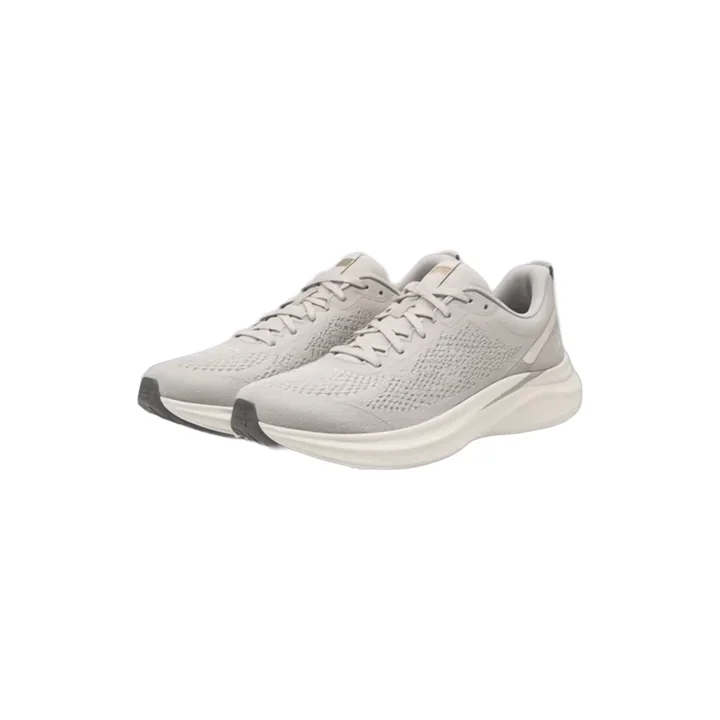
Before 
After - Catalog ads glossary: 32 Meta and DPA termsCatalog ads come with a lot of jargon.
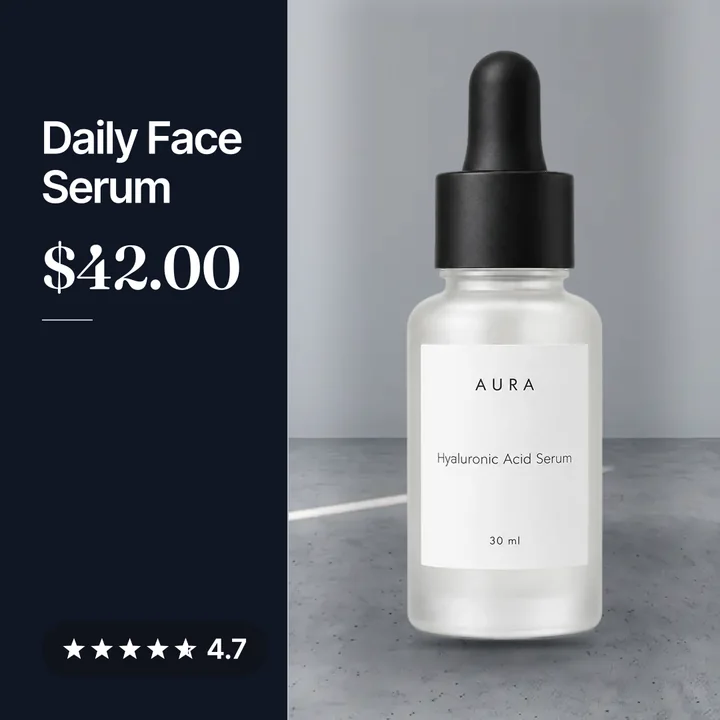
- Advantage+ catalog ads (DPA), explained for Shopify storesAdvantage+ catalog ads are Meta's new name for dynamic product ads.
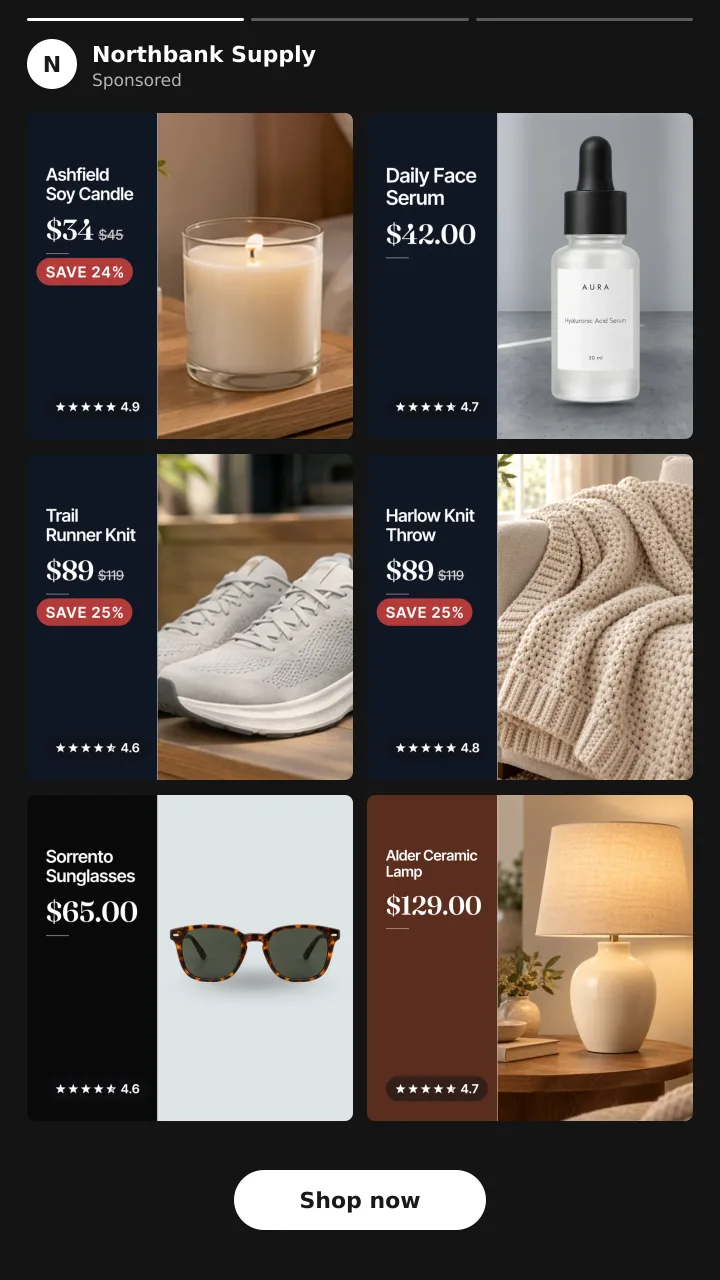
- Dynamic overlays in Meta catalog ads (DPA), explainedDynamic overlays are labels Meta draws on your catalog ad images using catalog data.
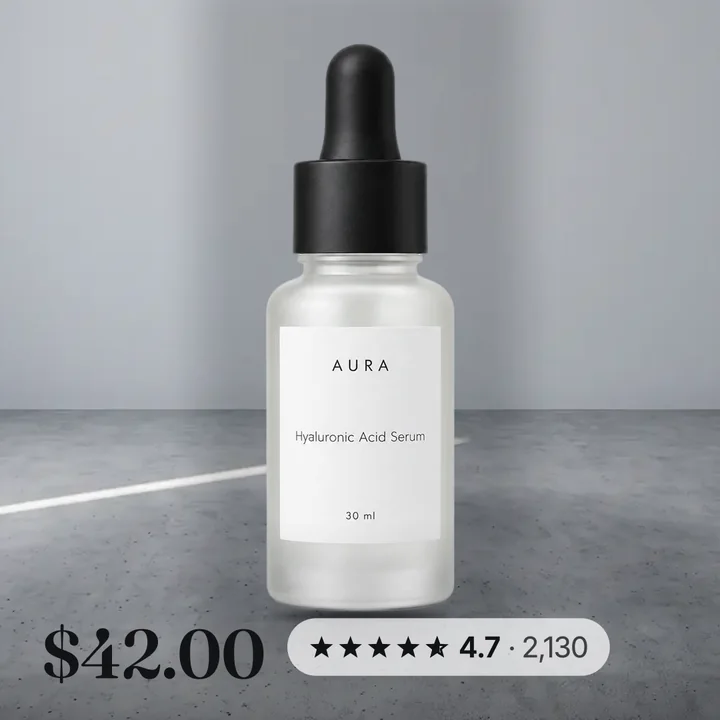
- Catalog ad (DPA) templates, the options and when to use eachPick by what you are selling and what the offer is.

- Meta's free catalog ad (DPA) templates, and where they stopThey draw one of a few fixed labels on the corner of your product image.

Before 
After - Catalog ads (DPA) vs carousel, collection and image ads on MetaA catalog ad is not a format.
- Catalog ads (DPA) for retargeting vs prospectingUse both, set up differently.

- Catalog ad (DPA) image size and specs for Meta (2026)Use square 1:1 images at 1080 x 1080 or larger.

- Catalog ad design: the 7 parts of a catalog ad that sellsA good catalog ad design adds seven things to a plain product photo.
Before After
Setup
Connect your store, fix your feed, add your brand.
- How to connect Shopify to a Meta catalog for DPA (2026)Add the Facebook and Instagram by Meta sales channel in Shopify.
- How Shopify product photos become Meta catalog ad (DPA) imagesThe Facebook and Instagram app on Shopify syncs your products to Meta every few minutes.
Before 
After - Shopify product images for Meta catalog ads (DPA)Upload square images of at least 1200 by 1200 pixels, as JPEG or PNG under 8 MB.

Before 
After - How to create product sets for Meta catalog ads (DPA)In Commerce Manager, open your catalog, go to Catalog, then Sets, and click Create set.
- Supplementary feeds for Meta catalog ads (DPA)A supplementary feed is a second file that overwrites a few fields in your main catalog feed, joined on product id.
- Product feed optimisation for Meta catalog ads (DPA)Six fields carry almost all the weight.

Before 
After - How to add your logo to Meta catalog ads (DPA)Use Meta's image templates and add your logo as an image layer, then pick the template on the ad.

- How to add sale badges to Meta catalog ads (DPA)You have three options.

- Meta catalog frames replacement: what to use after Oct 30, 2026Meta says frames are being replaced by image templates and will no longer be available after October 30, 2026.

- Branded catalog ads for Shopify stores, step by stepPaste your Shopify store link into Convinci.
- How to add a supplementary feed to your Meta catalogCopy your feed link from your Convinci account page, then add it in Commerce Manager under Data sources as a supplementary feed.
- Meta catalog data source priority explainedData source priority is the rank order Commerce Manager uses when more than one source feeds the same catalog field.
- Turn off automatic website updates for Meta imagesIn Commerce Manager, go to Settings, then Catalog, and turn off the toggle for automatic updates from your website.

- One catalog, several stores, one feed link per storeNo.
 Your store
By store
What to put on the card for the things you sell.
- Catalog ads for fashion and accessories storesFashion catalog ads need the product big, the price clear and one reason to trust the store.
- Catalog ads for home decor and furniture storesHome decor sells on the room, not the object.
Before After - Catalog ads for beauty and skincare storesBeauty sells on trust and texture.
Before After - Per-colour product images in Meta catalog adsYes.
Before After
Compare
How Convinci compares to the other tools.
- Convinci vs Meta's catalog ad (DPA) editor (image templates)Use Meta's image templates if a simple price label is enough, you want it free, and you are building a new ad anyway.
Before After - Best Marpipe Alternative for Shopify Catalog AdsFor a Shopify store that runs Meta catalog ads, Convinci is a simple Marpipe alternative.
Before 
After - Confect alternative for Shopify catalog ads: Convinci vs ConfectConfect is a full catalog ad design tool for brands in many markets, with video and a drag and drop editor.
- Cropink alternative for Shopify catalog ads: Convinci vs CropinkCropink is a catalog ad design tool with a Figma link and feeds for Meta, TikTok and Snapchat.
- Convinci vs making catalog ads (DPA) by hand in CanvaMake them by hand if you only push a few hero products or want a one off look.
- Best tools to design Meta catalog ads for Shopify (2026)Meta's free overlays and image templates are enough for a plain price label.

- Convinci vs Meta's built-in AI ad tools for catalog adsUse Meta's AI tools if you want free suggestions, like new backgrounds or a quick video, ad by ad.
Before After
Fix it
Ads not spending, not selling or not looking right.
- Why are my catalog ads (DPA) not delivering?Most catalog ads that do not deliver have no valid products to show.
- Catalog ads (DPA) not converting? A 9 step checklistMost catalog ads that get clicks but no sales have a data problem, not an ad problem.
Before After - Why dynamic product ads (DPA) look bad, and how to fix themBecause the ad is assembled by Meta from your feed, and your feed was built for a product page, not for an ad.
Before After - How to make catalog ads (DPA) look better (step by step)Start with clean photos that show the whole product.
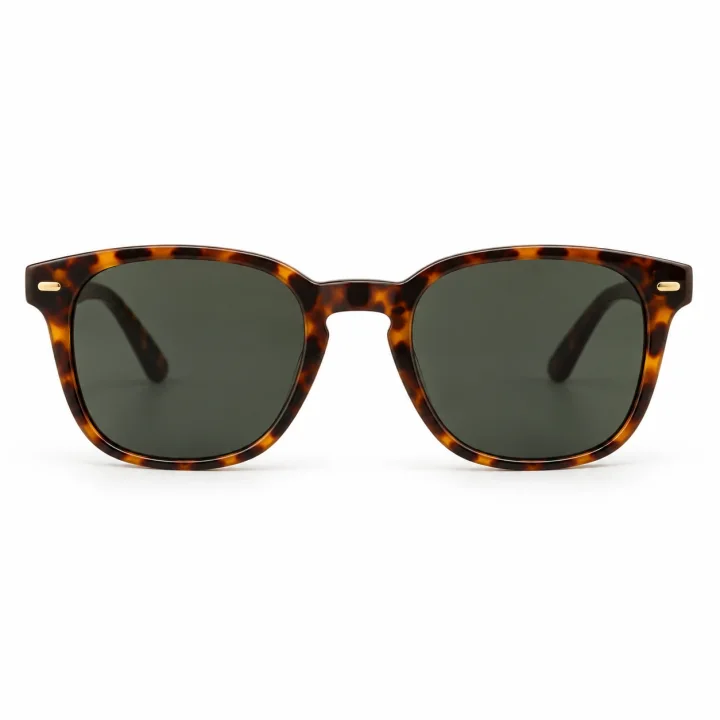
Before After - Out of stock products in catalog ads (DPA), handled properlyMeta stops serving a product once the feed says it is out of stock, so the fix is feed speed.
- How long until catalog changes show in Meta catalog ads (DPA)?Shopify changes reach your Meta catalog every few minutes.
- Why did only one product variant get the new image?Facebook is still using another source, usually its own website crawl, for most of your variants.
Before After - "Some product content IDs do not match" errorIt means the products in Convinci's feed are not all in your Meta catalog yet.
- How to request a Meta catalog updateIn Commerce Manager, open Data sources, find the feed you want to refresh, and press Update next to it.
Results
Measure it honestly and change it safely.
- Catalog ad (DPA) ROAS: what is good and how to measure itThere is no single good ROAS.
- Does changing catalog ad (DPA) images reset the learning phase?Meta's list of significant edits includes any change to ad creative, but it does not list catalog item updates.
Edit in Ads Manager
Starts over
Update through your Convinci feed
Stays live. Keep testing.
- What is the Meta learning phase, and what restarts it?The learning phase is the time when Meta's delivery system is still learning how to deliver an ad set.
Edit in Ads Manager
Starts over
Update through your Convinci feed
Stays live. Keep testing.
- Change Meta catalog ad images for a sale without new adsChange the pictures in your catalog, not in the ad.
Before After - How to schedule Black Friday creative for Meta catalog adsEither launch a new ad on a start date, or change the catalog pictures on a schedule.
- How many products do you need for catalog ads (DPA)?Meta needs at least 2 unique, valid products in a product set for carousel ads, and at least 4 for collection ads.
- Black Friday catalog ads (DPA), a step by step plan for 2026Fix your catalog, pixel and product sets in October.

See these cards on your own products before you pay anything.
Try the free preview