Catalog ads
Catalog ads for beauty and skincare stores
Convinci team. Published 2026-10-07, updated 2026-10-07.
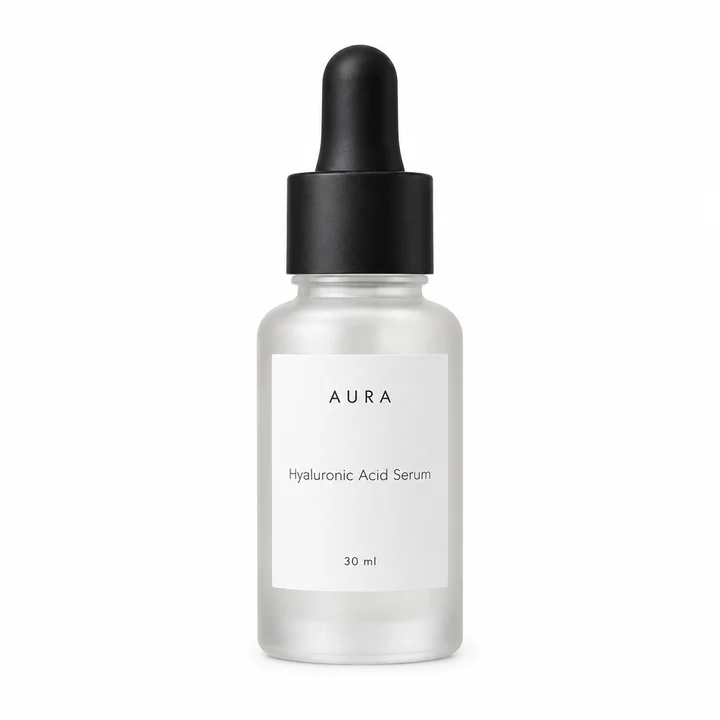
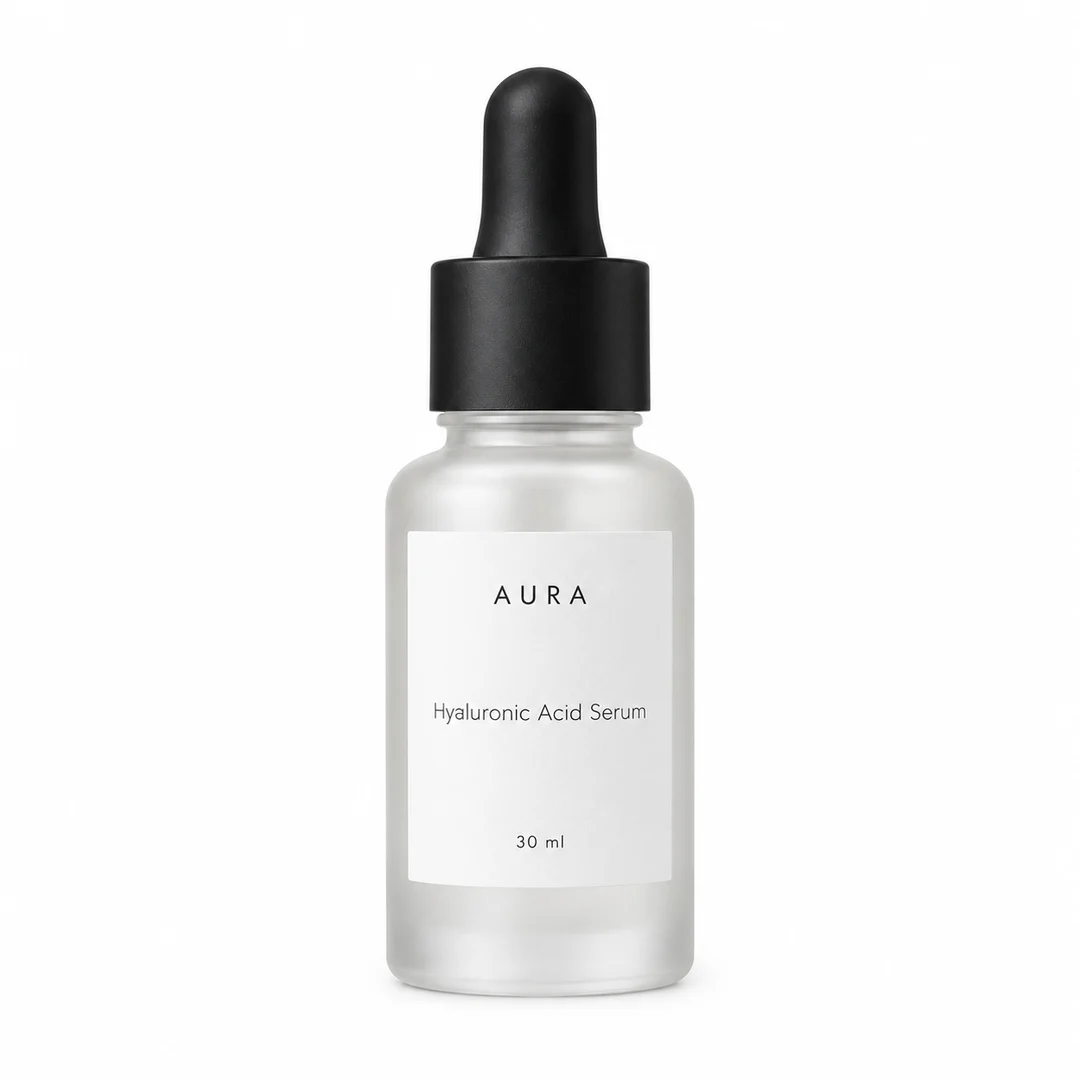
A serum bottle on white looks like every other serum bottle on white. Beauty is a crowded feed, the products look alike, and the shopper is buying a promise they cannot see. That is why catalog ads (also called dynamic product ads, or DPA) for beauty live or die on two things. Trust, and a photo that shows more than a bottle.
This guide is for stores that sell skincare, cosmetics, hair care and body care on Shopify. It covers the photo, the five things to put on the card, bundles and refills, claims, and the layouts that suit each kind of product.
Show more than the bottle
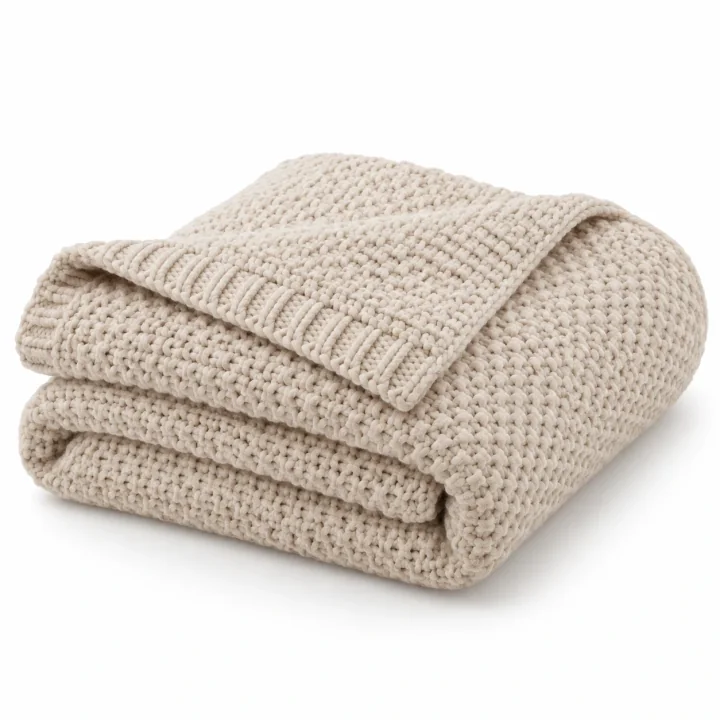
The feed sends your first product image. For beauty that is the bottle on white. Keep it, but do not lead with only it.
- Add a texture or swatch shot. The cream on a surface, the serum drop, the shade on skin. It is the closest a feed can get to touching the product.
- Add an in use shot. Hands, a bathroom shelf, the morning routine. It gives scale and context.
- Give the packshot a ground. A soft stone, blush or sage ground reads as beauty. White reads as a pharmacy.
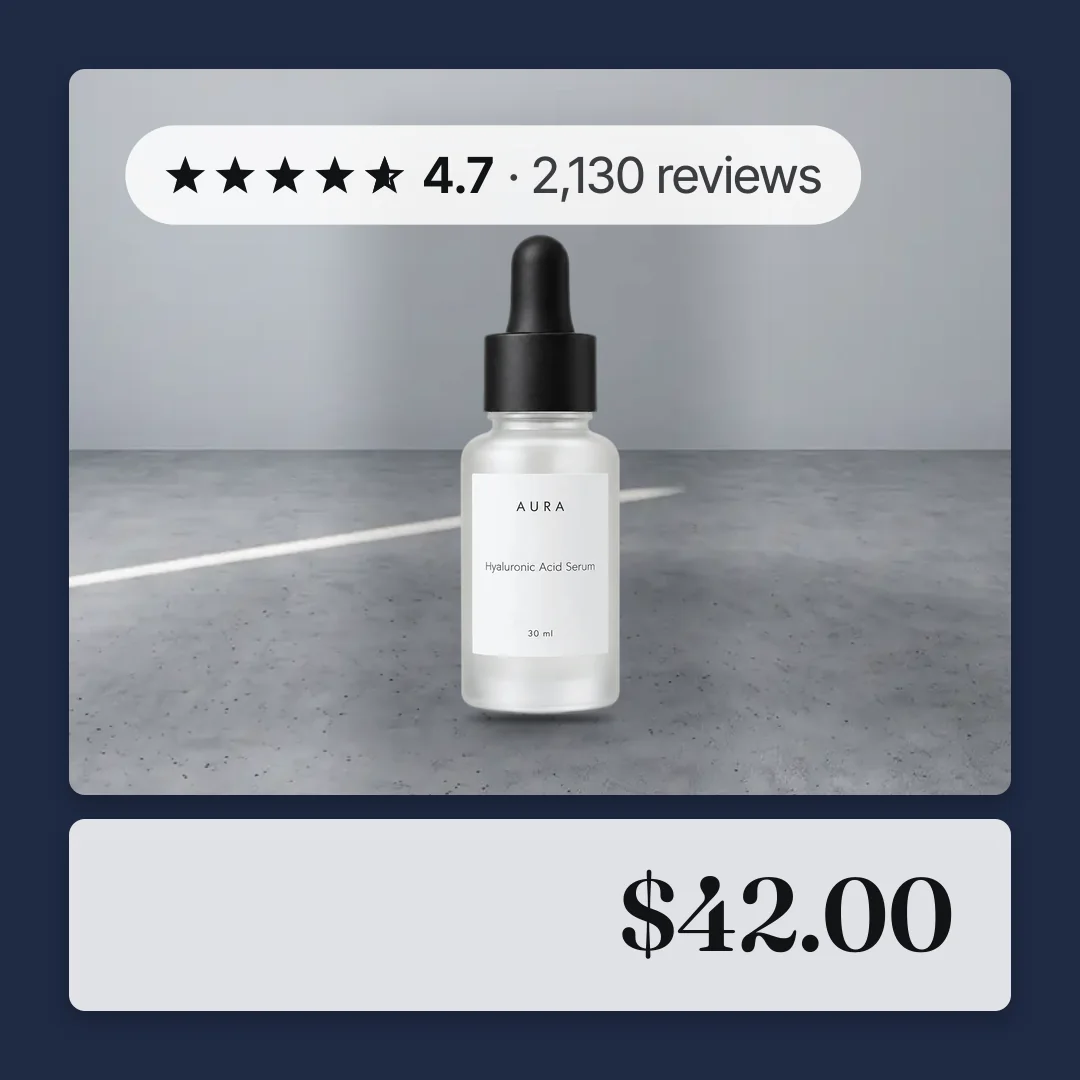
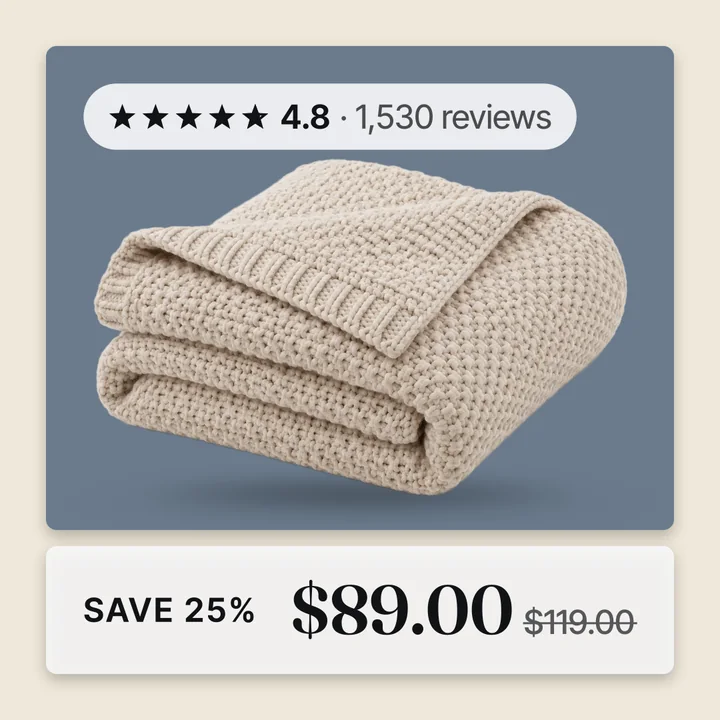
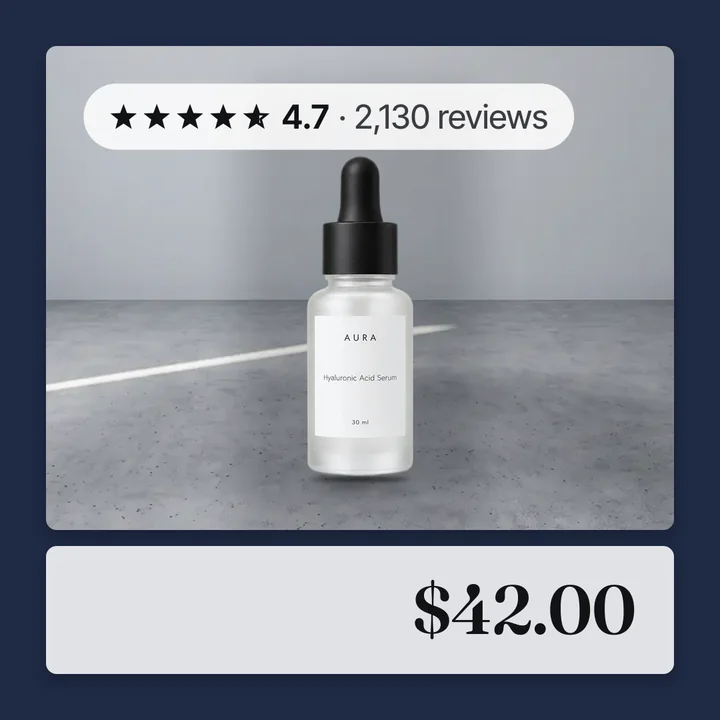
The second image is the same bottle on a ground, in a frame, with the rating and the price. Nothing is claimed. The rating does the claiming.
The five things to put on a beauty card
- The rating and review count, first. In beauty this is the most important line on the card. A 4.7 from 2,000 people says what no claim can. Put it at the top.
- The price. Beauty prices vary a lot for the same kind of product. A clear price on the image stops the shopper guessing.
- A true sale badge, only on sale items. Read the percent off from the compare at price. See how to add sale badges.
- One trust line. "Free shipping", "Cruelty free" or "30 day returns". One, not four. Pick the one your reviews mention most.
- Your mark. A small logo or store name. Beauty shoppers buy brands, so sign the card.
Keep claims off the image
Beauty is the category where a word on the image can get an ad rejected. Meta's ad standards have rules for personal health and appearance ads. Read them before you write anything on a product image, and keep the card to facts.
The safe facts are the price, the rating, the review count, the sale percent and a shipping or returns line. Those come from your catalog and your reviews, and they are true for every product.
Leave results, timelines and comparisons to your product page. A card that says 4.7 stars from 2,130 reviews is both safer and stronger than a card that makes a promise.
Bundles, refills and sizes
Beauty feeds have patterns other stores do not.
Bundles and routines. A three step set sells at a higher price than one bottle. Make the set its own product in Shopify with its own photo. It gets its own card, price and badge in the catalog.
Refills and sizes. A 30 ml and a 100 ml of the same product are usually variants. Give each size its own image if the bottles look different. Keep the size out of the overlay, since the card is the same for every variant. Read how Shopify photos become catalog images.
Shades. Give every shade variant its own image. Meta groups variants with the item group id Shopify sets, and can show the shade the shopper looked at.
Out of stock shades. The image stays in the catalog. Read out of stock products in catalog ads for how Meta handles it.
Layouts by product type
| Product | Layout that suits it | Why |
|---|---|---|
| Serums and oils | Clean frame, rating on top | A premium product wants a border and no shouting |
| Creams and cleansers | Pane | The pane holds a long name, the price and the rating |
| Makeup and shades | Four corners with a swatch in the corner | The swatch sells the shade |
| Sets and bundles | Four corners, in use shot in the corner | The routine shot shows what the set is for |
| Body and hair care | Bold sale when marked down | Everyday items sell on price |
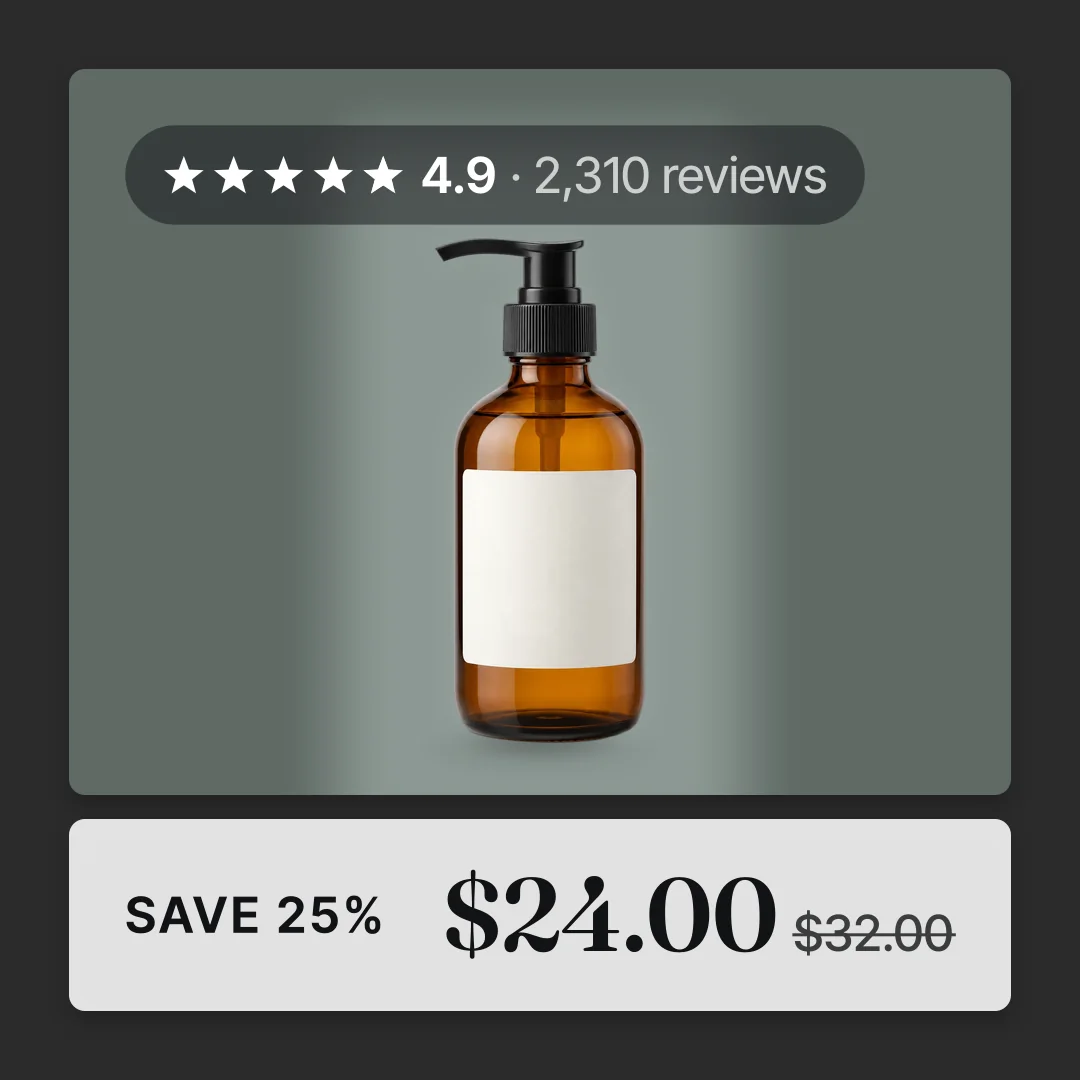
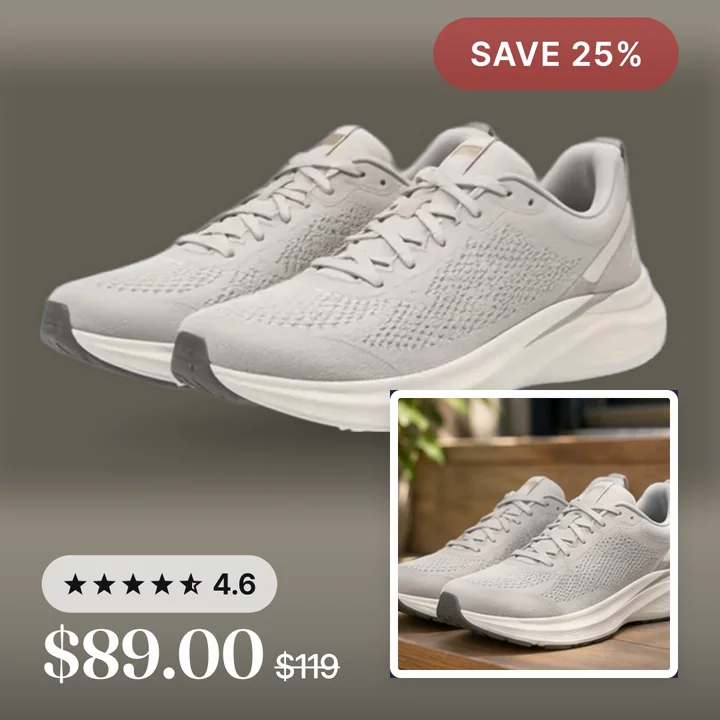
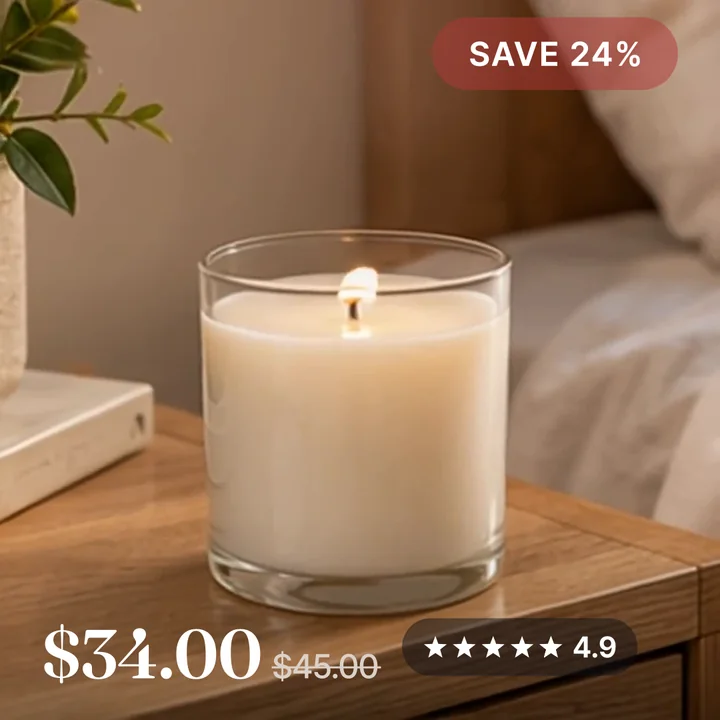
The pump bottle above is a body care item on sale. Frame, rating at the top, the real percent off and the price below. Read catalog ad templates for the full set.
Sales and launches without touching the ads
Beauty runs on launches and restocks. The catalog image can follow them with no edit to any ad.
- A new launch gets a product set and a layout with no badge. Let the texture shot carry it.
- A marked down line gets a compare at price in Shopify. The badge shows the real percent on those products only.
- When the sale ends, remove the compare at prices. The badges go away on Meta's next fetch.
Meta lists changes to ad creative as significant edits. A catalog image update is not one. Read does changing catalog images reset learning for what Meta says and does not say.
Getting it onto every product
Convinci reads your Shopify store, draws the rating, the price, the badge and your mark onto every product and gives you one feed link. Meta reads it as a supplementary feed, so your ads are not edited.
Paste your store link into the free preview to see your own products as cards. Plans are on the pricing page. For the design rules, read catalog ad design.
Questions
- What should a beauty catalog ad show on the image?
- The rating and review count, the price, a true sale badge on marked down items, one trust line and your mark. Keep results claims off the image and let the reviews speak.
- Are before and after images allowed on catalog ads?
- Check Meta's ad standards for personal health and appearance before you do. The safer card shows the product, its rating and its price. Results belong on the product page.
- How do I show shades in catalog ads?
- Give every shade variant its own image in Shopify. Shopify sends each variant with its image, and Meta groups them so it can show the shade the shopper viewed.
- Should a skincare set be its own catalog ad?
- Yes. Make the set its own product with its own photo. It then gets its own card, price and badge in the Meta catalog.
- Does a sale badge on catalog images reset learning?
- The badge changes the catalog image, not the ad. Meta lists ad creative changes as significant edits and does not list catalog item updates. Meta does not promise they never matter, so time big changes for a quiet week.
See these badges on your own products before you pay anything.
Try the free previewFree for 10 products. See pricing.