Catalog ads
Catalog ad (DPA) templates, the options and when to use each
Convinci team. Published 2026-09-11, updated 2026-09-11.
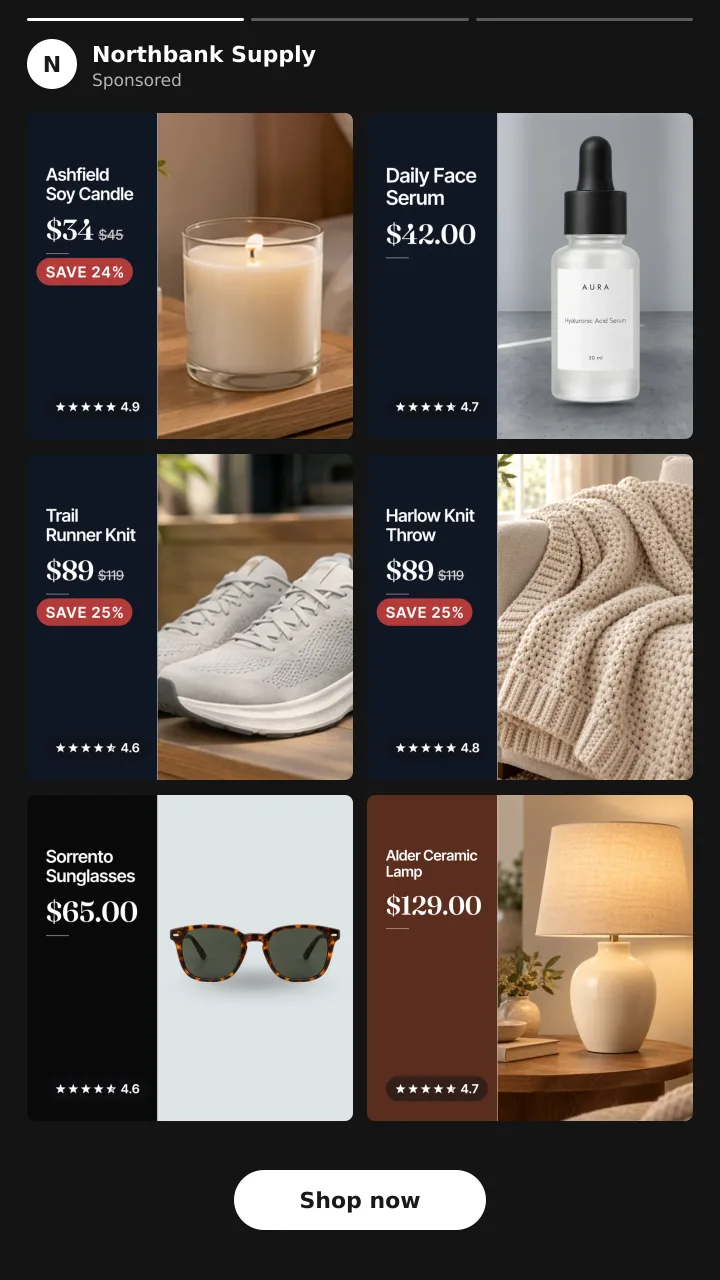
A catalog ad (also called a dynamic product ad, or DPA) template is not an ad template in Ads Manager. It is a layout you draw on the product image before Meta ever sees it. Meta then builds its card around your image the way it always does.
That distinction matters because it tells you what a template can and cannot change. It can change everything inside the square. It cannot move the price line, the product name or the button, because those belong to Meta's card.
The five that work
Clean frame
A thin border, the product on a soft tinted ground, a small logo in a corner. No claims, no badge.
Use it for considered purchases where the product has to look expensive. Furniture, jewellery, skincare, anything where a discount sticker makes the item look cheaper than it is.
Bold sale
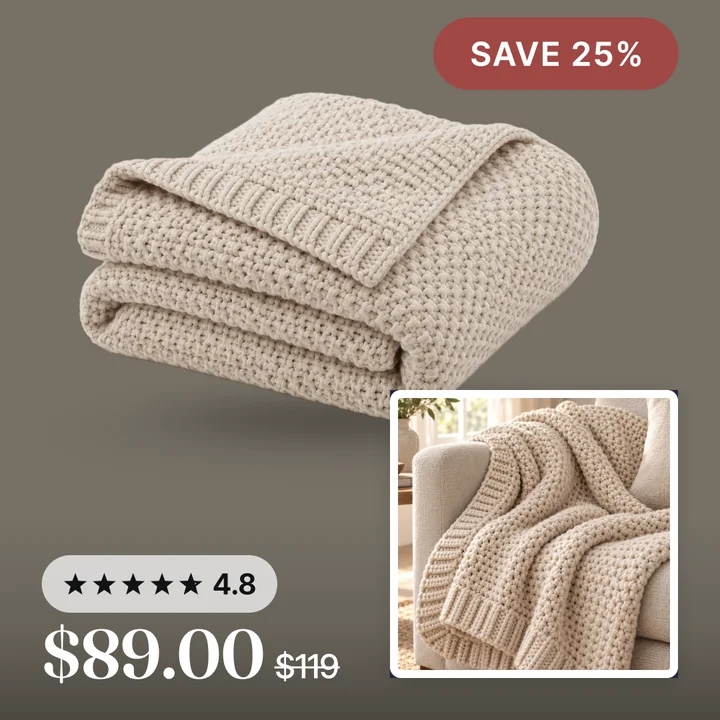
A colour band or corner flash carrying one number. 30% off, Save $40, 2 for 1.
Use it when price is the reason to click, and only while the price is actually that. A sale template running permanently stops being read.
Trust strip
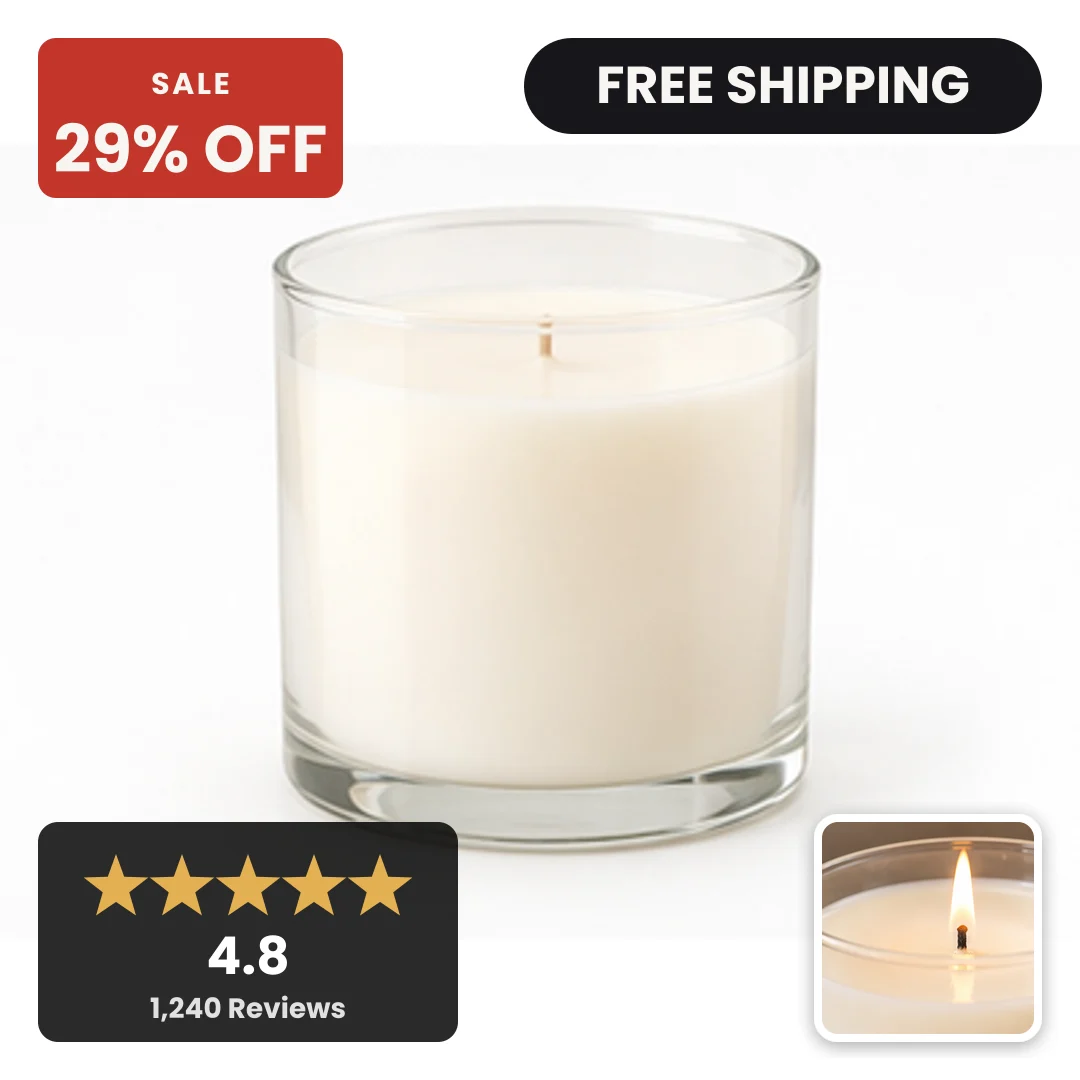
A band along the bottom of the image with the rating, the review count and one shipping or returns line.
Use it when your reviews are strong and your category is crowded. It is the template that does the most for a brand a shopper has never heard of.
Cutout on colour
The product cut out of its background and placed on a flat brand colour, sometimes with a soft shadow.
Use it when your catalog is full of white background pack shots. It is the biggest visual change available without new photography, and it makes a feed of white squares stop looking like a catalogue page.
Benefit line
The product on a tinted ground with one short sentence set in your type. Ships in 24 hours. Made in Portugal. Free returns for 60 days.
Use it when the reason to buy is not price and not the rating, but one fact people do not know.
Picking one
| If this is true | Use |
|---|---|
| You are running a promotion | Bold sale |
| Your product photos are on white | Cutout on colour |
| You have hundreds of reviews | Trust strip |
| The product is over $200 | Clean frame |
| The reason to buy is a fact, not a price | Benefit line |
| You have no idea | Run clean frame against bold sale |
Two rules that beat a good template
One template per campaign, not one per product. The point of a template is consistency across a catalog. A shopper who sees six of your products in a week should see six cards that look related. Mixing templates inside one product set throws that away.
Change one thing at a time. A template swap is a creative test. If you change the template and the audience and the budget in the same week you have learned nothing. How to test catalog ad creative without wasting spend has a method that costs about a week and gives you a real answer.
What about Meta's own templates
Meta ships a small set of free overlays for the corner of a product image. A price drop tag, a free shipping tag, a star rating. They are worth switching on before you build anything, because they take two minutes and they are free.
They stop where your brand starts. You cannot set the wording, the type or the colour, so every advertiser using them looks the same. Meta's free catalog ad templates covers exactly what they do and where they stop.
Getting a template onto a thousand products
This is the part people underestimate. A template is easy to design once and hard to apply to a catalog.
The job has four steps. Read the image, the price, the sale price, the rating and the shipping rule out of the feed. Draw the layout. Write the finished image somewhere Meta can fetch it, and put that URL into the feed. Then do it again when a price changes.
Doing it by hand works up to about twenty products. Past that it needs to be rendered from the catalog. That is the thing Convinci does, and you can see it on your own products in the preview without an account.
Questions
- What is a catalog ad template?
- It is a layout drawn on top of each product image before the image goes into your feed. Meta then builds the ad card around it. The template controls everything inside the square.
- Can I use a different template per product?
- You can, but it usually makes the catalog look inconsistent. One template per campaign, with the content changing per product, reads as a brand.
- Do catalog ad templates work on Advantage+ campaigns?
- Yes. The template lives in the image URL in your feed, so it reaches every campaign type that reads that catalog, Advantage+ included.
- How often should I change templates?
- When the offer changes, or when a test says a different one wins. Swapping templates every few weeks without a test just resets whatever recognition you built.
- Does a template need to match my website?
- It needs to match your brand, which is usually the same colours and the same type as your site. A card that looks nothing like the page it clicks through to loses people at the landing.
- Are sale templates worth it outside a sale?
- No. A permanent sale badge teaches shoppers to wait, and it makes the one real promotion of the year invisible.
See these badges on your own products before you pay anything.
Try the free previewFree for 10 products. See pricing.