Platforms
Branded catalog ads for Shopify stores, step by step
Convinci team. Published 2026-10-07, updated 2026-10-13.
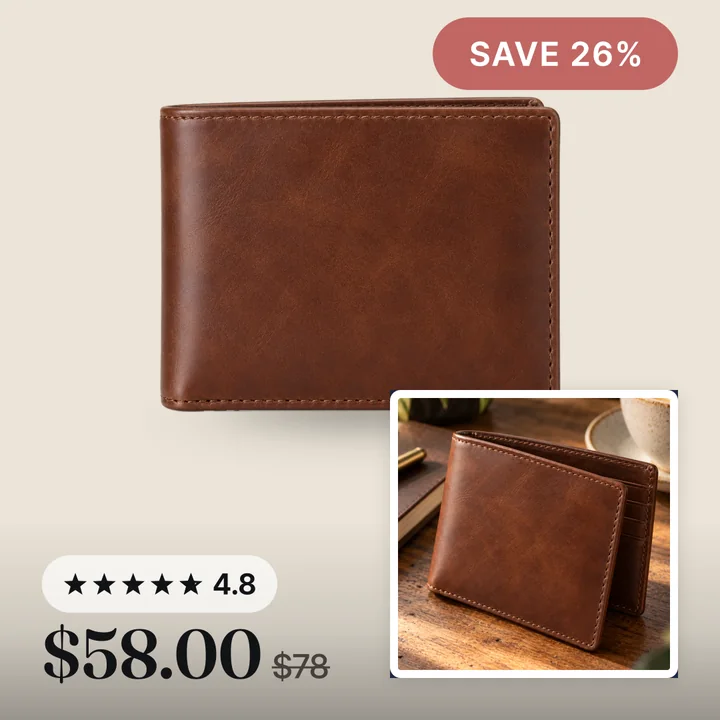
Shopify sends your product photos to Meta as they are. Plain, white, with nothing on them. Meta then shows those photos in your catalog ads (also called dynamic product ads, or DPA). Your ads end up looking like everyone else's.
Branded catalog ads fix that at the source. The design goes onto the product image itself, in the catalog. Every ad that reads the catalog picks it up. This guide walks a Shopify store through it with Convinci, in order. Then it answers the questions store owners ask most.
What you need before you start
- A Shopify store with public products. Convinci reads the same product pages your shoppers see.
- A Meta catalog that already gets your products from Shopify. If not, read how to connect Shopify to a Meta catalog first.
- Access to Commerce Manager, so you can add a data source to that catalog.
You do not need to install an app on your store, change your theme, or edit any product.
The steps
- Paste your store link into the free preview. Convinci reads your products and shows three finished cards from your own photos. No account and no card.
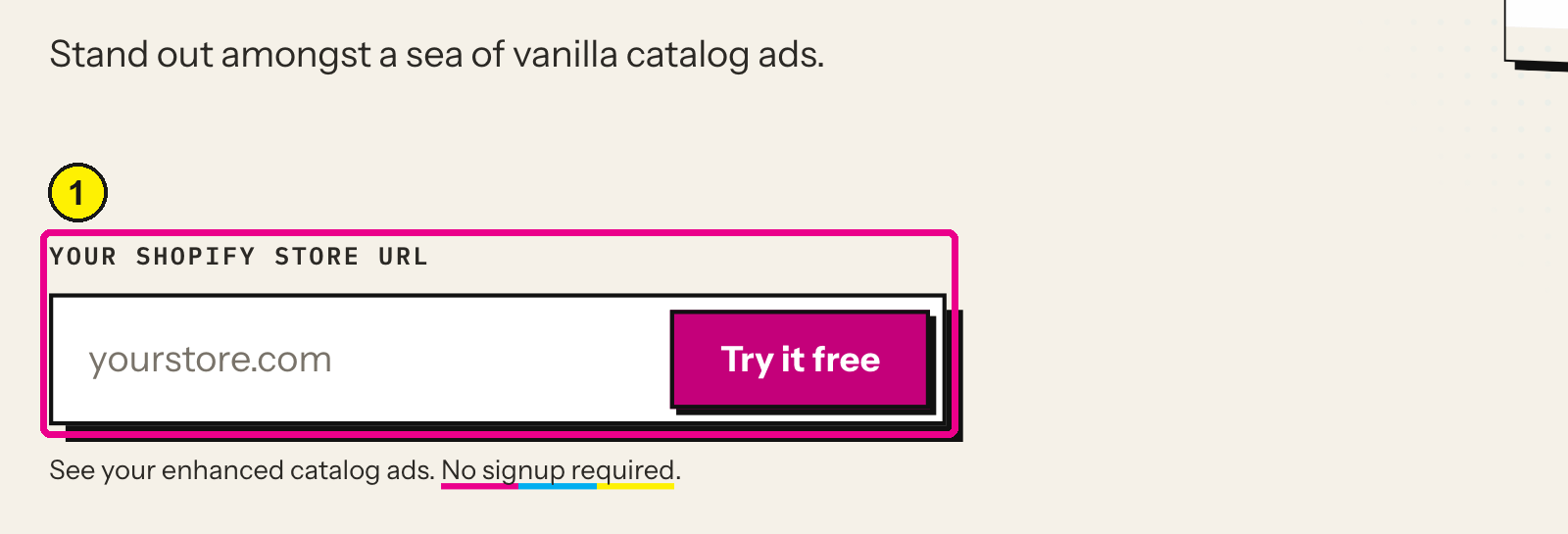
Convinci home page, store link field. Screens as of Oct 2026. - Pick a layout. Frame, pane or four corners. Each puts the price, the badge and the rating in a different spot. See catalog ad templates for which one fits.
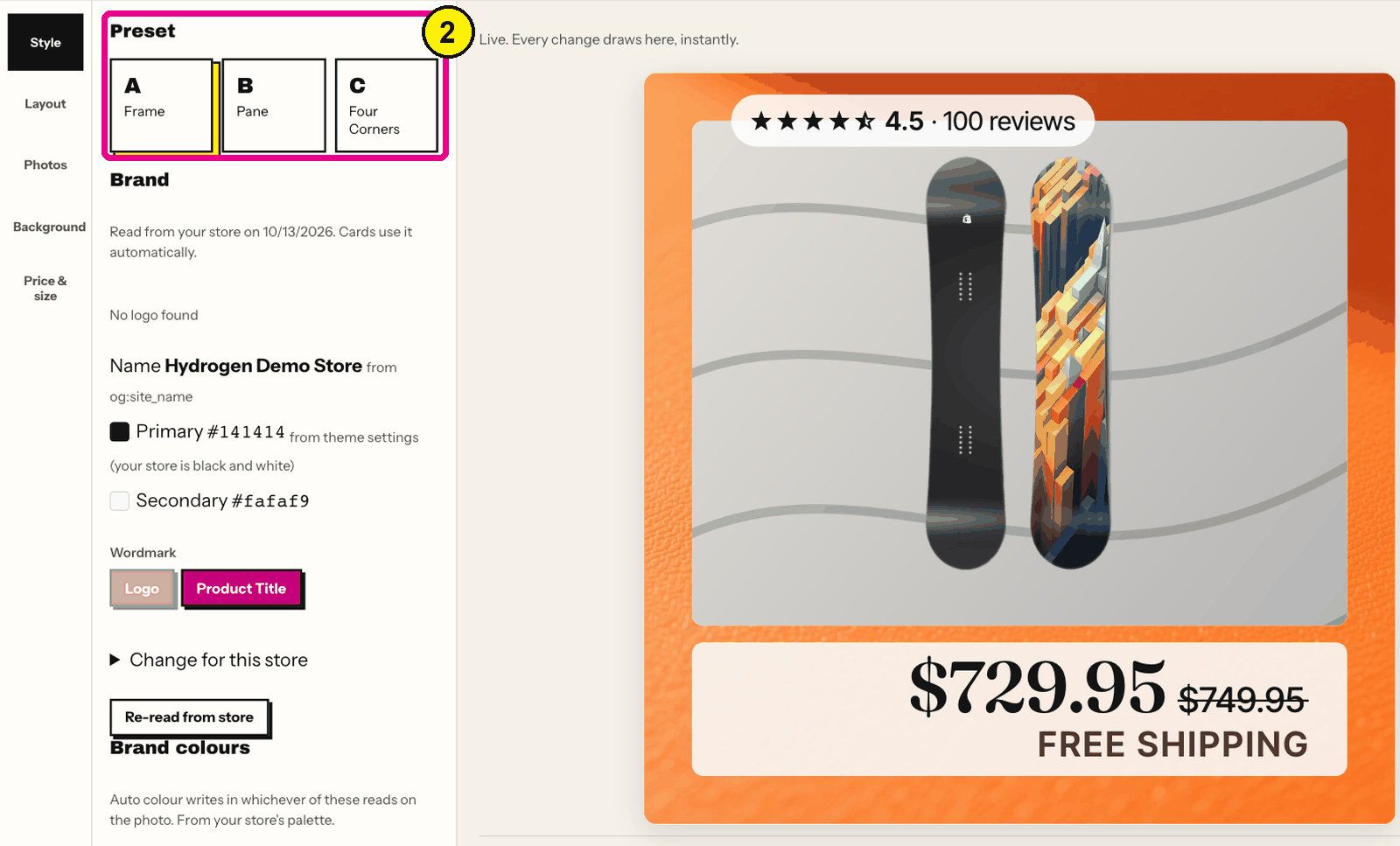
Convinci editor, Style, Preset. - Set your colours and logo. On the free plan Convinci starts from the colours and logo it read on your home page. Pro lets you set exact hex values, upload logo files and pick fonts.
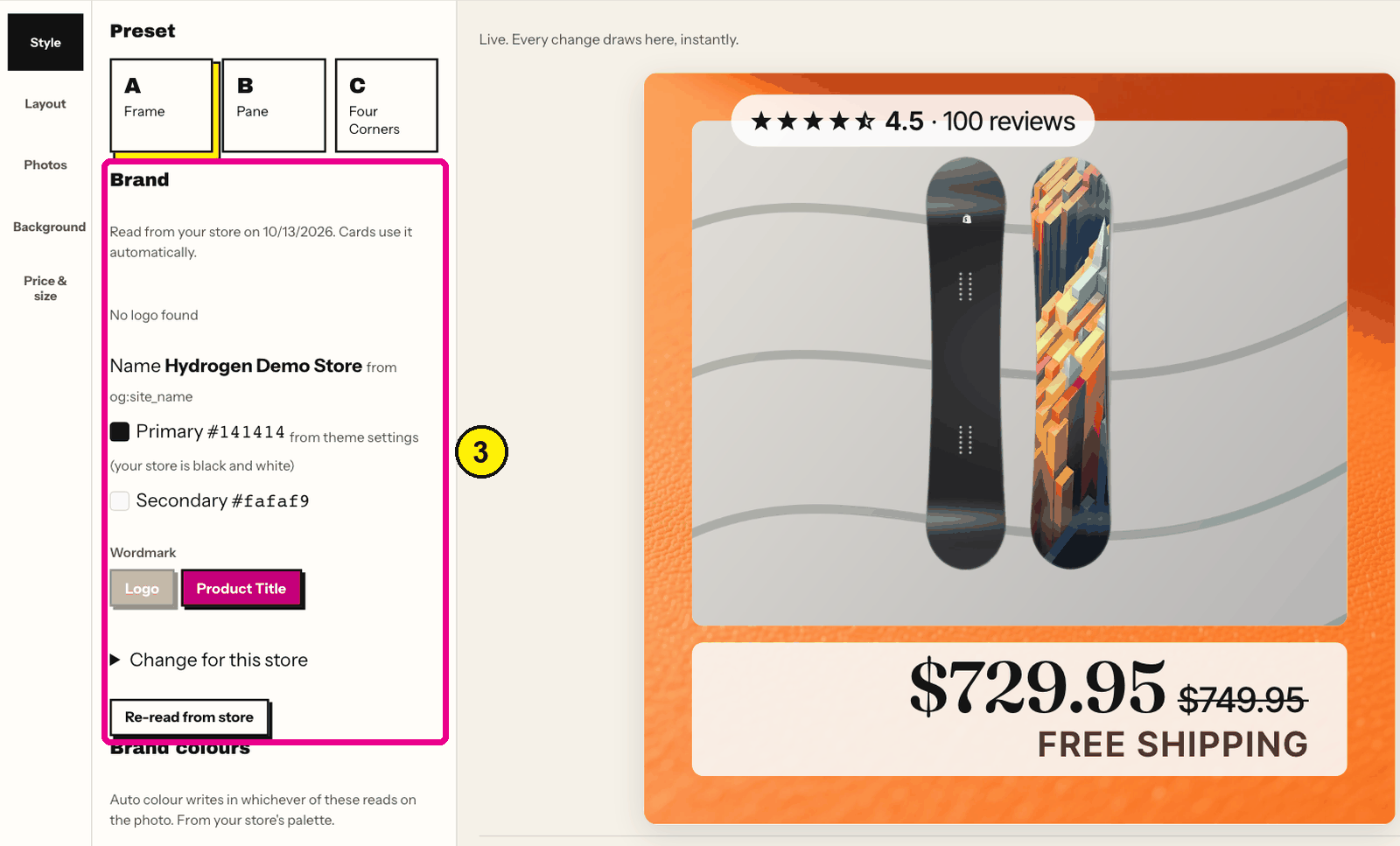
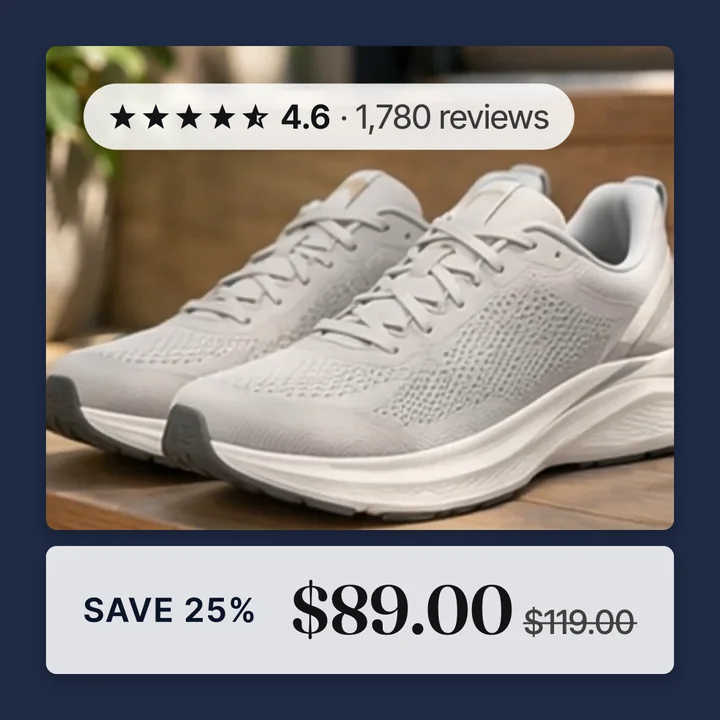
Convinci editor, Style, Brand. - Check the badge rule. The badge shows the real percent off when a product has a compare at price higher than its price. A full price product gets a plain price bar. Convinci never invents a discount.
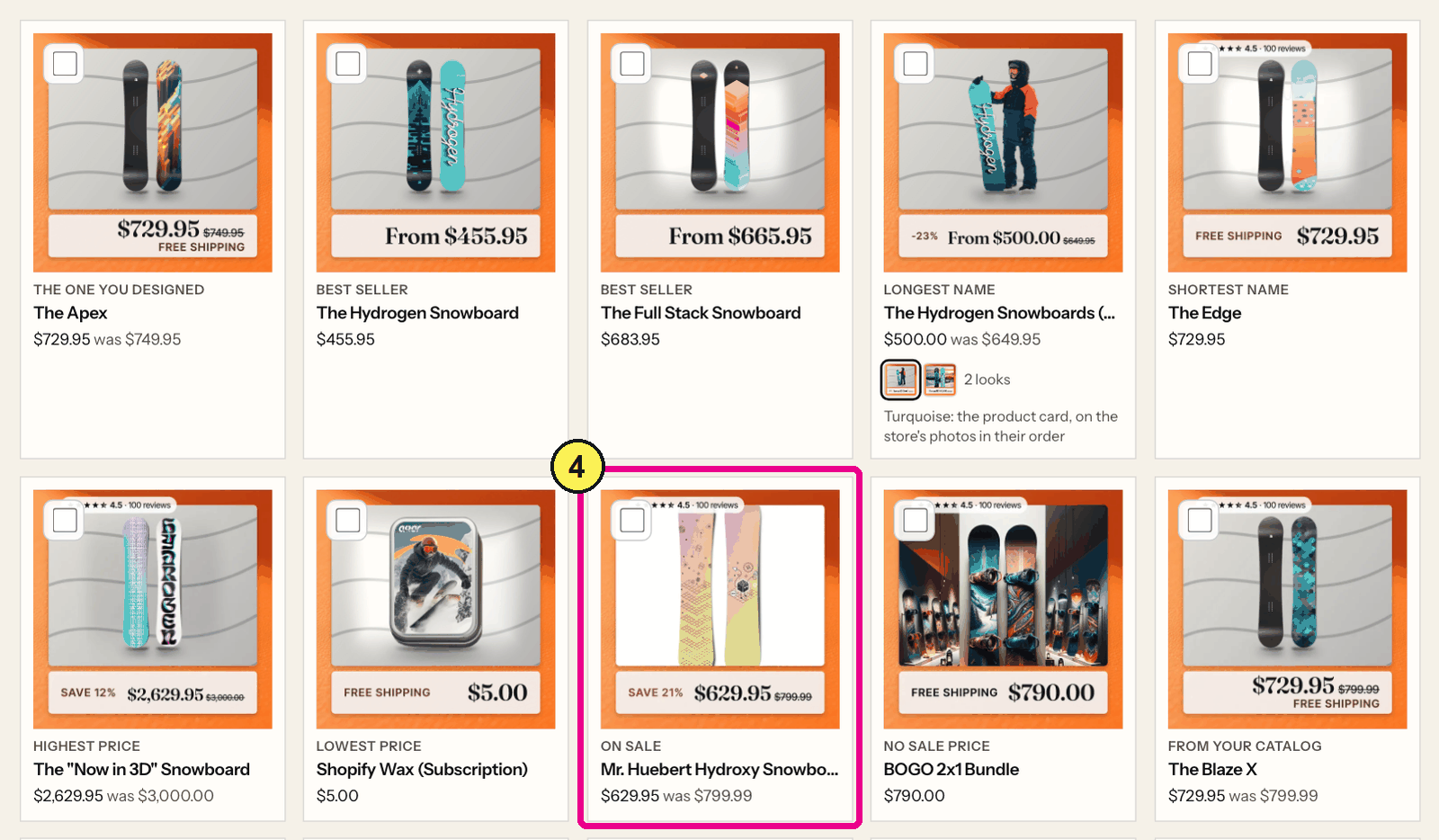
Convinci, Check your design. - Press Publish and copy your feed link. The free plan covers 10 products in the link. Pro covers up to 1,000, Ultimate up to 10,000.
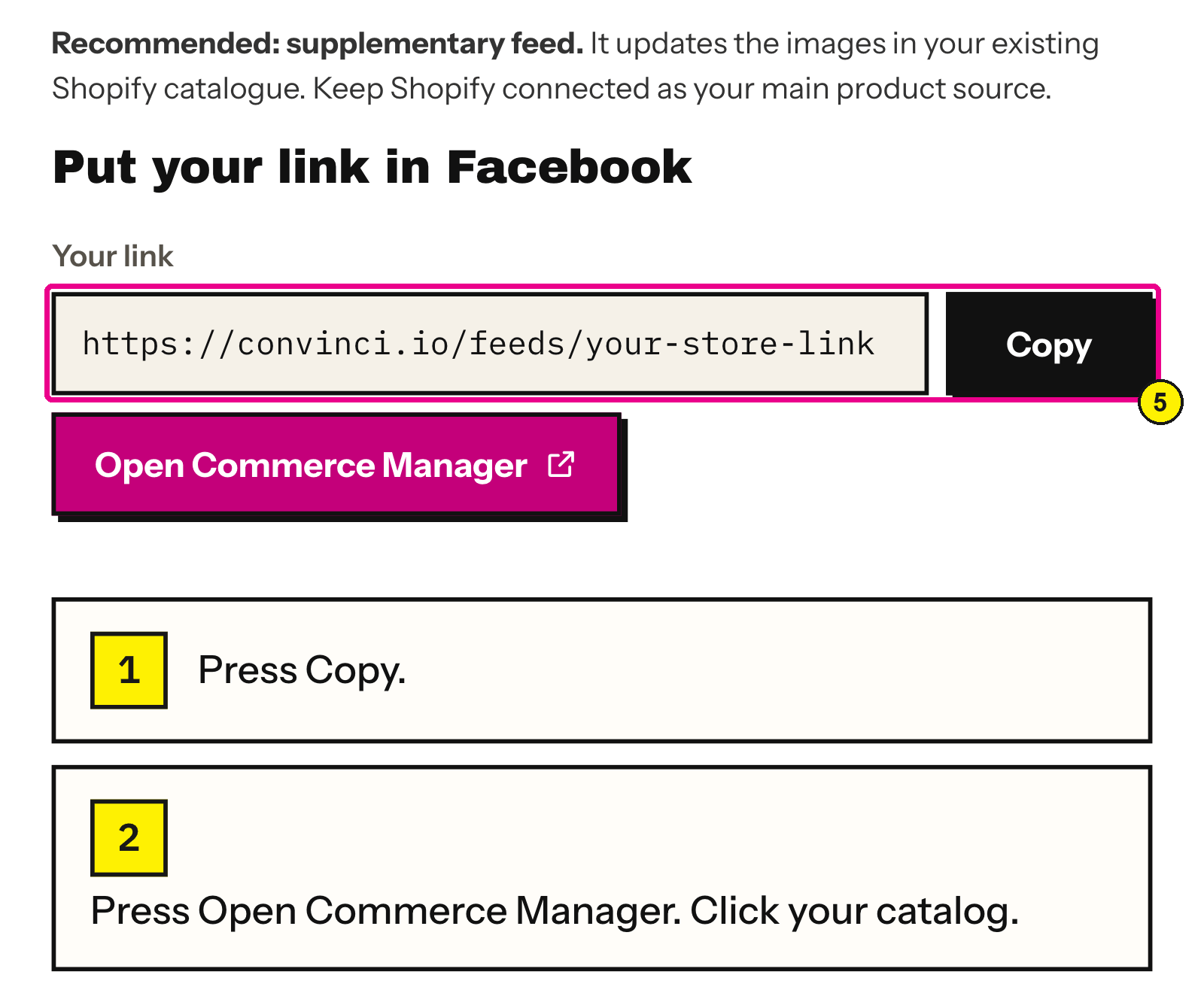
Convinci, Publish to Meta. - In Commerce Manager, open your catalog, then Data sources, and add the link as a supplementary feed. Read supplementary feeds on Meta for the clicks.
- Wait for Meta's first fetch. Meta checks a feed link up to once an hour. The new images usually show on the product in Commerce Manager within minutes, and in live ads the same day.
- Open one live ad on your phone and check it. Then check the Facebook Shop tab if you use it, since the same catalog feeds it too.


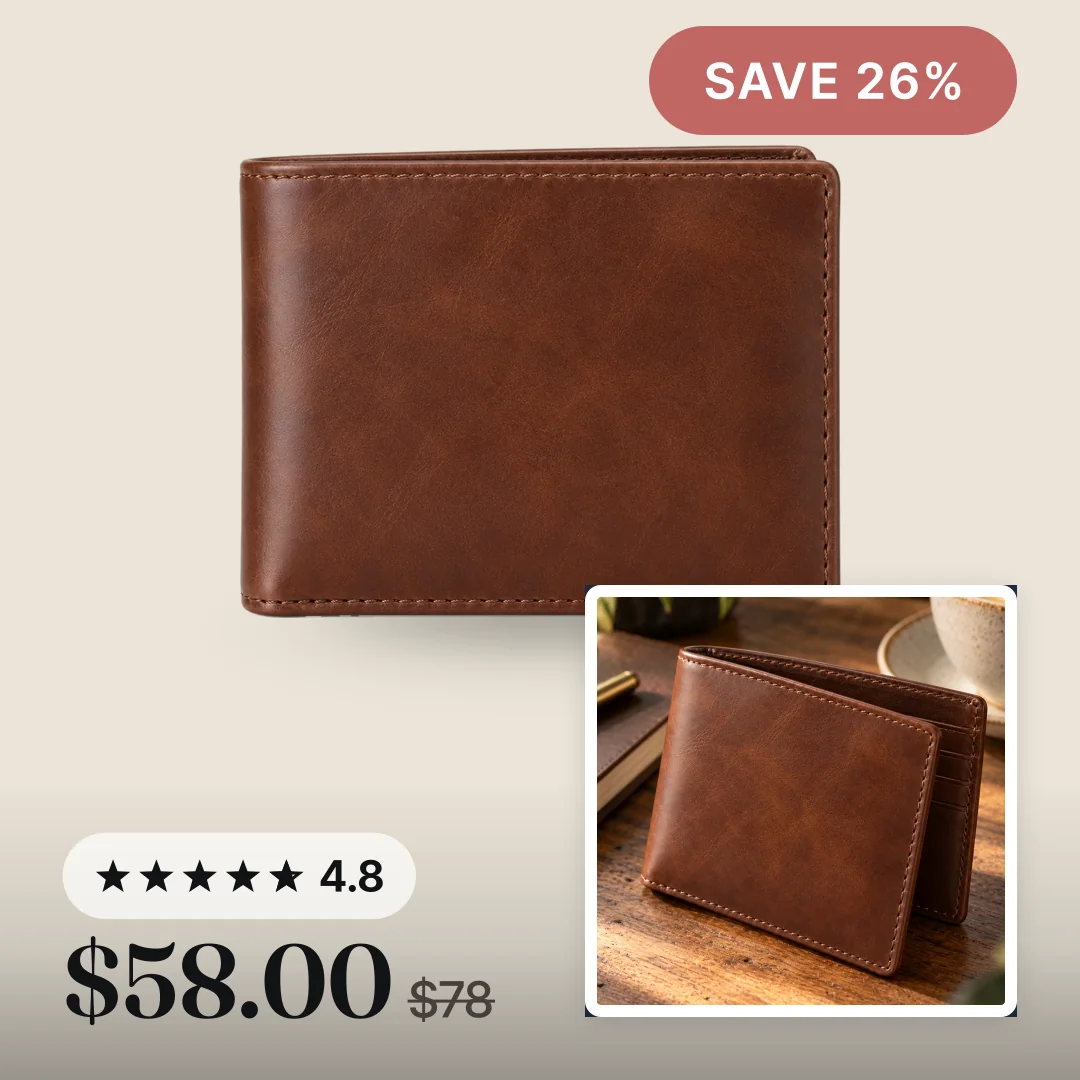
That is the whole job. Your part takes minutes. The rest is Meta's fetch.
What the feed link changes, and what it does not
The feed link is a supplementary feed. Meta lets a supplementary feed update only some fields. Convinci sends image_link and additional_image_link, product for product, and nothing else.
So your campaigns, ad sets and ads are not edited. Your product sets stay. Your prices, sale prices, stock and availability keep coming from your Shopify feed. Meta does not let a supplementary feed touch them.
This matters for learning. Meta lists any change to ad creative as a significant edit. A catalog image update is not an ad edit. Read does changing catalog images reset learning for what Meta says and does not say.
Want the plain photos back? Delete the data source in Commerce Manager. Meta puts the original images back on its next fetch.
Where your products and prices come from
Convinci reads your public product pages, the same ones a shopper sees. It picks up the title, the price, the compare at price, the photos and your variants. It lines each card up with the same product in your Meta catalog.
If a price on a card looks wrong, the render ran on older data. A re-render fixes it. The price Meta prints under the ad always comes from your own feed, never from the image.
Two things to decide on day one
Sale badges and your Facebook Shop. The catalog that feeds your ads also feeds your Facebook Shop tab, Instagram product tags and Marketplace. A card with a badge can show there too. In an ad, that is what you want. On a shop listing, Meta can reject a promo overlay. If you sell on those surfaces, turn the sale badge off.
Lifestyle photos and white photos. Some layouts hold the product in a panel, which suits lifestyle shots. Others are made for a white background. You can give each kind of photo its own layout, across the whole catalog.
What it costs
The free plan is free for good. No card, no watermark, 10 products in your link. Pro is $99 a month for up to 1,000 products and one store. Ultimate is $499 a month for up to 10,000 products. Each extra store is $49 a month on a paid plan.
If your return on ad spend is not up 50% in 30 days, press Refund me in your account. Convinci refunds what you paid it. Your ad spend is not part of the refund. The full plans are on the pricing page.
For the design side, read catalog ad design. For a store on sale, read the Black Friday catalog ads plan.
Questions
- Do I need to install a Shopify app?
- No. Convinci reads your public product pages. Nothing is installed on your store, and your theme, product pages and photos stay as they are.
- Will branded catalog ads change my Shopify product photos?
- No. The designed images live on Convinci's own links. Your Shopify photos and your Shopify feed to Meta are not touched. Meta swaps the image only in the catalog it uses for ads.
- Do branded images reset the learning phase on my ads?
- A supplementary feed changes the catalog, not the ad. Meta lists ad creative changes as significant edits and does not list catalog item updates. Meta also does not promise they never matter, so plan big changes for a quiet week.
- How long until the branded images show in my ads?
- Your part takes minutes. Meta checks the feed link up to once an hour. The images usually show on the product in Commerce Manager within minutes, and in live ads the same day. Meta does not promise a time.
- I already use another feed tool. Can I add Convinci?
- Only one supplementary feed can sit on a catalog's main feed. Convinci checks when you connect and tells you which tool holds that spot and what it changes. Then you pick one.
- Can Convinci change my prices or stock?
- No. Meta does not let a supplementary feed update price, sale price, availability or quantity. Convinci sends only the image fields.
See these badges on your own products before you pay anything.
Try the free previewFree for 10 products. See pricing.
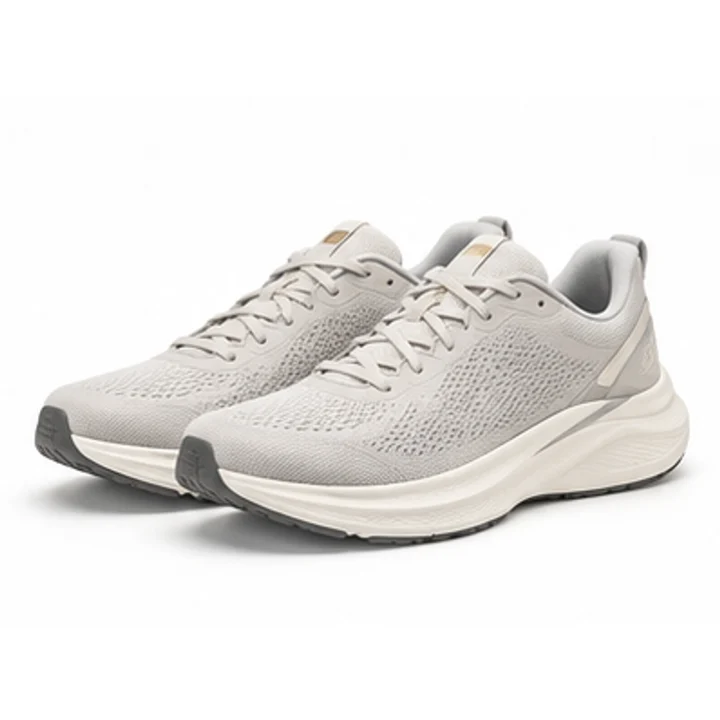 Your store
 Your card