Comparisons
Convinci vs Meta's catalog ad (DPA) editor (image templates)
Convinci team. Published 2026-09-26, updated 2026-10-05.
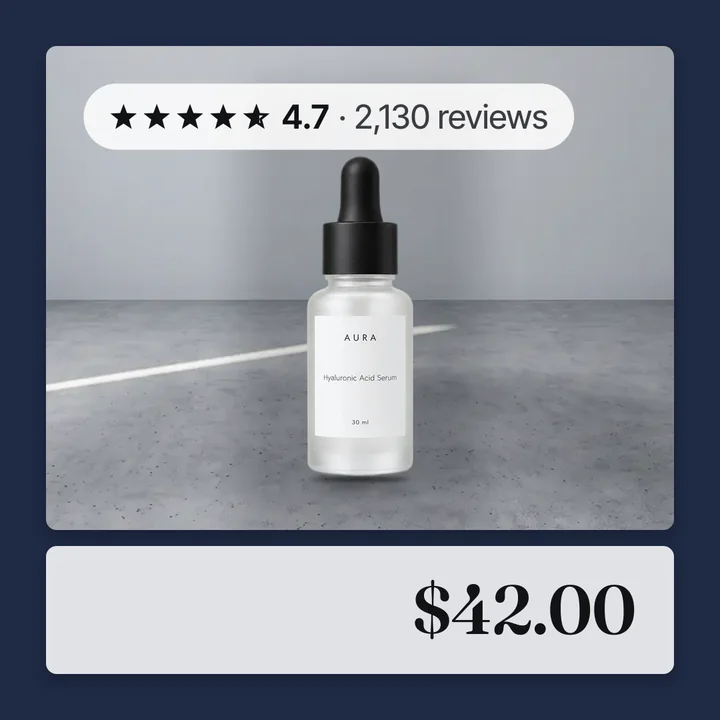
Meta now has its own editor for catalog ad (also called a dynamic product ad, or DPA) images. It is called image templates, and it lives in Commerce Manager. Next to it in Ads Manager sit dynamic overlays and frames.
So why pay for a tool? Sometimes you should not. This page lays out what each one does, where each falls short, and how to pick.
Convinci vs Meta's editor, head to head
Checked on September 27, 2026. Meta's facts come from its image templates page, its dynamic overlays page and its frames page. Convinci facts come from our pricing section.
| Convinci | Meta's editor | |
|---|---|---|
| Starting price per month | $0 free, then $99 | Free, built into Commerce Manager |
| What you pay for | Product photos, extra stores $49 a month each | Nothing, it ships with your ad account |
| Free trial | None, the free plan is forever | Not applicable, it is free |
| Setup time | Under 2 minutes | Not listed, still rolling out to accounts |
| Who makes the design | You pick a template | You build the template yourself |
| Where images live | We host them, one feed link per store | On the ad, in Ads Manager |
| Edits go live without an ad edit | Yes | No, changing a template is an ad edit |
| Templates or layouts | 3, plus multi image layouts | Unlimited to build, single image and carousel only |
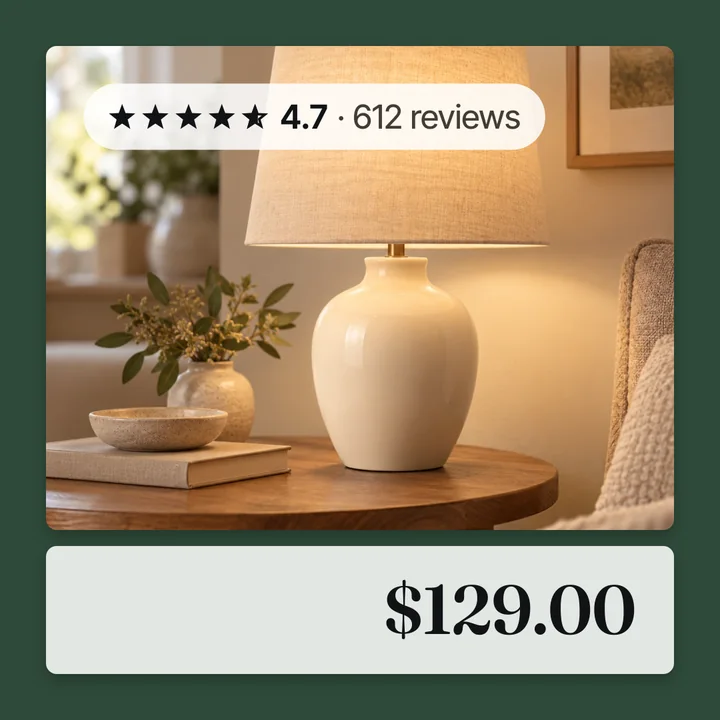
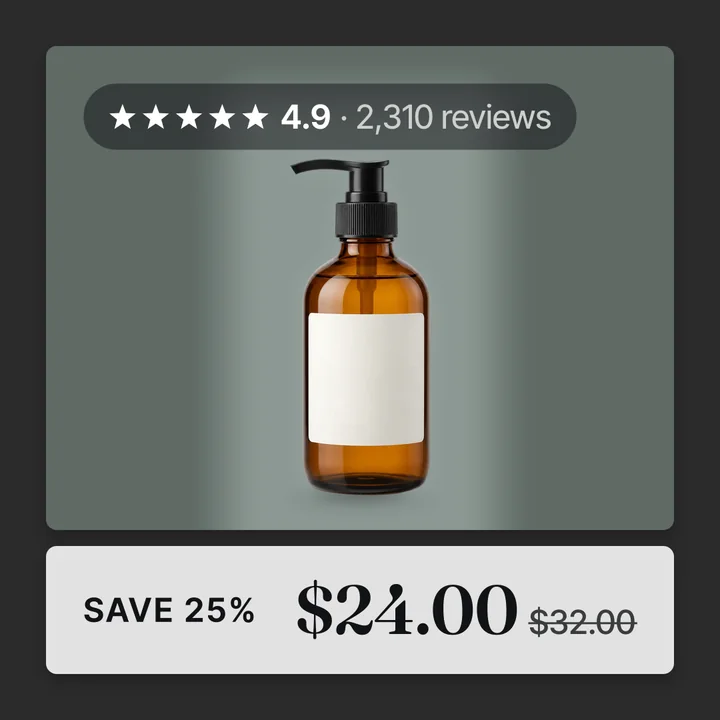
| Badges, stars, price, sale | Real percent off, a star rating, a review count | Price or percent off on an overlay, no star rating field |
| Meta placements covered | Wherever the catalog image shows | Overlays on Facebook Feed only, frames not on Instagram |
| Shopify install | None, paste your store URL | Not applicable, it lives inside Meta |
| Support | Self serve, no queue | Meta's own help pages |
Bottom line: use Meta's editor free for a plain price label. Use Convinci for a branded card with a star rating and a real sale badge.
The short answer
Meta's editor is free and good for a clean price label. It is set on the ad, it works on single image and carousel ads, and it may not be on your account yet.

Convinci puts the design into the product image itself. It sends those images to Meta through a supplementary feed. That means cutouts, lifestyle insets, stars and real sale badges, on every placement, and the ad is not edited.
If a price tag is all you need, use Meta. If you want the card to look like your brand, use Convinci.
What Meta's editor can do
You build an image template in Commerce Manager, under Catalog, then Image templates. You can start from a blank canvas or a starter template.
A template is made of layers:
- Catalog field layers, like title, brand, price and sale price.
- Image layers, like your logo as a JPG or PNG.
- Text layers and sticker shapes, such as a circle or a square.
- A background color that always sits behind.
You can set a rule on a layer so it only shows for some products, based on a field such as price. You can preview the template on a product set or a single product. It starts at 1:1, and you can copy it to make a 4:5 version. It costs nothing.
Dynamic overlays add a label with price, strikethrough price, percent off or free shipping. You pick the shape, spot, color and font.
Where Meta's editor falls short
These limits come from Meta's own help pages.
- It lives on the ad. You pick the template in the ad's creative section in Ads Manager. The same goes for overlays and frames.
- Formats. Meta says image templates "support single image and carousel formats only, not collection."
- Placements. Meta says "Dynamic overlays only show on Facebook Feed." Frames are not an option on Instagram.
- Frames are ending. Meta says frames "will no longer be available after October 30, 2026." See Meta catalog ad frames ending.
- Rollout. Meta says image templates are "being gradually introduced and may not be available to you yet."
The sources are the image templates page, the dynamic overlays page and the frames page.
The learning phase difference
Meta's list of significant edits includes "Any change to ad creative." A significant edit sends the ad set back into learning.
Choosing or switching a template is done on the ad. So is turning on an overlay or adding a frame. Each of those is a change to ad creative, so learning restarts.
Convinci changes the images in the catalog feed, not the ad. Meta does not list catalog item updates as a significant edit. Meta also does not promise they never matter. So your ad sets stay as they are, and the ad is not edited.
One more note. If you set up a new ad to use Convinci images, that new ad starts in learning like any new ad. For more, read does changing catalog images reset learning.
One caveat on the feed route. The catalog also feeds Facebook Shop, Instagram product tags and Marketplace. A badge image can show there too. Convinci hosts every image and gives you one feed link either way.
When to pick Meta's editor
- You want it free, with no new tool.
- You are building a new ad anyway, so learning starts fresh either way.
- A simple price label or logo is enough for your brand.
- You only run single image and carousel ads.
That is a fair choice for a lot of stores. For a walk through, see Meta's free catalog ad templates.
When to pick Convinci
- Your ads are out of learning and you do not want to edit them.
- You want stars, review counts and a lifestyle photo on the card.
- You want sale badges that show the real % off, and never an invented one.
- You run collection ads, or you want the design on Instagram too.
- You want three designs to choose from: A Frame, B Pane or C Four Corners.
Paste your store link into the free preview to see your own products. No account and no card needed. Plans are on the pricing page. For more, read how to make catalog ads look better.
Can you use both?
Yes, nothing stops you. But a template on top of an image that is already designed looks busy. You get two prices, two logos and two badges fighting for space.
Pick one. If you use Convinci images, leave the template and overlays off.
Weighing a paid tool as well? Read our guide to the best Marpipe alternative for Shopify stores. Marpipe's own site is marpipe.com.
Questions
- What is Meta's new catalog ad editor?
- It is image templates, built in Commerce Manager. You design a template with layers like price, title, logo and background, then choose it on the ad in Ads Manager.
- Is Meta's image template editor free?
- Yes. It is part of Commerce Manager, and there is no extra charge to use it. Meta says it is being rolled out slowly, so it may not be on your account yet.
- Does choosing an image template reset learning?
- On a live ad, yes. You switch the template on the ad, and Meta lists any change to ad creative as a significant edit. On a brand new ad, learning starts anyway.
- Do image templates work on collection ads?
- No. Meta says image templates support single image and carousel formats only, not collection. Designed images in a supplementary feed are just the catalog images, so they show in any format.
- Can I use Meta templates and Convinci together?
- You can, but it looks busy. A template on top of a designed image gives you two prices and two badges. Pick one and leave the other off.
- Does Convinci change my prices or stock?
- No. Convinci swaps only the image links through a supplementary feed. Prices and stock keep coming from your store's own feed, and your campaigns are not touched.
See these badges on your own products before you pay anything.
Try the free previewFree for 10 products. See pricing.