Catalog ads
How to make catalog ads (DPA) look better (step by step)
Convinci team. Published 2026-09-26, updated 2026-09-26.
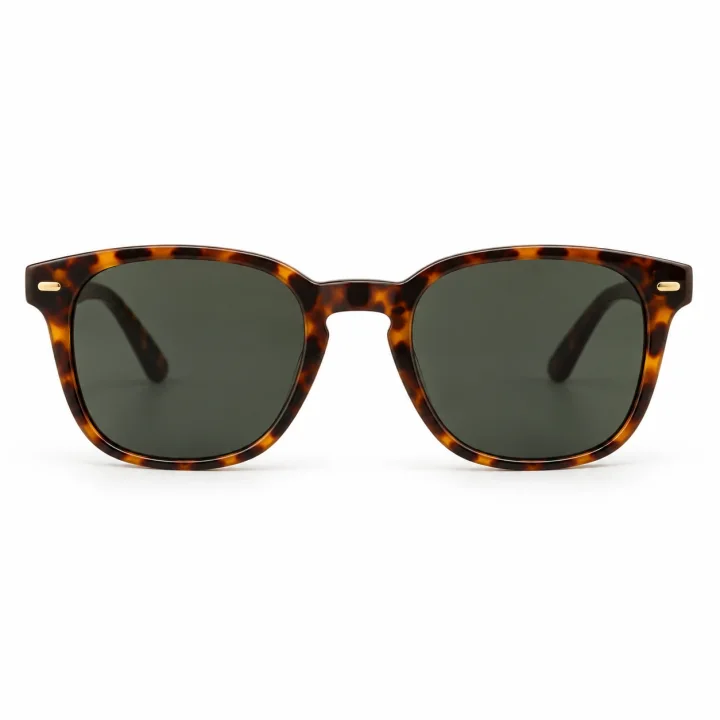
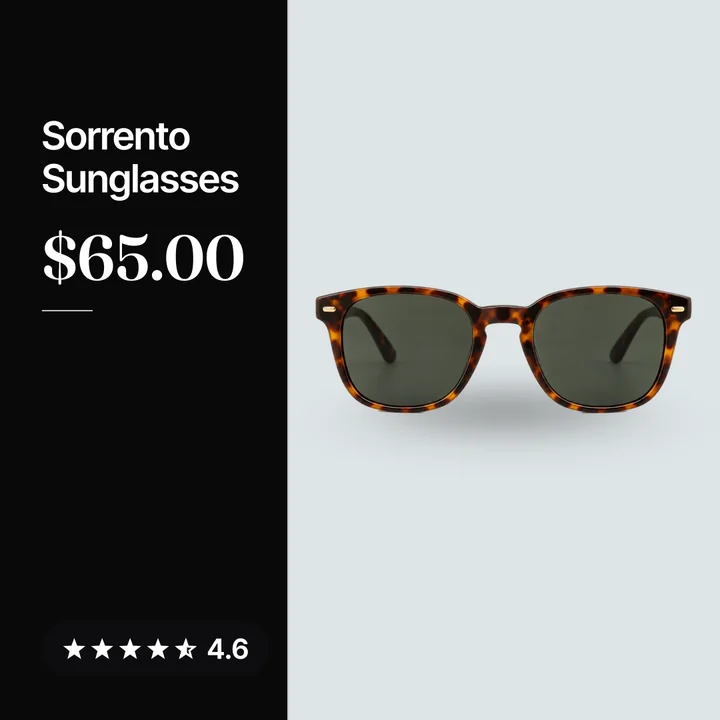
Most catalog ads (also called dynamic product ads, or DPA) look like a shop page. A plain photo, a white square, a name and a price. Nothing on the card says who you are or why to buy now.
You can fix that without a photo shoot. Here are the steps, in the order we would do them.
Steps to make catalog ads look better
- Check what your ads look like now. Open the ad in Ads Manager and look at the preview in each spot it runs.
- Fix the source photos. Each main photo should show the whole product with a clean crop, then set the crop option in Commerce Manager.
- Pick one design per goal. Use a clear layout for sales and a calm one for new buyers, as shown in our catalog ad templates guide.
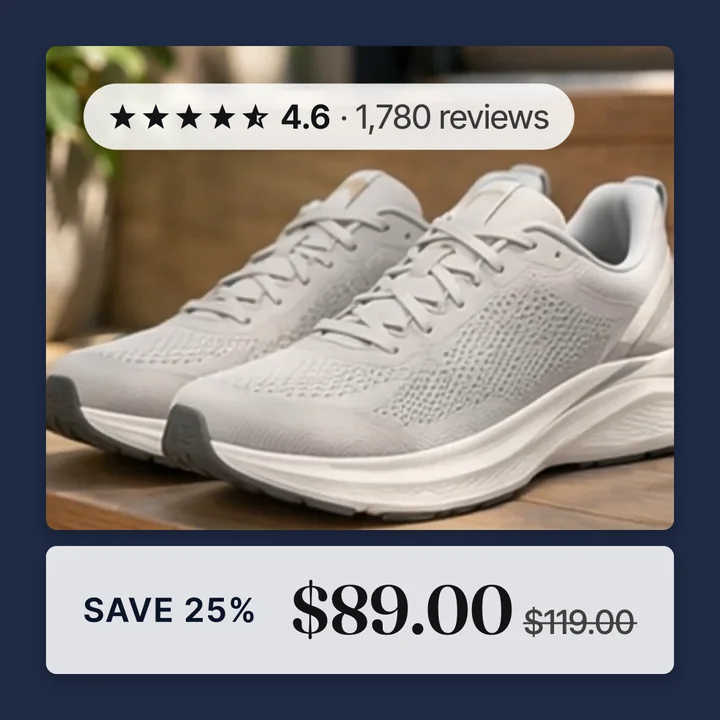
- Add the offer only where it is true. Show the real % off from the compare at price, and follow our sale badges guide.
- Add proof. Put the star rating and review count on the image, in a corner.
- Add your brand. Use your logo or store name and your own colors.
- Put the design into the image through a supplementary feed. Then the ad is not edited, as we explain in does changing catalog images reset learning.
- Give each new image a new URL. Meta needs a different URL to know the image changed.
- Check it in Commerce Manager and in the ad preview. Look at a few products, a sale item and an item with no reviews.
The feed step is the key one. Our page on supplementary feeds on Meta shows how it works.
What better means in a catalog ad
Better does not mean busy. A good catalog card does four things at a glance.
- It shows the product clearly, whole and not covered.
- It says who is selling, with a logo or store name.
- It gives a reason to click now, like a real sale.
- It shows proof, like stars and a review count.
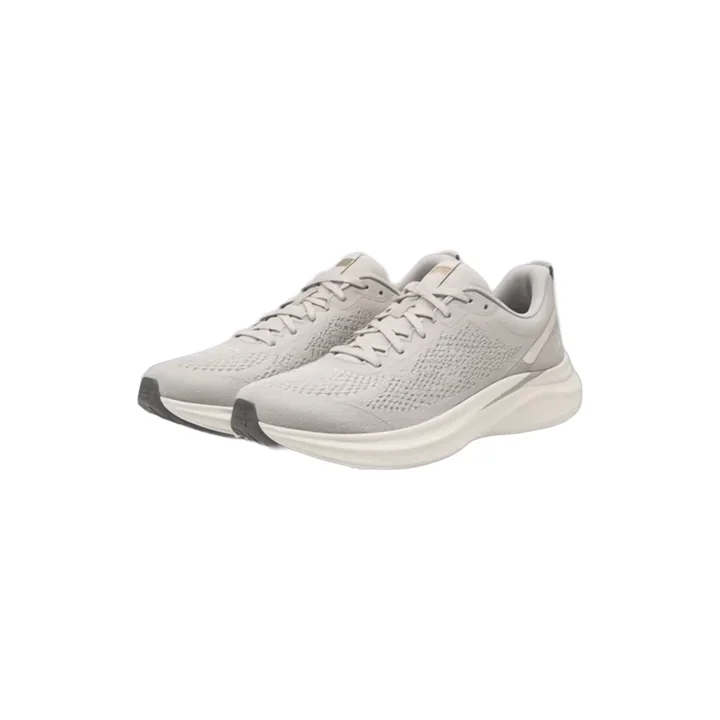
Here is a plain lamp photo from the Northbank Supply catalog, as it comes out of the store.

Here is the same lamp as a side pane card. The pane holds the product name, the price and the star rating. A lifestyle photo sits beside it.

Same lamp, same feed. But now the card gives a price, proof and a reason to look.
Keep the product the star. Meta's own photo advice says a main image should be clear and show the whole product. It also advises against text that covers the product. So put your extras in the corners and edges.
Three ways to make catalog ads look better
You have three real ways to do this. Each one has a cost.
| Way | Where you do it | What it costs you |
|---|---|---|
| Meta's tools on the ad | Frames, overlays or image templates in Ads Manager | A change to the ad, so learning restarts |
| By hand | Design each card, host it, send it to Meta | Hours of work, and cards go stale when prices change |
| Convinci | A supplementary feed that swaps the image | A monthly fee past the free plan |
Meta's tools on the ad. Frames, dynamic overlays and image templates are all set on the ad. Editing the ad is a change to ad creative. Meta lists that as a significant edit, so learning restarts. Frames also end after October 30, 2026. Read Meta catalog ad frames ending if you use them. These tools are free and fine for a new ad you have not launched yet.
By hand. You can design each card yourself, host the images, and send them in with a feed. It works for ten products. It gets hard at a hundred. And every price change or sale means you redo the cards.
Convinci. Convinci builds the cards from your Shopify catalog. It adds your store name or logo, price, a true sale badge and your stars. It then sends only the new images to Meta through a supplementary feed. Your campaigns, ad sets, ads, prices and stock are not touched. Your ad sets stay as they are.
You can see your own products as ad cards in the free preview. No account and no card needed. Plans are on the pricing page, and the Free plan covers 10 product photos.
Mistakes to avoid
These are the ones we see most.
- Text over the product. Keep words off the item. Put badges and stars in the corners.
- Fake discounts. Only show a % off when the compare at price is higher than the price. If there is no real saving, do not invent one.
- Busy layouts. One badge, one proof line, one brand mark. More than that and the product gets lost.
- Stacking Meta overlays on a designed image. If your image already has a price badge, turn off dynamic overlays. Two price tags look like a mistake.
- Forgetting shopping surfaces. Your catalog may also feed Facebook Shop, Instagram product tags and Marketplace. A badge image can show there too. Meta can reject a shop listing with a promo overlay.
Convinci hosts every image and gives you one feed link to paste into Meta. If you sell on those surfaces, turn off the sale badge. If your catalog is only for ads, use any design you like.
Check your work after it goes live
Look at the item in Commerce Manager first. Images usually show there within minutes of a fetch. Meta fetches a scheduled feed at most once an hour, when set to Hourly. In live ads, the new images usually show the same day.
Then open the ad preview again. Check a sale item, a full price item and an item with no reviews. Each should look clean and true.
Want your brand on every card? Read how to add your logo to catalog ads.
Questions
- How do I make my catalog ads look better?
- Use clean photos that show the whole product. Add your brand, a true offer and your reviews to the image, off the product. Send the new images through a supplementary feed so the ad is not edited.
- Can I add my logo to catalog ads?
- Yes. You can put your logo on the image itself, through a supplementary feed. Meta's image templates also let you add an image layer, like a logo, but you pick the template on the ad.
- Will changing my catalog images restart learning?
- Editing the ad is a change to ad creative, which Meta lists as a significant edit. Changing images in the catalog feed is not on that list. Meta also does not promise it never matters.
- How do I create catalog ads on Facebook?
- You need a catalog and a Meta Pixel on your site with the right events. Then create a Sales campaign in Ads Manager, turn on product data, and pick your catalog during setup.
- Should I put a sale badge on every product?
- No. Only show a badge where the sale is real. Convinci shows the true % off when the compare at price is higher than the price, and never invents a discount.
See these badges on your own products before you pay anything.
Try the free previewFree for 10 products. See pricing.

 Your store
 Your card