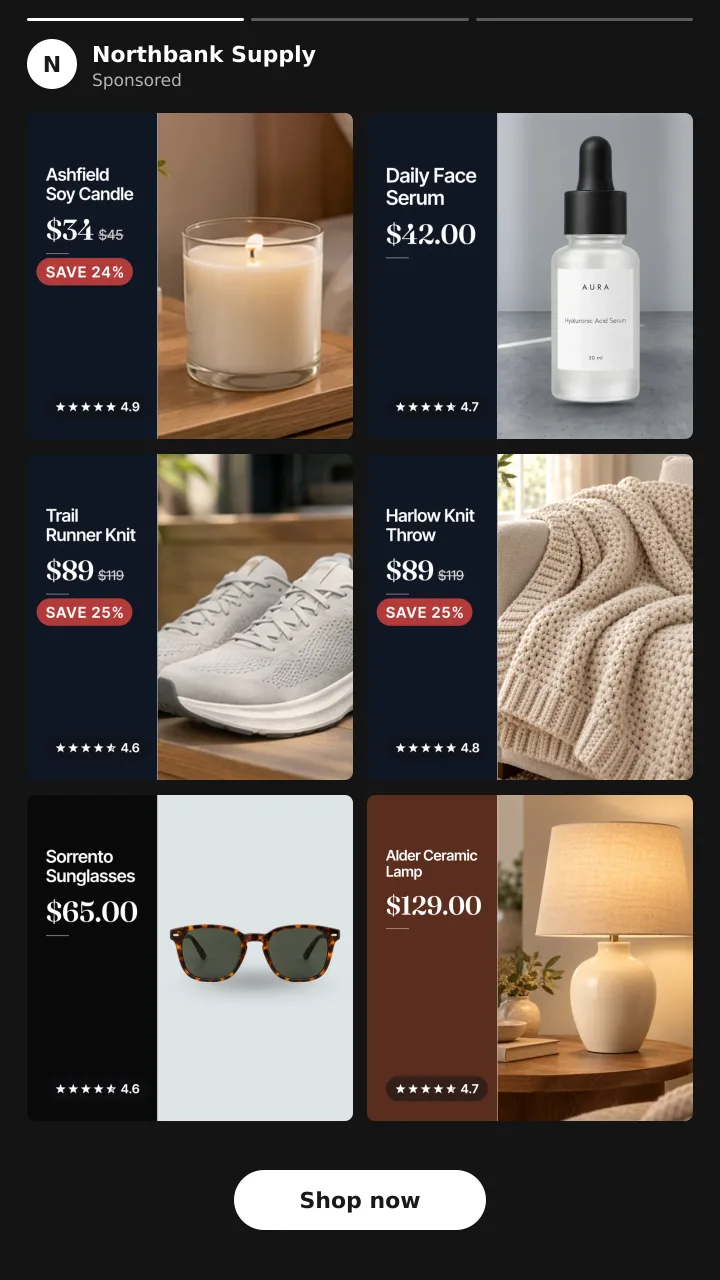
Catalog ads
Catalog ad design: the 7 parts of a catalog ad that sells
Convinci team. Published 2026-10-07, updated 2026-10-07.

A catalog ad (also called a dynamic product ad, or DPA) shows the photo from your product feed. Meta adds the name, the price and a button around it. The photo is the only part you design. So catalog ad design means one thing. It means what you draw onto that photo.
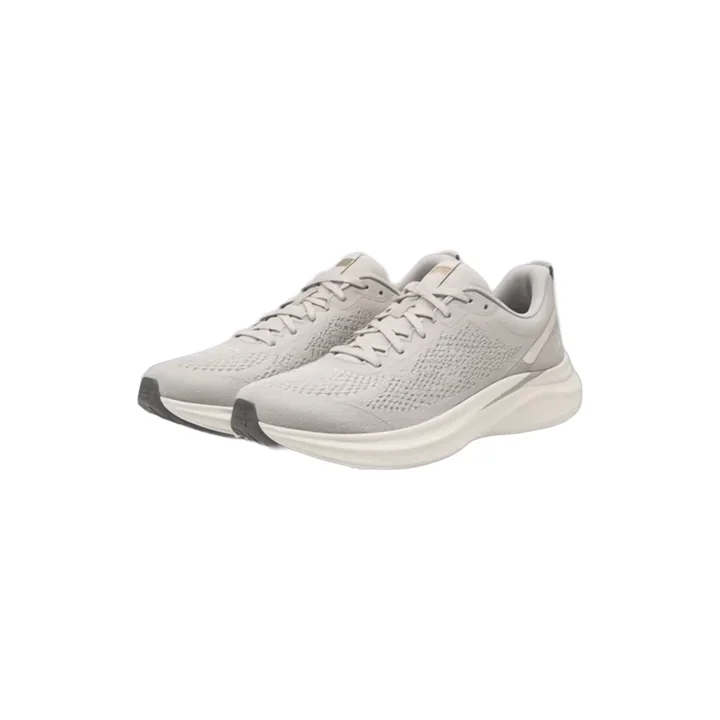
Here is the same running shoe, before and after.
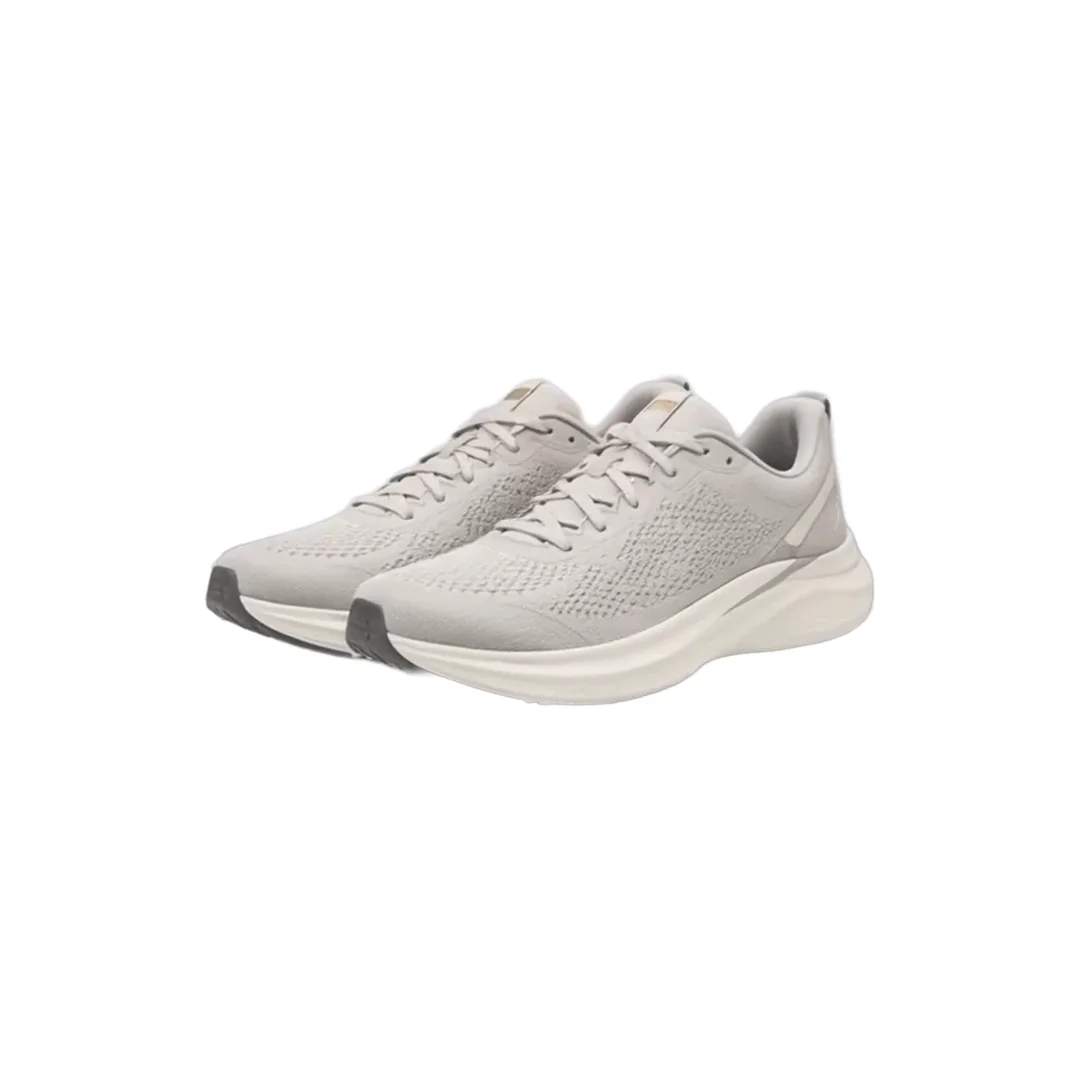

The plain photo says nothing. The designed one says who you are, what it costs, that it is on sale and that people like it. This page breaks that down into seven parts. Then it gives you a checklist and the three ways to get it done.
Why the photo is the whole design
Meta's card around your image is fixed. You cannot move the price line or the button. What you can change is the square in the middle. Meta reads that square from the image_link field in your catalog.
That is good news. You do not need to edit any ad. Change the image in the catalog and every ad that reads it changes too. Read how Shopify product photos become catalog images for the path from your store to the ad.
It also means every product gets the same design. A thousand products, one layout, drawn a thousand times. That is the job a catalog ad design tool does.
The seven parts of a designed catalog ad
Each part below answers one question a shopper has in the half second they give your ad.
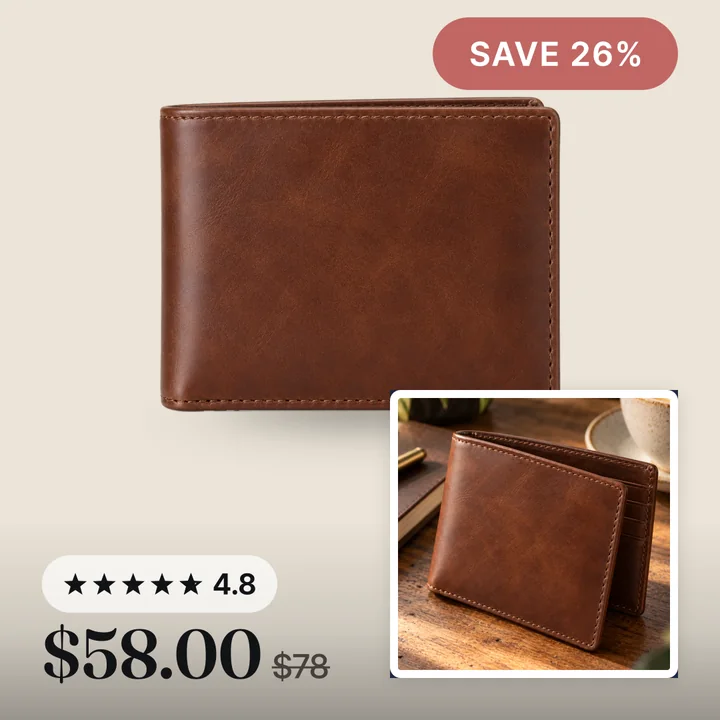
1. A clean crop and ground
Question answered: what is this? The product should fill most of the square. A soft tinted ground or a lifestyle scene beats a hard white box in a dark feed. Meta recommends one ratio across the catalog, 1:1 or 4:5, so nothing gets auto cropped.
2. Your brand mark
Question answered: who is selling this? A small logo or your store name in one corner. Keep it small. The product is the hero, and the mark just signs it.
3. The price
Question answered: can I afford it? Meta already shows the price under the image. Putting it on the image too means it shows on every placement, including the ones where the card is cut short.
4. A true sale badge
Question answered: why now? A badge with the real percent off, read from your compare at price. Never a made up number. When a product is not on sale, the badge should go away, not say SALE anyway. See how to add sale badges.
5. The rating
Question answered: is it any good? A star rating and a review count, drawn where the eye lands. It does the most for a brand the shopper has never heard of.
6. One trust line
Question answered: what if it goes wrong? Free shipping, free returns, or a warranty. One line, not three. Pick the one your customers ask about most.
7. A lifestyle shot
Question answered: what is it like to own? A second photo of the product in use, in a corner or a split. It turns a catalog photo into something closer to a real ad.
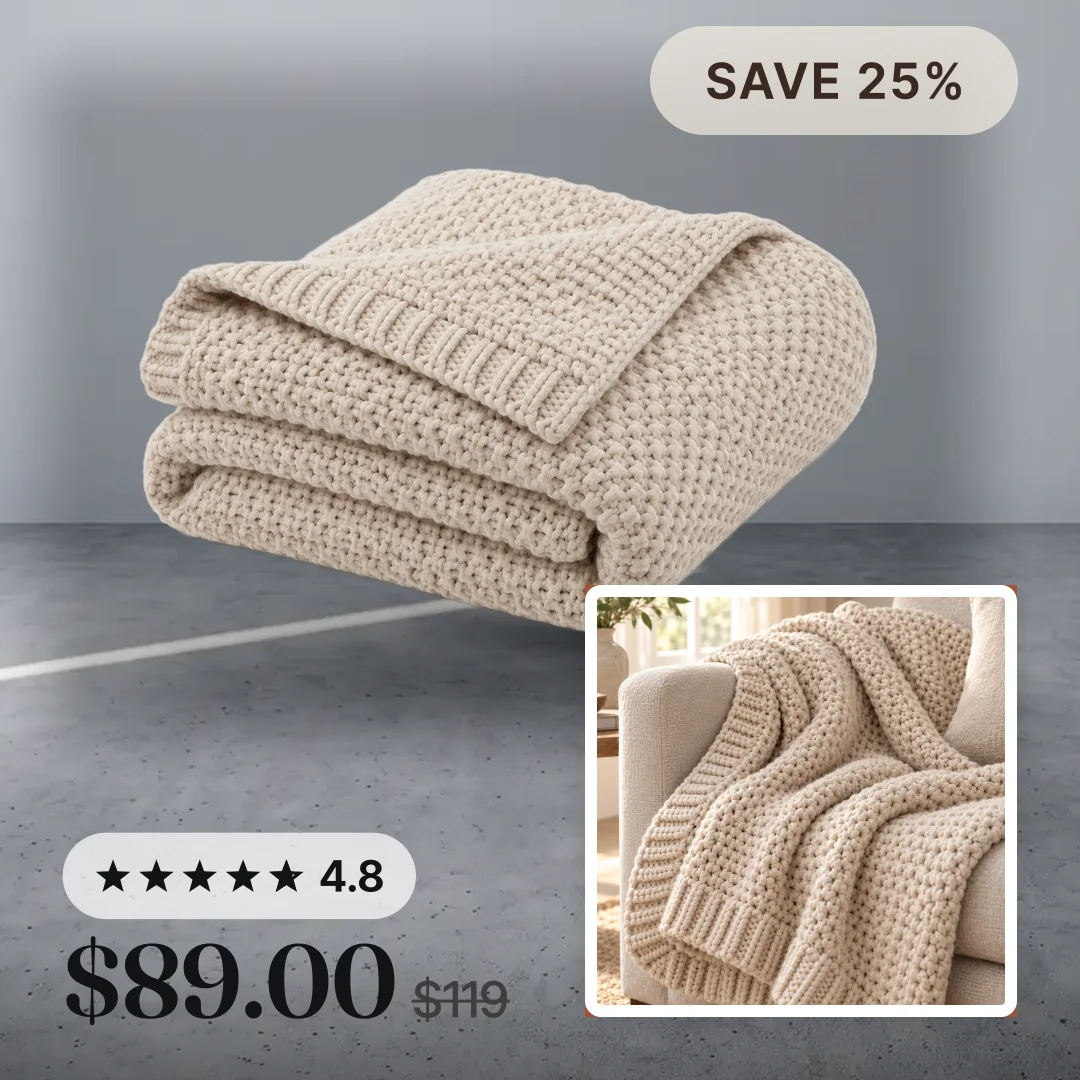
The throw above carries five of the seven. Ground, price, badge, rating and lifestyle shot. The brand mark and the trust line would make seven.
Three layouts that hold all seven
You do not need seven separate overlays. A layout gives each part a home, so the design stays clean. These are the three Convinci draws.
| Layout | Where the parts sit | Best for |
|---|---|---|
| Frame | A border in your colour, rating at the top, badge and price at the bottom | Any product, the safest start |
| Pane | The product on one side, name, price, rating and badge on a dark pane beside it | Long names, plain white photos |
| Four corners | Store name top left, badge top right, rating and price bottom left, lifestyle photo bottom right | Strong photos, big sales |
Read catalog ad templates for when each one fits. For a real store, you set the layout once and it runs across the catalog.
Design rules that keep the ad readable
- Keep text to the corners and the bottom band. Reels and Stories cover the edges with buttons. See image size and specs for the safe zones.
- Use two colours from your brand, not five. One for the badge, one for the frame or pane.
- Make the price the biggest text, then the badge, then the rating.
- Keep the product at least 60 percent of the square. Design around it, never over it.
- Render at 1080 x 1080 or larger. Meta caps files at 8 MB and prefers JPEG. Check a file with the free catalog ad image checker.
- Use one design for lifestyle photos and another for white background shots. They need different grounds.
A checklist to grade your own catalog ad
Open one of your live catalog ads on your phone. Score one point for each line.
- The product fills most of the square.
- Your logo or store name is on the image.
- The price is on the image.
- A sale badge shows the real percent off, and only on sale items.
- A star rating with a review count is on the image.
- One trust line is on the image.
- A lifestyle photo is on the image.
Four or less means your ads look like everyone else's. Seven means the ad does its job before the shopper reads a word of the card.
Three ways to get the design done
By hand. Export each photo, design it in a graphics tool, upload it again. Fine for ten products. Not for a catalog. See Convinci vs doing it in Canva.
Meta's own tools. Dynamic overlays put a price label on the image on Facebook Feed. Image templates let you build a layout in Commerce Manager, where the feature has reached your account. See Convinci vs Meta's catalog ad editor.
A catalog ad design tool. Convinci reads your Shopify store, draws the seven parts onto every product and gives you one feed link for Meta. Your ads are not edited, so learning is not touched. Paste your store link into the free preview to see your own products designed. Plans are on the pricing page.
Questions
- What is catalog ad design?
- Catalog ad design is the layout drawn onto each product photo in your catalog. Meta shows that photo in every catalog ad. So the design is what makes a plain feed image look like your brand made it.
- Does designing catalog images reset the learning phase?
- Changing the image in the catalog is not an edit to the ad. Meta lists changes to ad creative as significant edits, and does not list catalog item updates. Read [does changing catalog images reset learning](/learn/does-changing-catalog-images-reset-learning) for the full answer.
- What size should a designed catalog ad be?
- Render at 1080 x 1080 pixels or larger, as a JPEG under 8 MB. Use the same ratio for every product, 1:1 or 4:5, so Meta does not auto crop a carousel.
- Should the sale badge show on every product?
- No. Show the real percent off on products with a compare at price, and no badge on the rest. A badge on everything stops meaning anything, and a made up discount can get an ad rejected.
- Can I design catalog ads without a designer?
- Yes. Pick a layout, your colours and your logo once. A tool draws it onto every product. Convinci starts from the colours and logo on your home page, and the free plan covers 10 products.
See these badges on your own products before you pay anything.
Try the free previewFree for 10 products. See pricing.