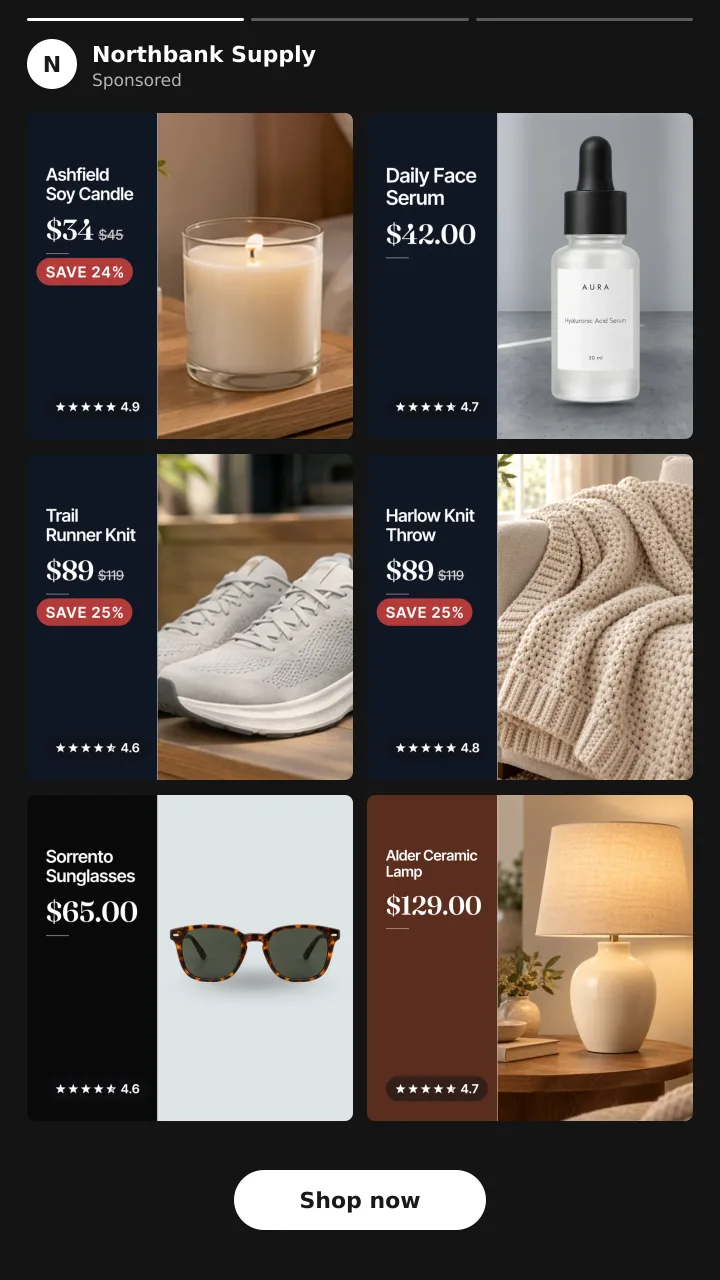
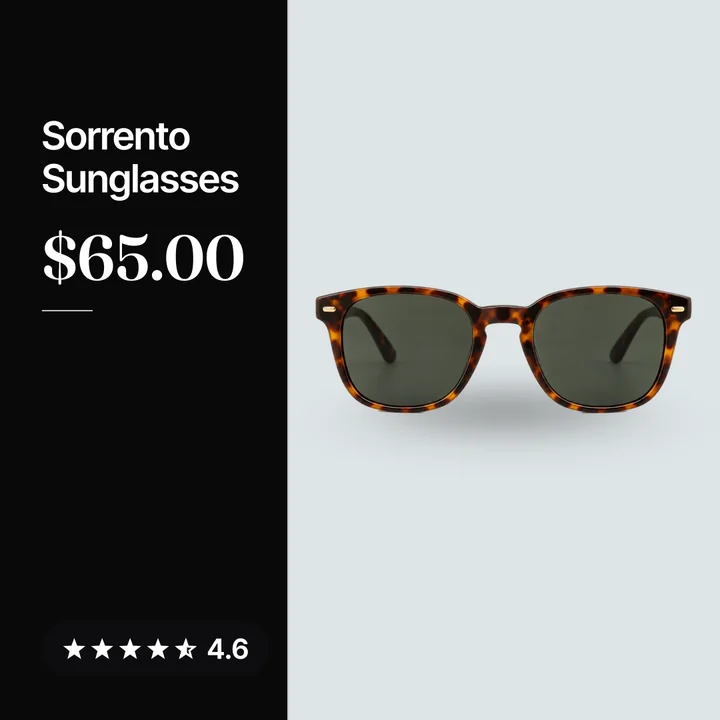
Catalog ads
What are dynamic product ads (DPA)? Meta catalog ads explained
Convinci team. Published 2026-09-26, updated 2026-09-26.
DPA stands for dynamic product ads. It is the old name for Meta's catalog ads. You set up one ad, and Meta fills it with products from your store. Each person sees different products, based on what they looked at or did.
If you sell on Shopify and run Meta ads, you have likely seen these. They are the ads that show the exact item a shopper left in their cart. Here is how they work, what you need, and why they often look so plain.
What DPA means and what Meta calls it now
DPA is short for dynamic product ads. People also say dynamic ads, catalog ads or Facebook catalog ads. They all mean the same thing.
Meta now calls them Advantage+ catalog ads. The About Advantage+ catalog ads page says they were formerly called dynamic ads. So if you read an old guide about DPA, it still applies. Only the name changed. For more on the new name and flow, see Advantage+ catalog ads explained.
How dynamic product ads work
Three parts work together.
- Your catalog. This is a list of your products, with a title, price, link and image for each one.
- Your pixel. The Meta Pixel on your site sends events, like a view or an add to cart.
- One ad. You build a single ad that works as a template. Meta drops products into it.
Meta's own words: these ads "automatically show people the most relevant products or services from your catalog based on their interests, intent and actions online."
The page also says they "look like other single image, carousel or collection ads" to the shopper. The difference is that the products "are dynamically displayed for each person" by Meta. It uses events from your pixel or app SDK, plus its own signals, to pick them.
So you do not make one ad per product. You make one ad, and Meta picks the products per person.
What you need to run them
Meta lists the setup on its requirements page. In short, you need:
- A catalog with your products in it.
- A Meta Pixel on your site, or the SDK in your app, sending the right events.
- A product set, which is the group of catalog items the ad can show.
For a Shopify store, the catalog usually comes from the Facebook and Instagram by Meta sales channel. It keeps your products in sync. See connect Shopify to a Meta catalog for the steps.
Retargeting, prospecting and cross sell
Meta lists three main ways to use these ads.
- Retargeting. Show people the products they viewed or added to cart but did not buy. This is the classic use.
- Prospecting. Find new customers who have never been to your store. Meta picks products they are likely to want.
- Cross sell or upsell. Show past buyers items that go with what they bought, or a better version.
Most stores start with retargeting. It is the easiest win, since the shopper already knows you.
What the shopper sees
The ad can run in three formats.
| Format | What it looks like |
|---|---|
| Single image | One product, one picture |
| Carousel | Several products the shopper can swipe through |
| Collection | A cover up top with products below it |
The picture for each product comes from the image_link field in your catalog. That is the main image from your store. Extra images can come from additional_image_link. Meta can also show product videos.
This is the key point. Whatever sits in image_link is what the shopper sees in the ad.
Why they often look plain
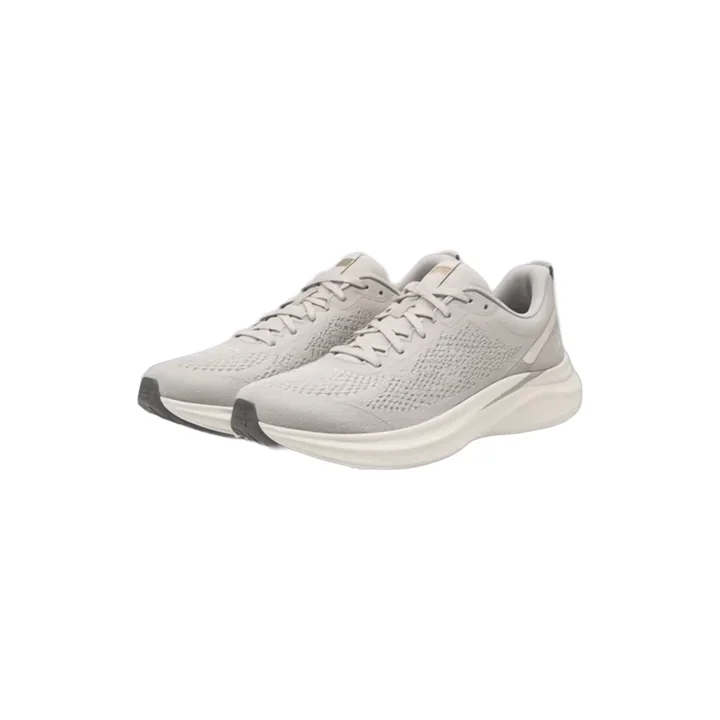
Most stores shoot product photos for a product page. That means a plain item on a white background. It works on your site, where the title and price sit next to it. In a busy feed, it looks like every other plain ad.
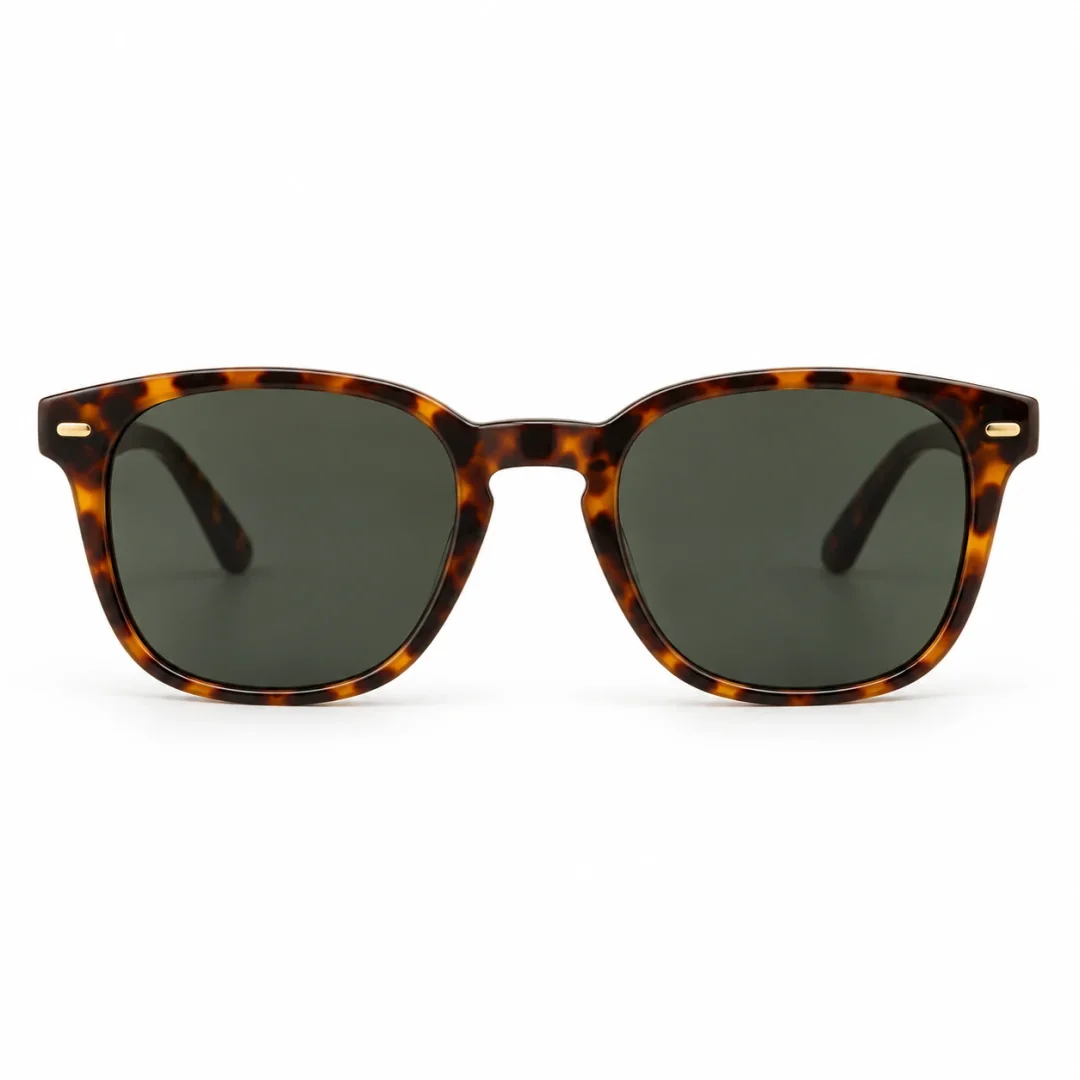
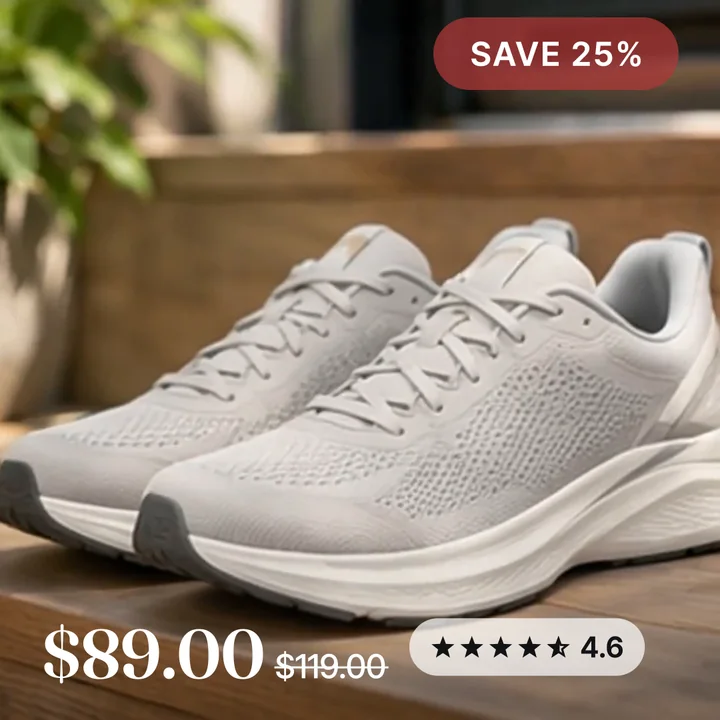
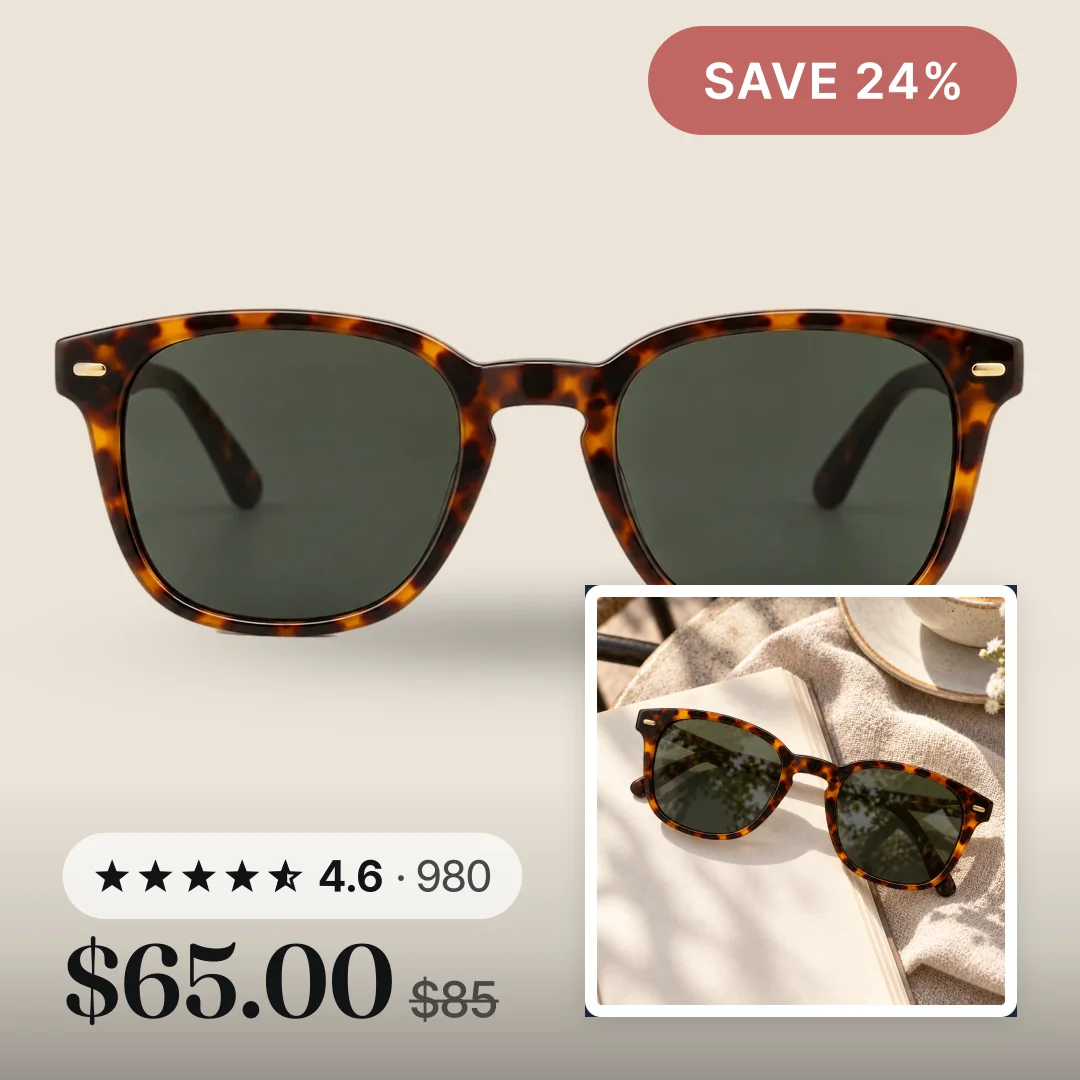
That is what most catalog ads show. Here is the same photo with a real sale badge, the rating, the sale price and a lifestyle photo added.
There is also no store name, no sale badge and no reviews on the picture. The shopper cannot tell who is selling or why to click now. We cover all the causes in why dynamic product ads look bad.
How to fix the look
Since the ad shows whatever is in image_link, the fix is a better image in the feed. You can add your store name, the price, a sale badge and a star rating to each product picture.
You can do this by hand, with Meta's own tools, or with an app. How to make catalog ads look better walks through each way. Catalog ad templates shows designs you can use.
Convinci does it for Shopify stores. It builds a branded card for each product and sends it to Meta in a supplementary feed. Your ad is not edited, and your ad sets stay as they are. Take a plain brown wallet on white. After, it sits in a navy frame with the star rating, the sale price and a SAVE 26% badge.
Paste your store link into the free preview to see your own products this way. No account or card needed. Plans are on the pricing page.
Next, read catalog ads for retargeting vs prospecting and how many products catalog ads need.
Questions
- What does DPA stand for?
- DPA stands for dynamic product ads. It is the old name for Meta's catalog ads, which Meta now calls Advantage+ catalog ads. The ads work the same way under both names.
- Are dynamic product ads the same as catalog ads?
- Yes. Dynamic product ads, dynamic ads, catalog ads and Advantage+ catalog ads all mean the same thing. They are ads that pull products from your catalog and pick them for each person.
- Do I need a pixel to run dynamic product ads?
- Yes. Meta needs a Meta Pixel on your site, or the SDK in your app, sending the right events. Without them, Meta cannot tell which products a person viewed or added to cart.
- Where does the picture in a catalog ad come from?
- It comes from the `image_link` field in your catalog. For most Shopify stores, that is the main product photo from your store. Change that image in the feed and the ad shows the new one.
- What is a DPA?
- A DPA is a dynamic product ad, Meta's name for a single ad that shows different products from your catalog to each person. Meta now calls the same ad an Advantage+ catalog ad, so DPA and catalog ad mean the same thing.
- Can dynamic product ads find new customers?
- Yes. Meta lists prospecting as one use, next to retargeting and cross sell. The ad shows products to people who have not visited your store but are likely to want them.
See these badges on your own products before you pay anything.
Try the free previewFree for 10 products. See pricing.