Product feeds
Why did only one product variant get the new image?
Convinci team. Published 2026-10-08, updated 2026-10-08.
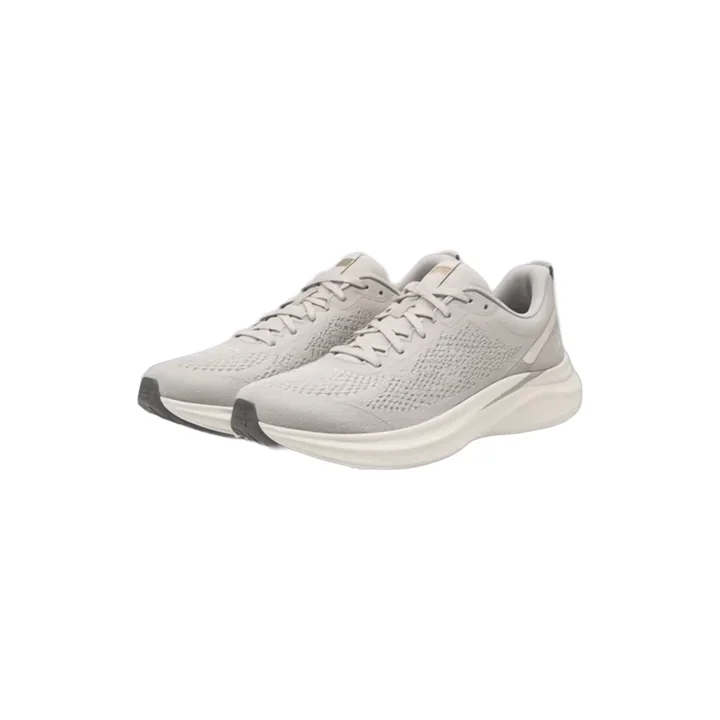
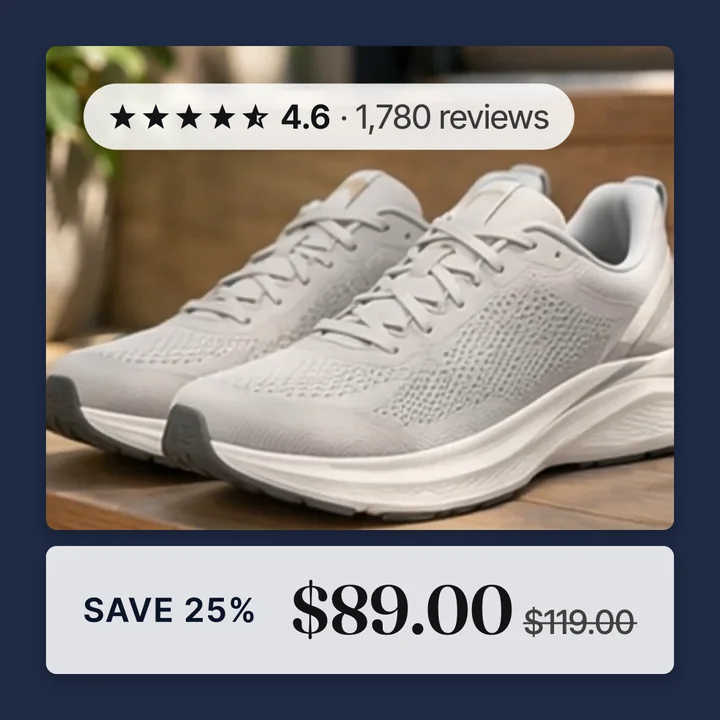
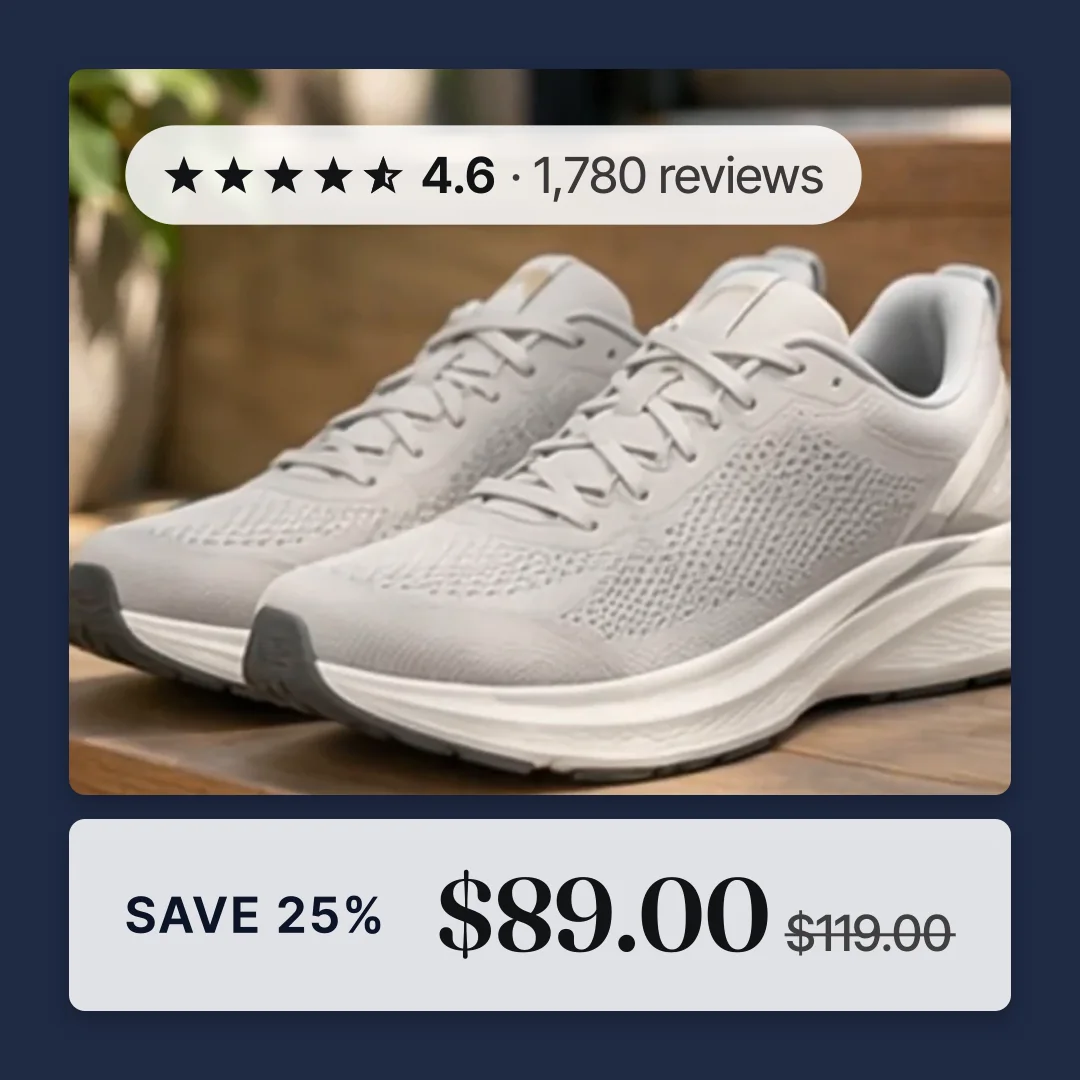
This is the most common surprise after adding a Convinci feed. The upload finishes with no errors. One product shows the new badged image. The rest of that product's variants, and most of the catalog, still show the old plain photo.
It is not a failed upload. It is a ranking problem, and it has a short, fixed list of causes.
Why it happens
A catalog item can have more than one source trying to fill in the same field. For Image, that is usually your Convinci feed and Meta's own website crawl, a feature Meta calls automatic product updates. Meta does not merge the two.
It picks one source per attribute, for the whole catalog, by a rank order you set in Commerce Manager. A new supplementary feed does not automatically take the top spot. It usually lands at the bottom of the list instead.
If the website crawl was already ranked above it, Facebook keeps showing whatever that crawl found. That happens on every variant the crawl has a picture for. The one variant that did pick up Convinci's image is usually one the crawl had not reached yet, which is why only one looked different.
The fix, in Commerce Manager
Both settings below are in Commerce Manager. Neither can be set through an app's connect button or an API call, Convinci's included. Meta does not expose either one that way, to any app.
- Click Data sources. Press the gear icon, then Configure data sources, then Prioritize data sources for attributes.
- For Image, Additional image link and Video: move your Convinci feed to the top.
- Click Settings, then Catalog. Turn off automatic updates from your website.
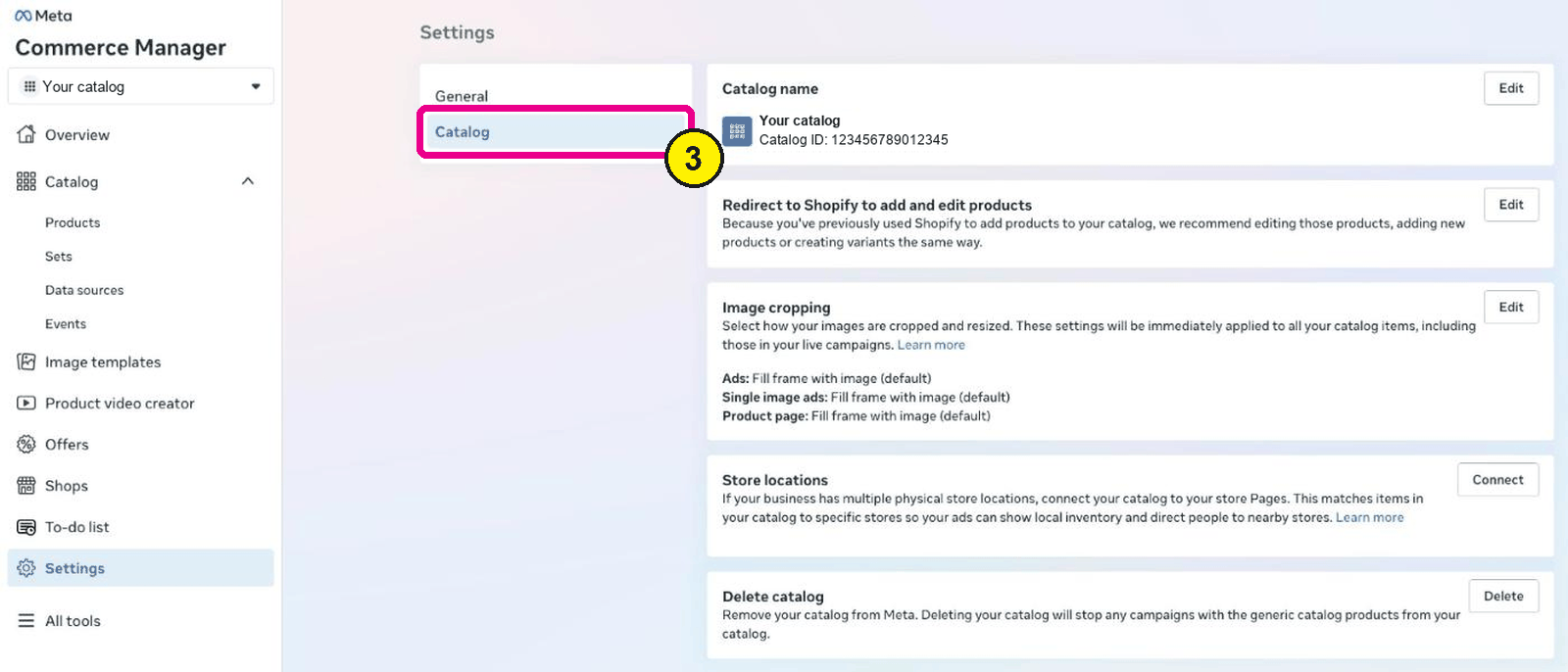
Commerce Manager, Settings, Catalog. Screens as of Oct 2026. - Go back to Data sources, find your Convinci feed, and press Update.
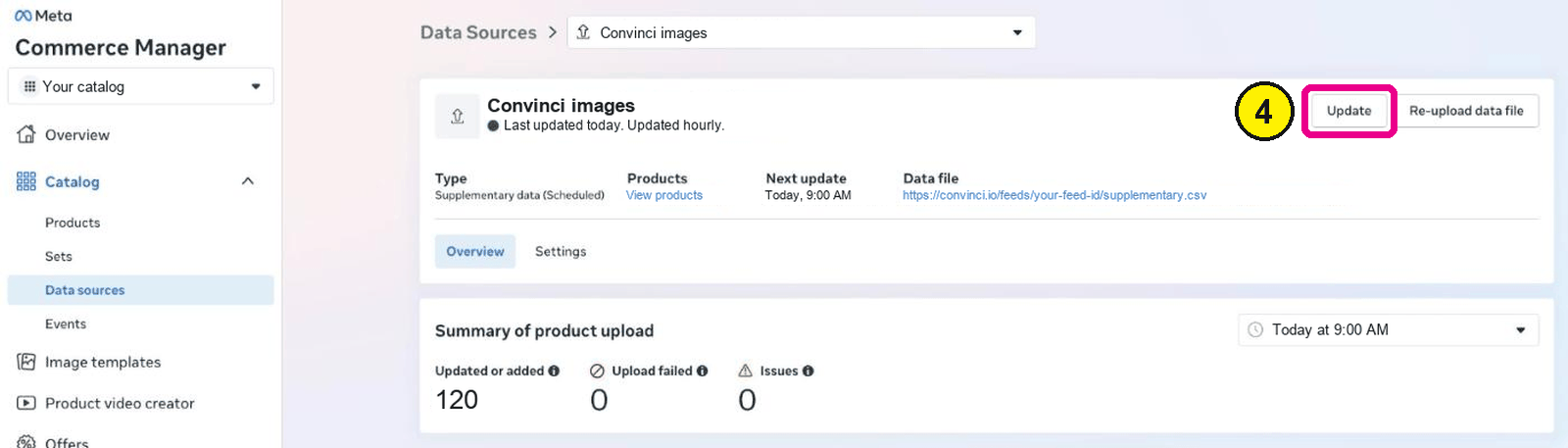
Commerce Manager, Catalog, Data sources, your feed.


Step 4 matters. A ranking change only applies the next time Facebook reads your feed. Pressing Update tells it to read now, instead of waiting for the next scheduled fetch. See how to request a Meta catalog update for what that button does.
Read data source priority explained for what the ranking screen controls across every attribute. Read turning off automatic website updates for what that toggle stops, and why it should stay off.
Why one variant looked fine
It is tempting to read one correct variant as proof the feed is working everywhere. It only proves the feed matched that one item, usually because the competing source had nothing for it yet. The other variants are still waiting on the same ranking fix.
What to check after
Open one product in Commerce Manager, under Catalog, then Products. Confirm it shows the new image. Check a few more, not just the one that already worked, since a single good result can hide a ranking problem on the rest.
Questions
- My feed uploaded fine. Why is the picture wrong?
- A clean upload only means Meta received your feed. It does not mean your feed is the source Meta uses for Image. Check the ranking under Data sources.
- Does this only affect images?
- It affects whichever attribute has more than one source fighting for it. For most stores that is Image and Additional image link.
- Why did one variant change and not the rest?
- The variant that changed is one the other source had not filled in yet. Moving your feed to the top stops this across the whole catalog.
- Can I set this from an app instead?
- No. Meta does not publish an API for data source priority. It is a Commerce Manager setting only, for every app including Convinci.
- Will this fix itself over time?
- No, not reliably. The website crawl can run again and win the same products back. Set the ranking and turn off the crawl rather than waiting it out.
- Does the fix apply to every product at once?
- Yes. Ranking is set for the whole catalog, not product by product. Once you move your feed to the top, every product it covers picks up the change.
See these badges on your own products before you pay anything.
Try the free previewFree for 10 products. See pricing.
 Your store