Catalog ads
Meta's free catalog ad (DPA) templates, and where they stop
Convinci team. Published 2026-09-11, updated 2026-09-11.


Before you build anything, switch these on. They are free and supported by Meta. On a catalog that has never had an overlay, they beat a bare product shot.
Then read the limits, because they are the reason most stores end up rendering their own.
What you get
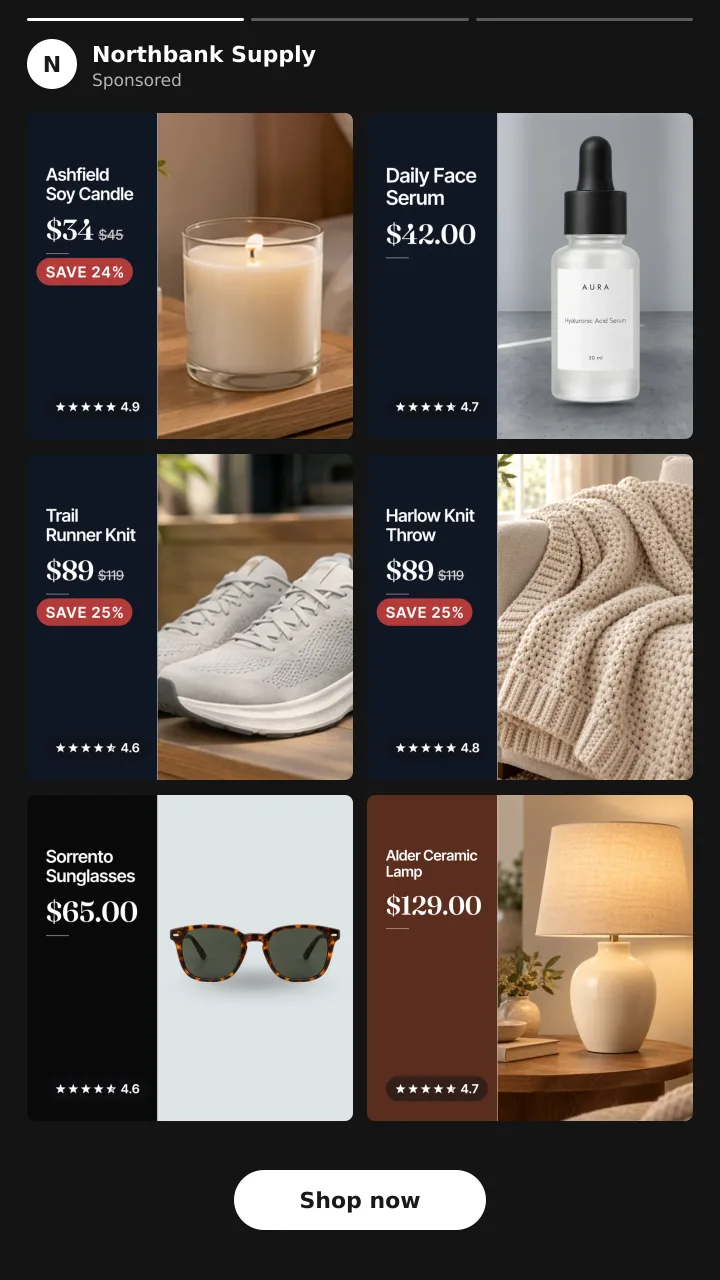
Meta offers a small set of labels it draws on the product image in a catalog ad (also called a dynamic product ad, or DPA):
- A price drop tag, showing the old price crossed out or a percentage off.
- A free shipping tag.
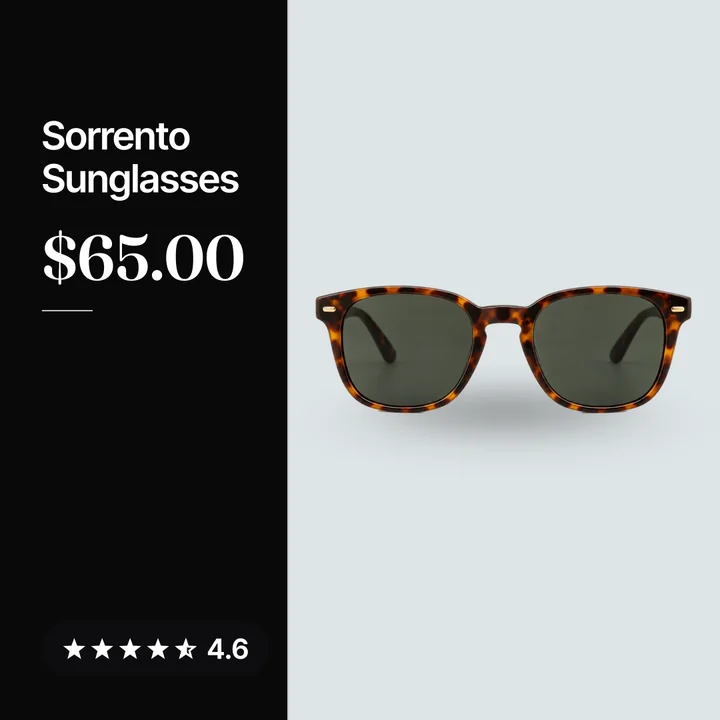
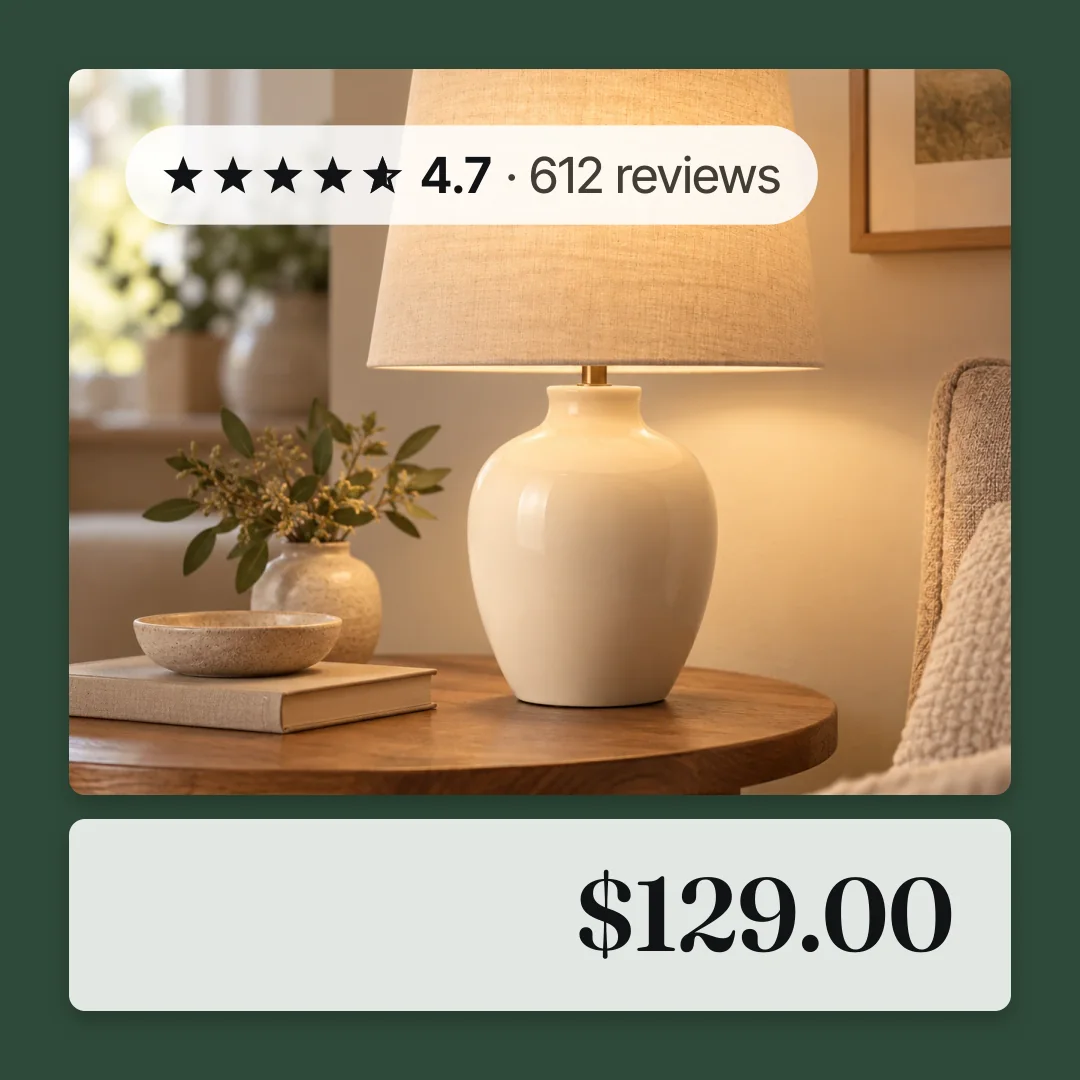
- A star rating with a review count.
- A simple frame or background colour behind the card.
Each one is driven by a field in your feed. The price drop tag needs sale_price lower than price. The shipping tag needs shipping data. The rating needs review data connected to the catalog.
You choose a shape, a corner and a colour from a short list, and Meta applies it to every product in the set.
How to switch them on
- Open Ads Manager and edit the ad in a catalog sales campaign.
- Find the creative section for the catalog ad.
- Look for information labels, overlays or creative tools, depending on which version of the interface you have.
- Pick a label type, a shape, a corner and a colour.
- Preview two or three products, because the corner you picked may sit on the product in some shots.
- Publish and check delivery the next day.
If the label does not appear, the feed is the first place to look. A price drop tag with no sale_price in the feed has nothing to draw.
Where they stop
You cannot set the wording. The label says what Meta decided it says. If your offer is 2 for 1 or Extra 10% at checkout, there is no way to put that on the card.
You cannot use your type or your colours properly. There is a colour picker, and that is the end of it. The shape, the font and the placement are fixed, so your card looks like every other card using the same label.
There is no brand mark. Nothing on a catalog card says who is selling, and the free labels do not change that. For a store a shopper has not heard of, that is the biggest gap on the card.
They cannot fix the image. A white background pack shot with a small grey tag in the corner is still a white background pack shot. If the reason your catalog ads underperform is the image itself, a label does not touch it. See why dynamic product ads look bad.
Free labels against rendered creative
| Meta's free labels | Rendered creative | |
|---|---|---|
| Cost | Free | A tool or an afternoon per sale |
| Setup | Minutes | Hours the first time |
| Wording you control | No | Yes |
| Your type and colours | No | Yes |
| Brand mark on the card | No | Yes |
| Changes the background | No | Yes |
| Rating and shipping together | Rarely | Yes |
| Works at 1,000 products | Yes | With a renderer |
Our recommendation
If you have never run any overlay, switch the free labels on this week and leave them for a month. They cost nothing and they will tell you whether overlays move your numbers at all.
If they do move your numbers, rendered creative is worth building. Everything the free labels do badly is a thing rendered creative does well. If they do not move your numbers, your problem is somewhere else. It is probably the audience or the offer, and creative work will not fix it.
Catalog ad templates covers the five layouts worth rendering and how to pick one. Our own pricing is on the home page, and the free preview needs no account.
To see your own products with a branded badge, a rating and a shipping line drawn on them, paste your store URL into the preview.
Questions
- Are Meta's catalog ad templates free?
- Yes. The information labels and frames are part of Ads Manager and cost nothing beyond the ad spend.
- Can I change the text on a price drop label?
- No. The wording is fixed and generated from your feed prices. If you need your own wording, the graphic has to be on the image you supply.
- Why is my price drop label not showing?
- The feed needs a `sale_price` lower than `price`, currently in effect. Check the product in Commerce Manager rather than in your store admin.
- Do the free labels work with Advantage+ catalog ads?
- Yes. They are applied at the ad level to the catalog creative, so they follow the campaign type.
- Do overlays reduce reach or delivery?
- No. An information label is a Meta feature applied at delivery. What can hurt delivery is a badge on your own image that breaks ad policy, such as one covering the product.
- Should I use free labels and my own badges together?
- Usually not. Two overlays on one small card is clutter, and the fixed label rarely matches the style of your own graphic.
See these badges on your own products before you pay anything.
Try the free previewFree for 10 products. See pricing.