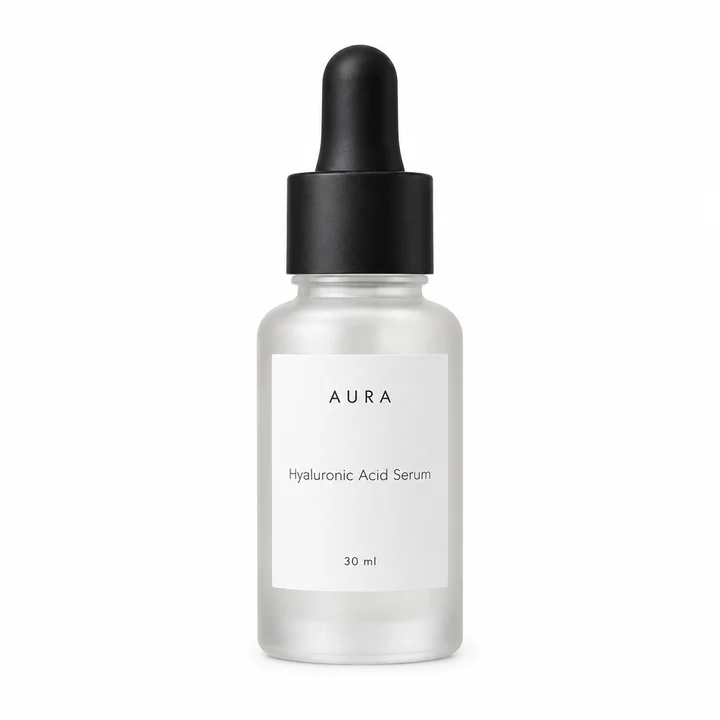
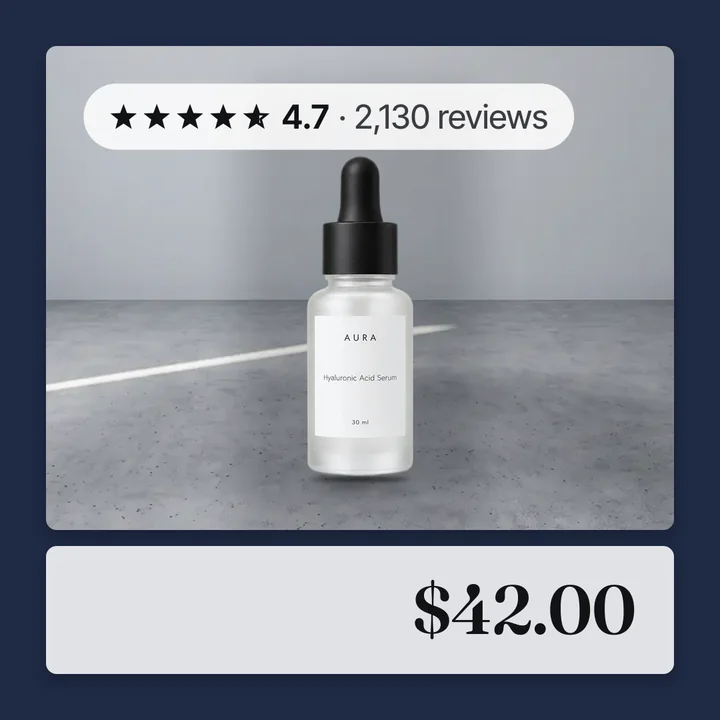
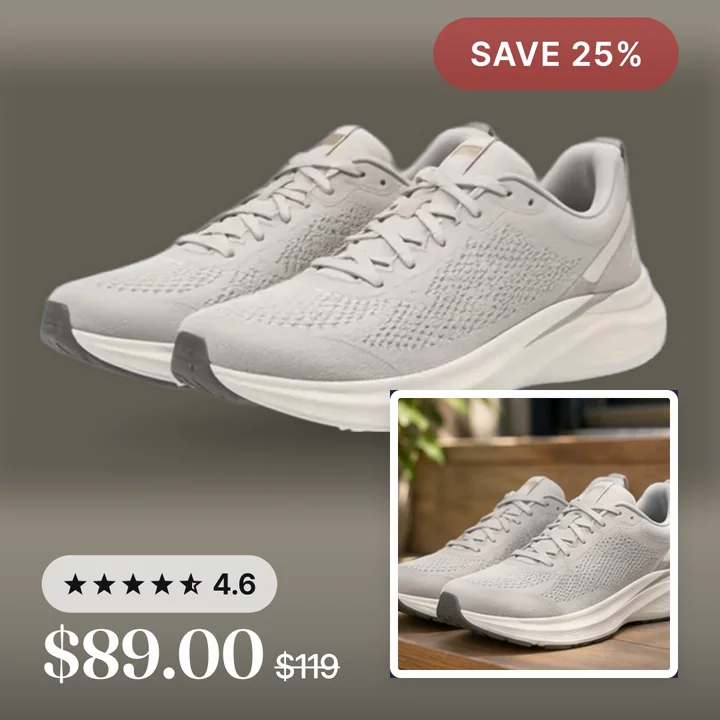
Product feeds
Per-colour product images in Meta catalog ads
Convinci team. Published 2026-10-08, updated 2026-10-08.
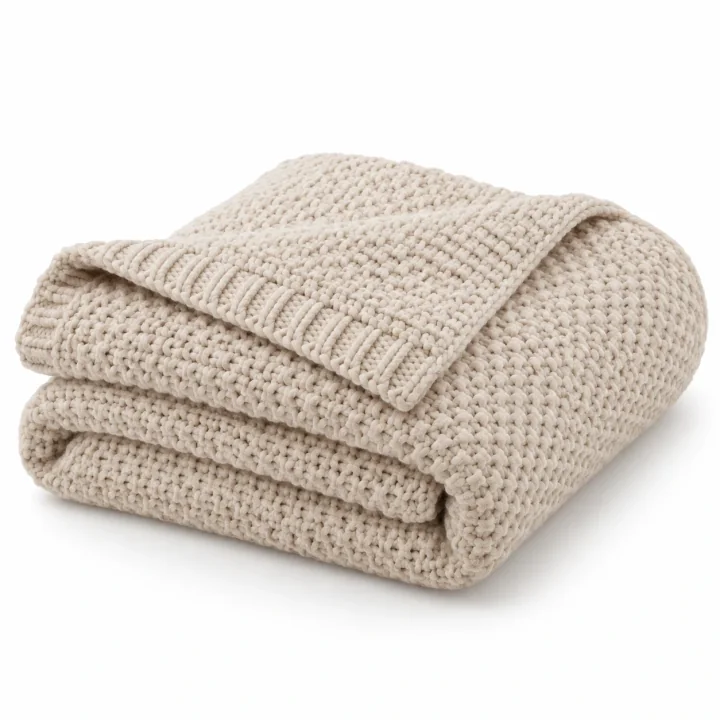
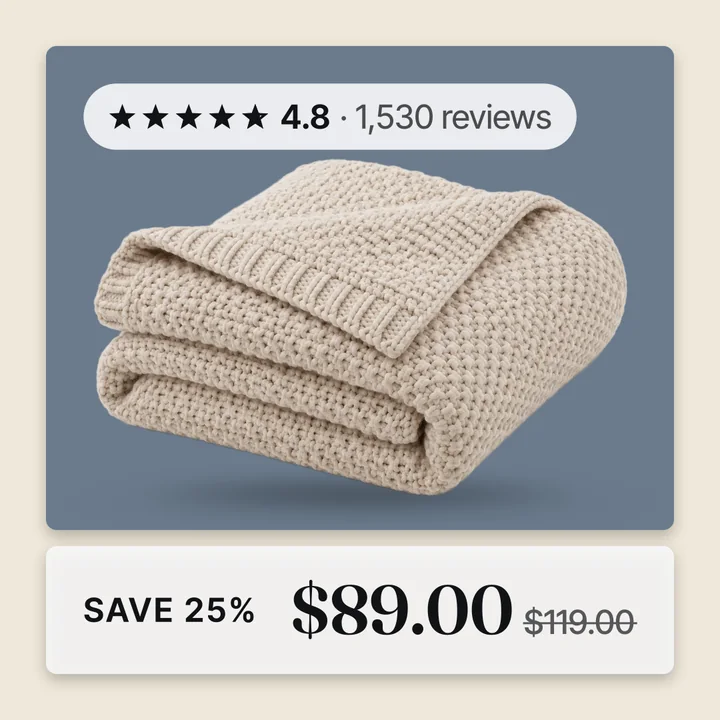
A catalog ad usually runs at the variant level, not the product level. If a shirt comes in three colours, Meta can show any of the three as its own ad.
Until a card exists per colour, all three show the same picture. The product's main photo, even though the store itself has a different photo for each one.
What changed
After a rebuild, a variant whose colour has its own photos gets a card built from those photos. Not the product's shared main image. A customer shown the green version of a product sees a green catalog card, not whatever colour happened to be first in the gallery.
What it needs
This only works where your store's own data ties a photo to a colour. Convinci checks, in order: an image explicitly tagged to that variant, then an image whose name matches the colour, then the normal gallery pattern.
In the gallery pattern, a colour's photos run together starting from its own featured shot. Shared photos, like a lifestyle shot or a size chart, are used on every colour's card alongside its own photos.
If a product's colours do not have separate photos to begin with, there is nothing to build a separate card from. That product keeps one shared card, the same as before, rather than a guess at a split that is not really there.
Where this matters most
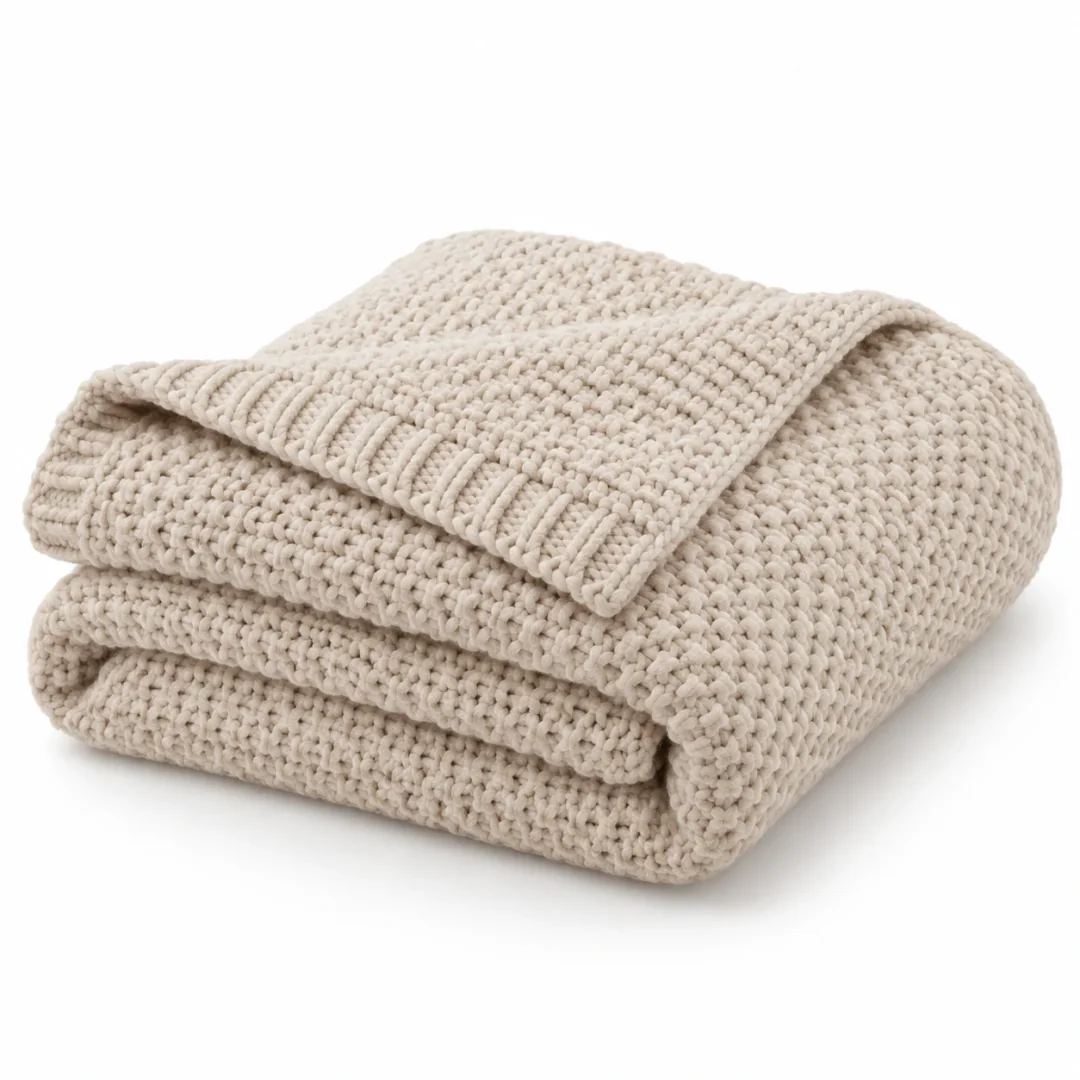
Colour splits matter most for products where the picture is the point: clothing, home decor, and anything sold by look rather than by spec. A store selling weighted blankets in six colours gets the most value here. A shopper who clicked a specific colour expects to see that colour next, not a different one.
Options that do not change the photo, like size, stay on the shared card either way. Splitting by size would not change what the shopper sees, so Convinci does not try to.
Where to check it
Review your products in your Convinci account before making a design live. A product with separate colour photos shows a different card per colour there. Flip through its variants to see each one.
If a colour you expected to differ still shows the shared image, its photos may not be linked clearly enough. Check that the colour's photos sit together in the gallery, or carry the colour's name somewhere Convinci can read.
A note on rebuilds
The split only shows up after a rebuild, not the moment you add a new photo to a colour in your store. If you add photos for a colour that previously had none, give your next scheduled rebuild time to run. Then check the card again.
A note on new products
A product added to your store after the last rebuild starts out on the shared card rule. That is the same as any product with no variant signal yet. Its own colour split only appears once a rebuild has had a chance to read its photos.
Questions
- Does every product get a card per colour?
- Only products where the colours actually have separate photos in your store. A product with one shared photo set keeps one card.
- What about options like size?
- Size usually does not change the picture, so it stays on the shared card. The split applies to whichever option actually has different photos.
- What if a colour has fewer photos?
- It still gets its own card, built from the photos it has. Where a slot has no photo, Convinci falls back to a shared one.
- Do I need to set this up manually?
- No manual mapping is needed. Convinci reads the links your store's own data already has. With no such signal, a product gets one shared card.
- Can one colour borrow another colour's photo?
- No. A colour's card never shows another colour's picture. It falls back to a shared photo instead, never a different colour's own shot.
- Does this work for options beyond colour?
- It can, for any option where the photos genuinely differ by value, like a distinct style or pattern. Size and other options that do not change the picture are left on the shared card.
See these badges on your own products before you pay anything.
Try the free previewFree for 10 products. See pricing.