Catalog ads
How to create product sets for Meta catalog ads (DPA)
Convinci team. Published 2026-09-26, updated 2026-09-26.
A product set tells a catalog ad (also called a dynamic product ad, or DPA) which products it may show. Every catalog starts with one set, All products. You can make as many more as you like.
Most stores need only a few. This page shows how to make one, and which ones are worth making. Every step follows Meta's product sets help page.
Steps to create a product set
- Go to Commerce Manager and select your catalog.
- Open the Catalog tab and go to Sets. Click Create set.
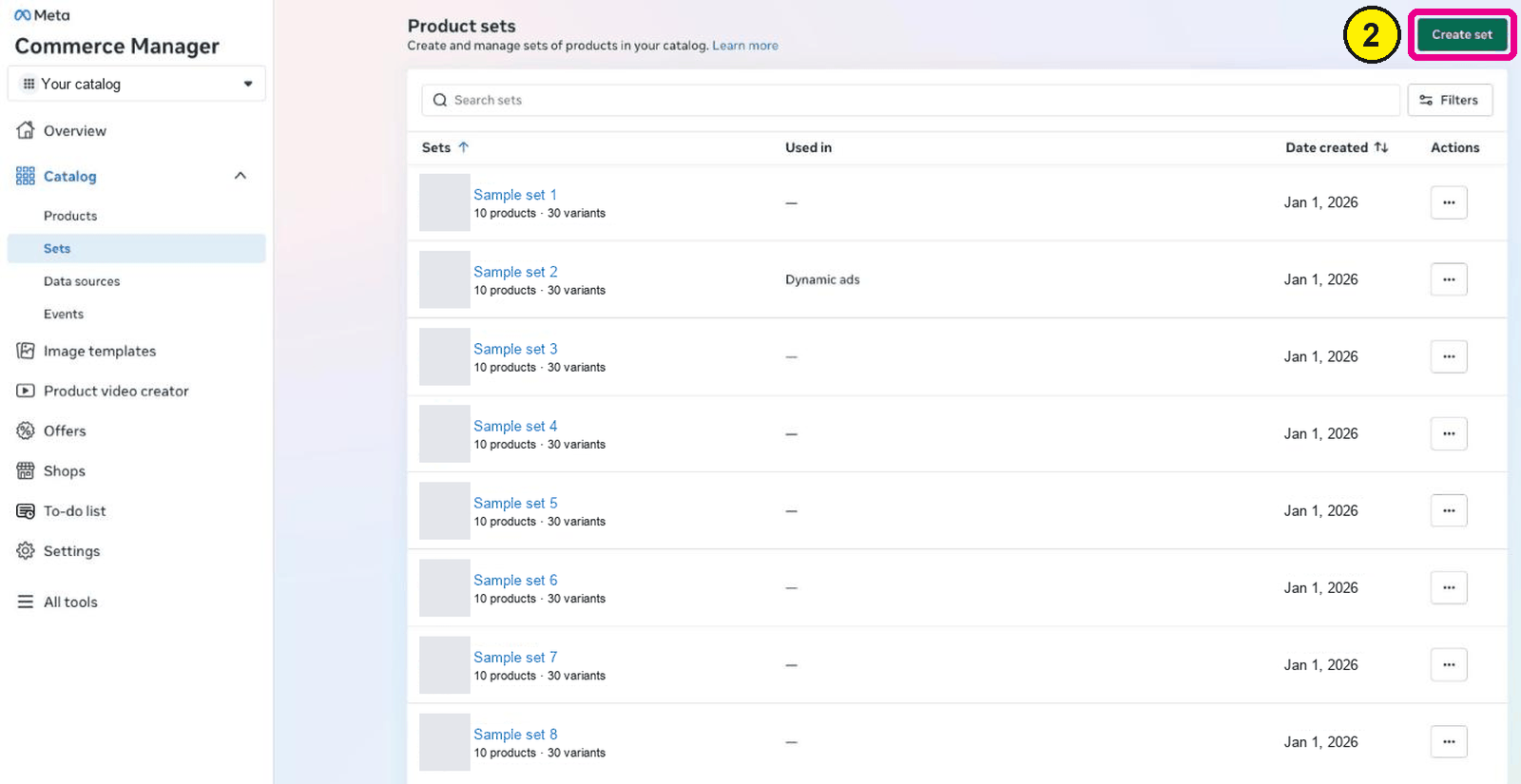
Commerce Manager, Catalog, Sets. Screens as of Oct 2026. - Turn on "Use filters that will regularly update the set with matching products" to build a set that updates itself.
- Enter a name for the set that says what is in it.
- If you add more than one filter, choose All filters or At least one filter.
- Pick an attribute, a condition and a value, like price is less than 100.
- Check the matching products on the right, then add more filters if you need them.
- Click Create, then choose the set when you build your catalog ad.

To pick products by hand instead, turn off filters in step 3. Then tick the products you want, or bulk add them by content ID.
Filters or by hand
Use filters for almost everything. Meta says filters are dynamic. Products join or leave the set as they meet the rules. So a "new arrivals" set stays fresh without work.
Pick by hand only for a short, fixed list. A small gift guide is one example. Just remember it will not update. If a product sells out, the set shrinks.
Meta has one trap here. If you turn filters off later and pick by hand, "any filters you've added will be lost." Decide up front.
Which product sets are worth making
Start with All products. Meta's page says "a broader set may improve ad performance," since the system has more to choose from. Then add sets only when they do a job.
| Set | Filter idea | Why |
|---|---|---|
| All products | Default | Most room for Meta to match people to products |
| Best margins | A custom label you set in your feed | Push the products that make you money |
| On sale | Sale price is set | Run a sale ad with a sale message |
| A category | Product type contains a word | Match an ad to a category landing page |
| Price bands | Price is less than or greater than | Keep cheap add ons out of a prospecting ad |
A custom label is a field you add yourself, like "high margin." On Shopify, you can add it with a supplementary feed. Our guide to product feed optimisation for Meta covers the fields.
Keep your sets big enough
Small sets break ads. Meta's small product set page needs at least 2 unique, valid products for carousel ads and 4 for collection ads. Below that, ads may be paused.
Variants and shared images shrink the count. Out of stock products do not show in ads. Read how many products do catalog ads need for the full rules.
An on sale set is the classic trap. The day the sale ends, the set is empty. Pause that ad when the sale ends, or build it on a broader filter.
Mistakes to avoid
- Editing a set during a live campaign. Meta says this "is not recommended," since performance may be hit while the audience updates.
- Too many tiny sets. Each ad set then has little room to learn. Merge them.
- Sets built on a price you change often. Products jump in and out of the set.
- Forgetting the recommended products option. In Commerce Manager, you can turn on "Add recommended products." Meta adds bestsellers and recent converters even if they miss your filters. Decide on purpose if you want that.
Make the products in each set look better
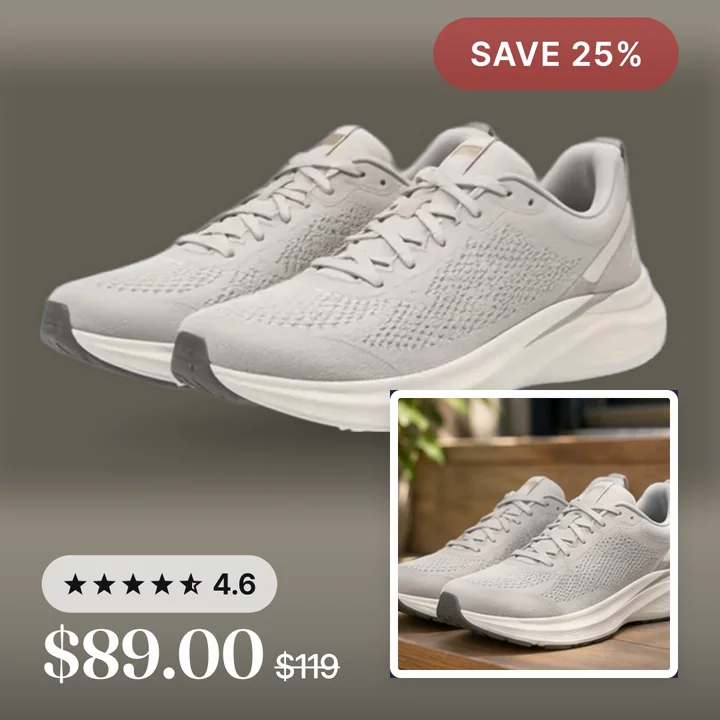
A product set picks which products show. It does not change how they look. Every product in the set still shows its catalog image.
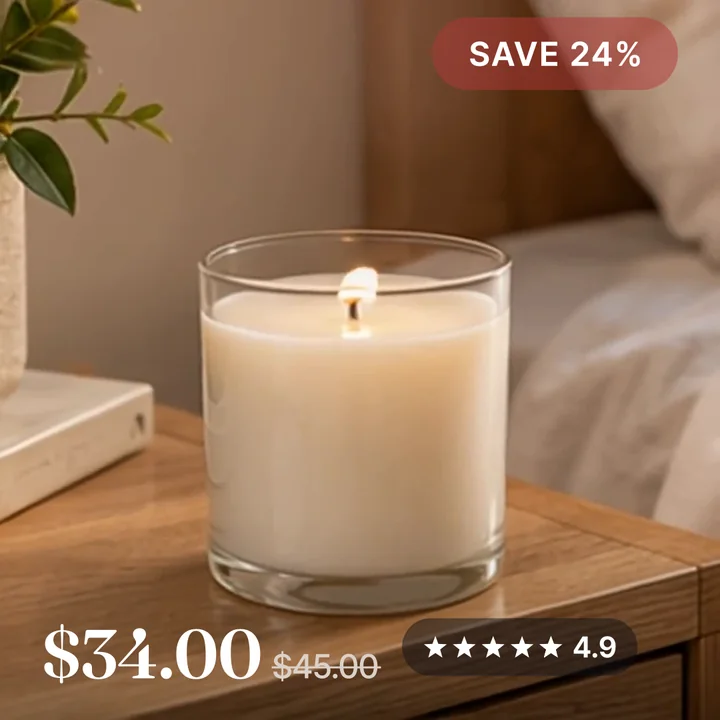
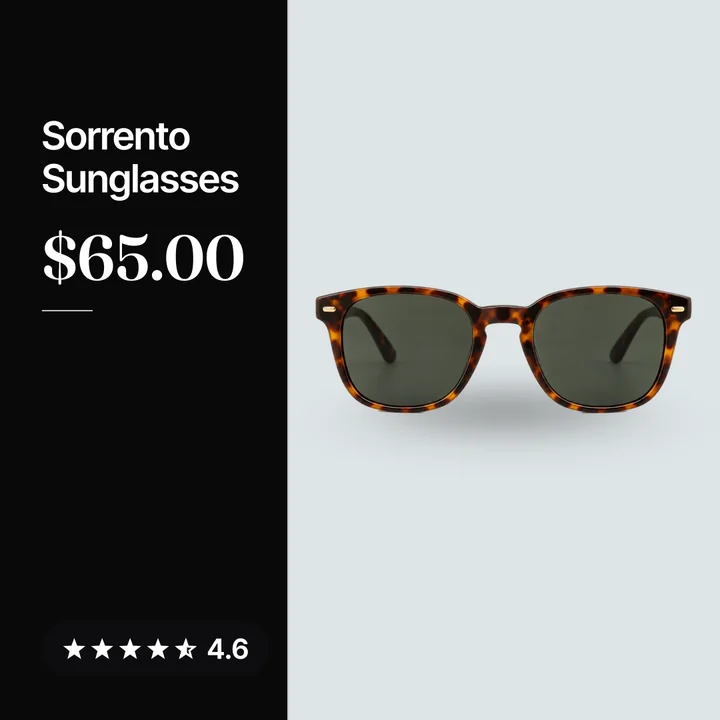
If that image is a plain white square, your best set will still look like a shop page. Here is a lamp card from the Northbank Supply sample store, with a frame, the price, the rating and the review count on the image.
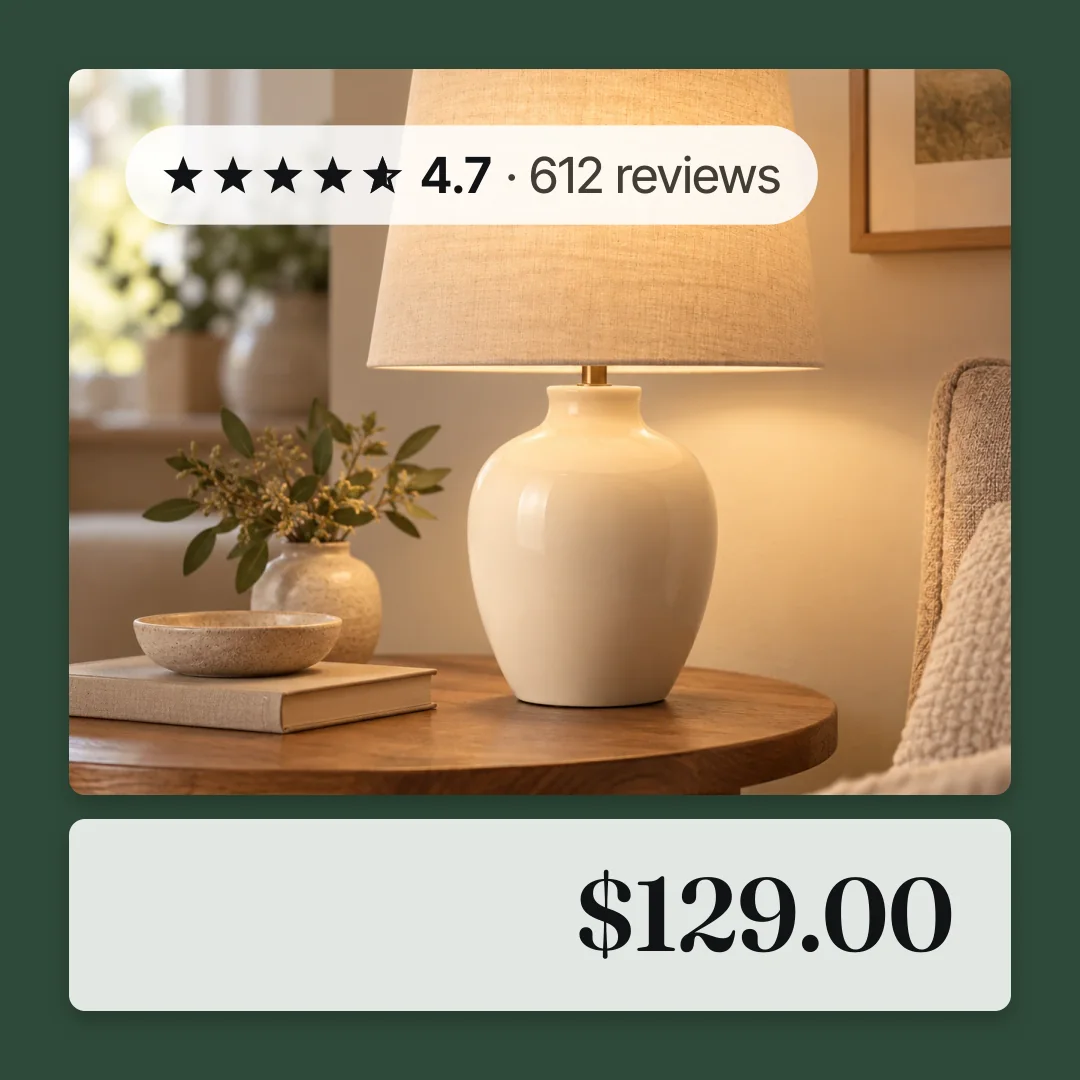
The price and rating are sample data. Convinci designs the image for each product and sends it through a supplementary feed. Your product sets, ads and ad sets are not touched. Try it on your own products in the free preview, and see plans on the pricing section.
Questions
- How do I create a product set in Commerce Manager?
- Select your catalog, open the Catalog tab and go to Sets. Click Create set. Add filters so the set updates itself, or pick products by hand, then name and create it.
- Should I use All products or a smaller set?
- Start with All products or one broad set. Meta says a broader set may improve ad performance. Make smaller sets only when they do a clear job, like a sale.
- Can I edit a product set while ads are running?
- You can, but Meta says it is not recommended. Your ad performance may be hit while the audience updates. Plan your sets before you launch.
- Why is my product set empty?
- A filter may no longer match anything, or products sold out or have issues. Check the filter, then check products with issues in Commerce Manager.
- Do Shopify collections become product sets?
- Meta says synced Shopify collections show under Sets in Commerce Manager, and you can use them for ads. Shopify's help says collections only sync for stores based in the United States.
See these badges on your own products before you pay anything.
Try the free previewFree for 10 products. See pricing.
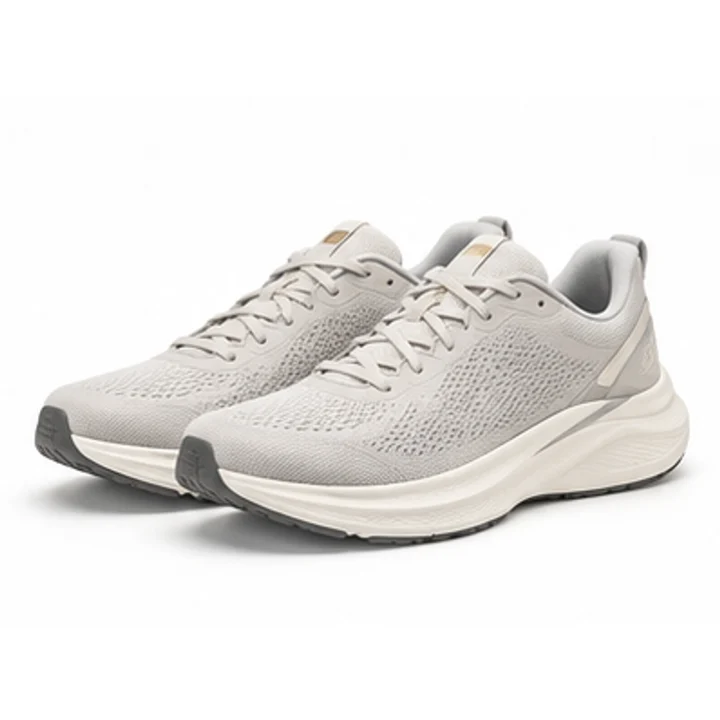 Your store
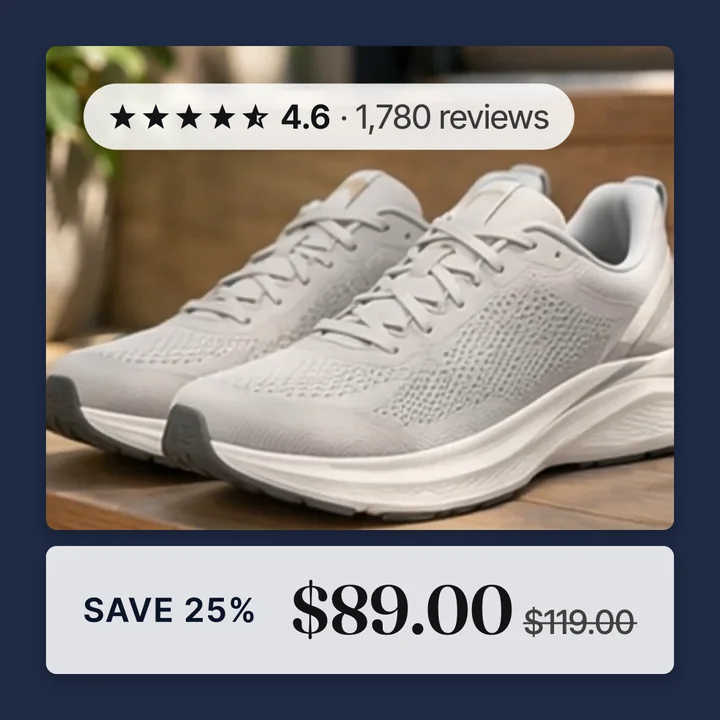 Your card